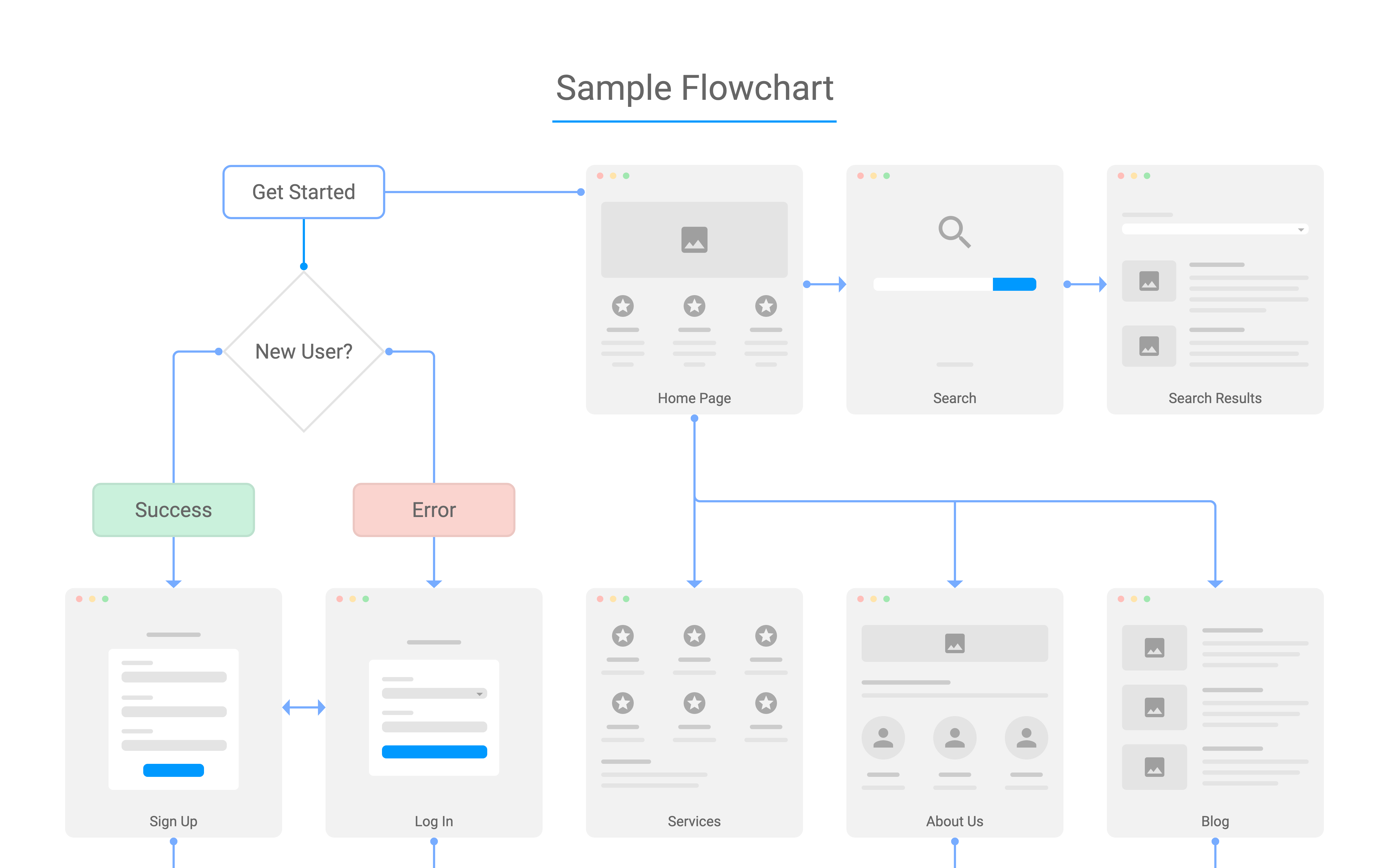
Map a complete journey on one editable canvas
A large connected example shows how page cards, decisions, and states work together.

An editable Axure flowchart kit for mapping pages, decisions, states, services, and user journeys with reusable cards and connectors you can adapt.
Time saved is an illustrative estimate for building comparable editable elements from scratch; actual results vary.
Inside Flowchart Tool
Follow a complete sample journey, then inspect the large library of page cards, decision nodes, connectors, system states, and supporting symbols used to build it.
A large connected example shows how page cards, decisions, and states work together.
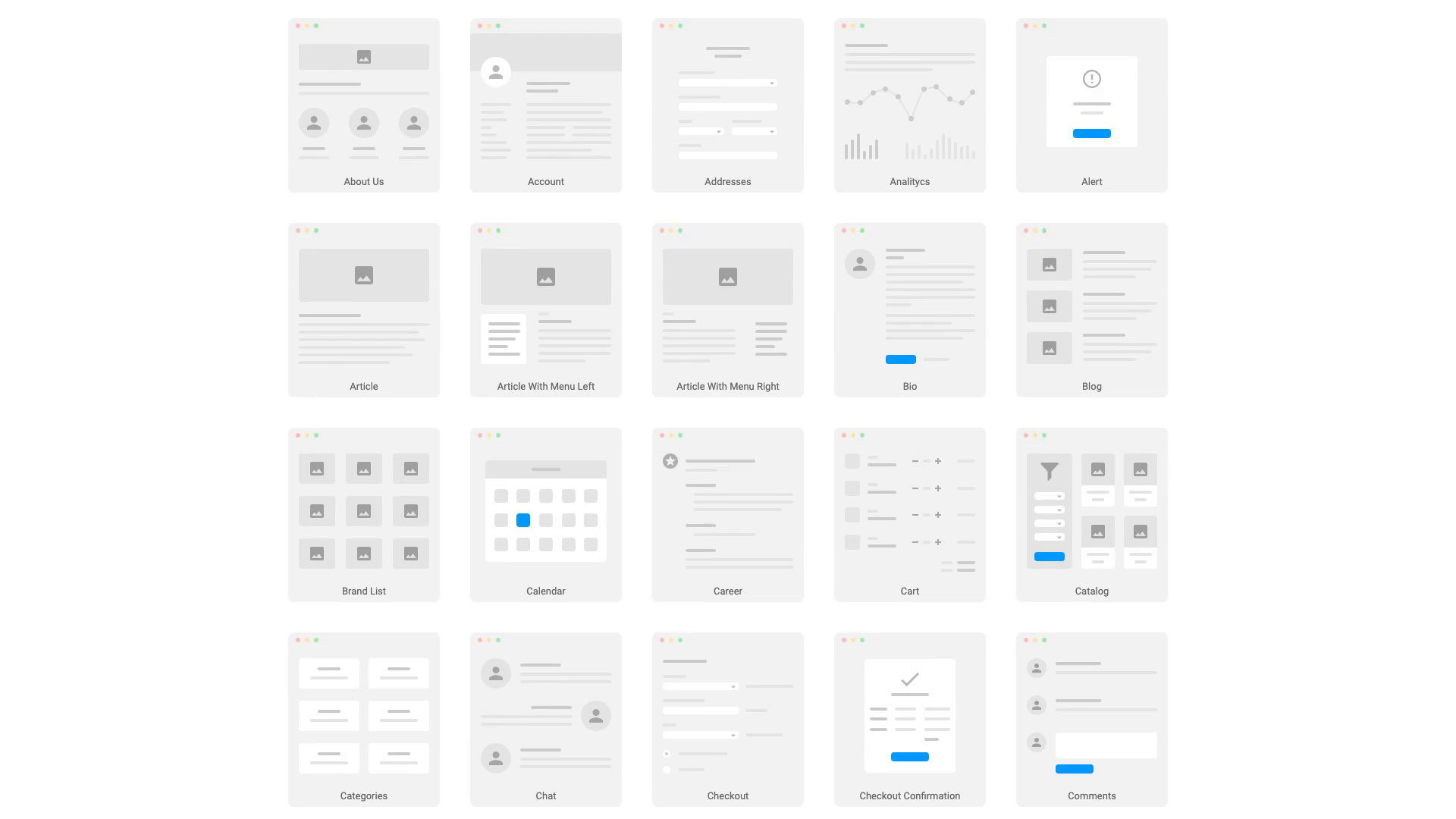
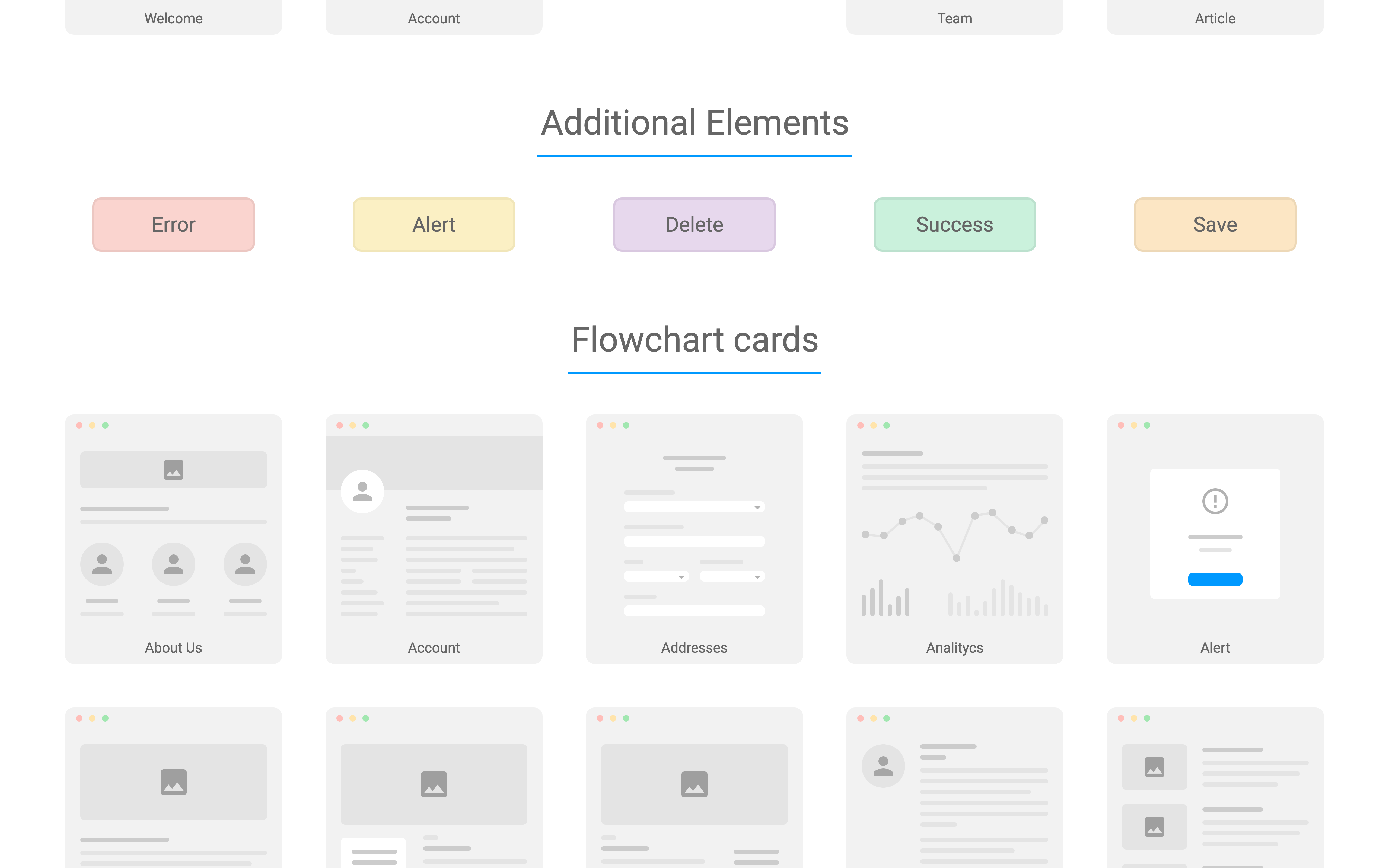
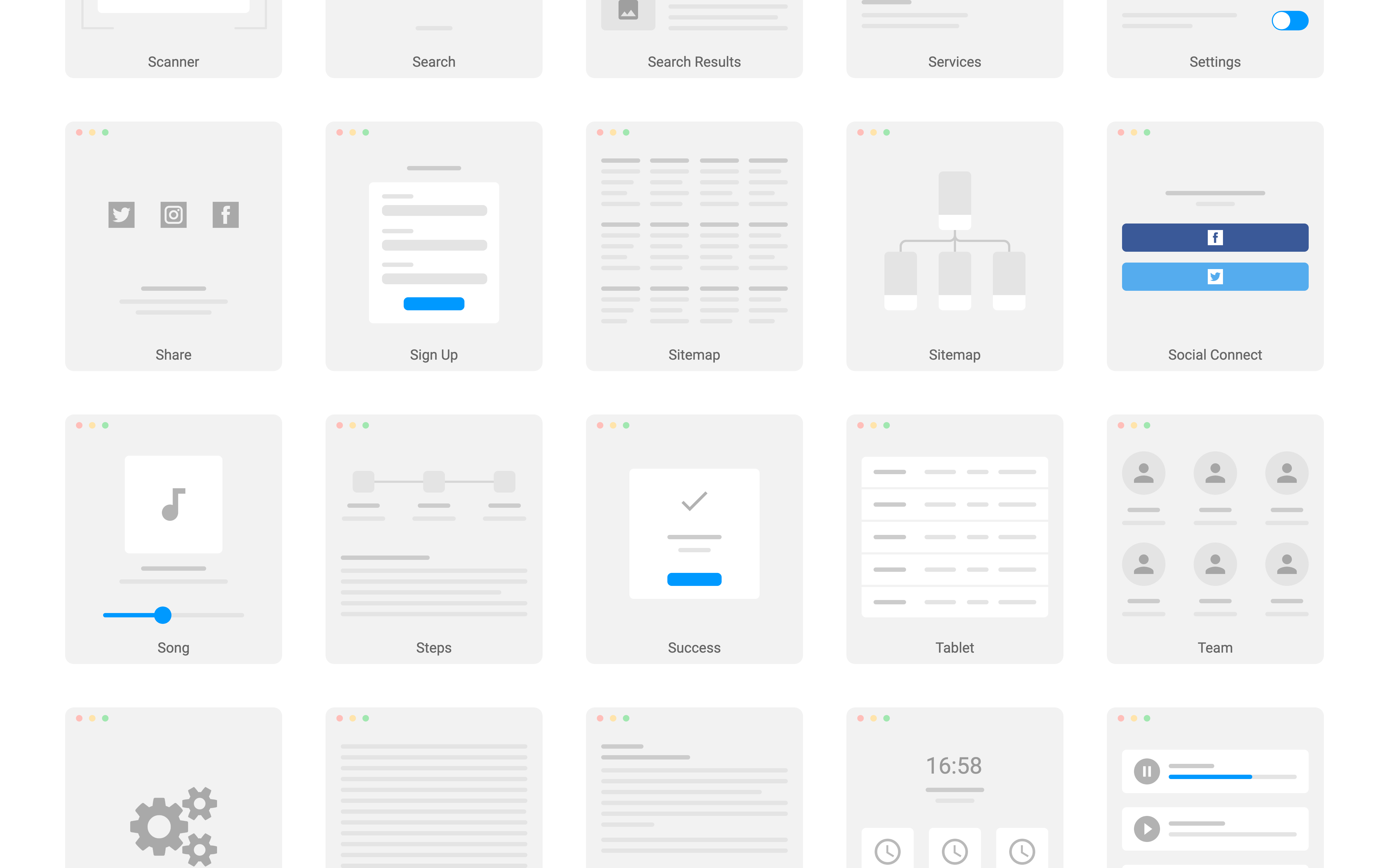
Use clear visual cards for account, catalog, checkout, search, content, files, settings, errors, and many other common destinations.
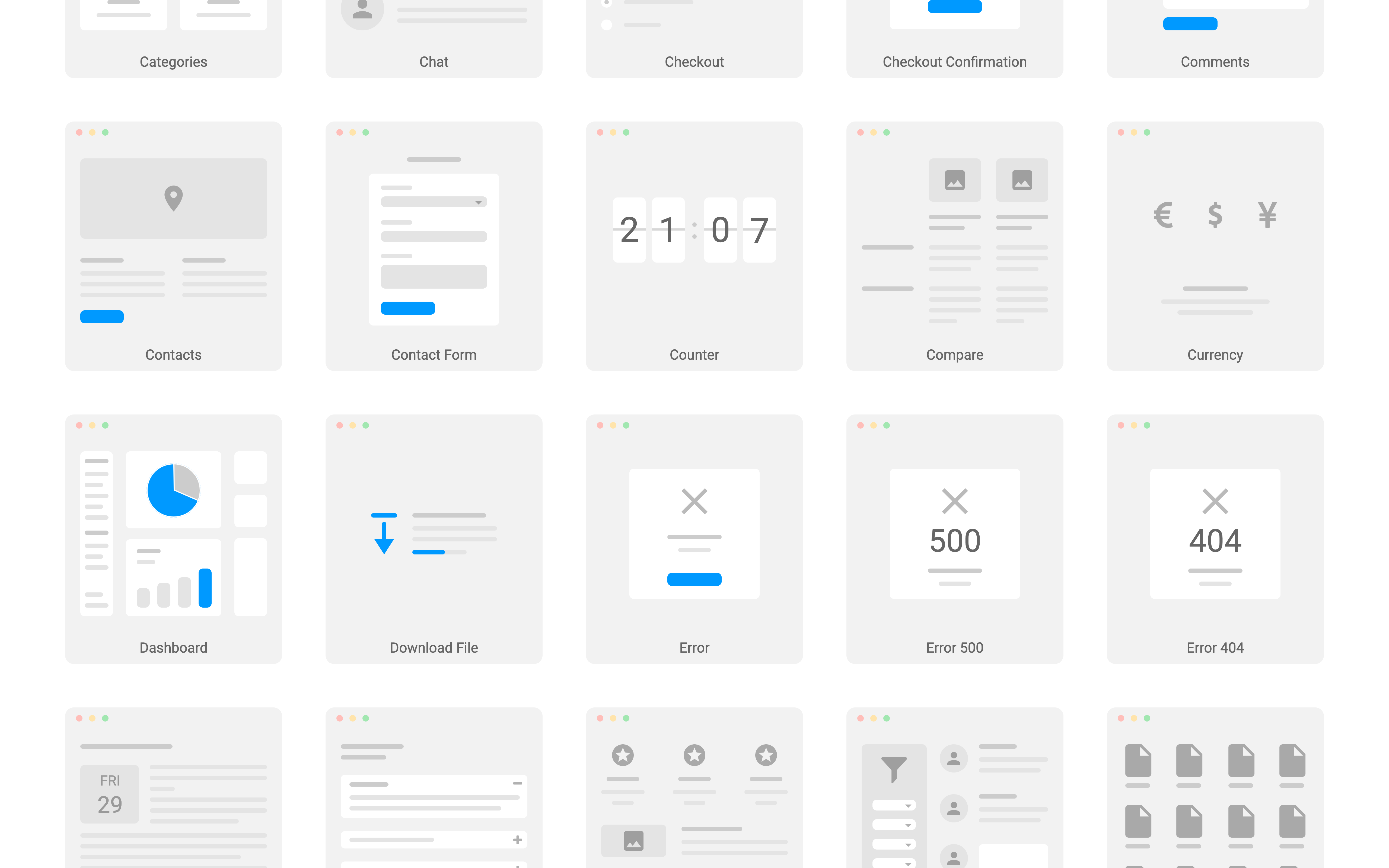
Use page cards for counters, comparisons, currency, and errors to show the supporting states around your main user journey.
Map registration, login, account, catalog, cart, checkout, confirmation, orders, payment, and support steps with consistent cards.
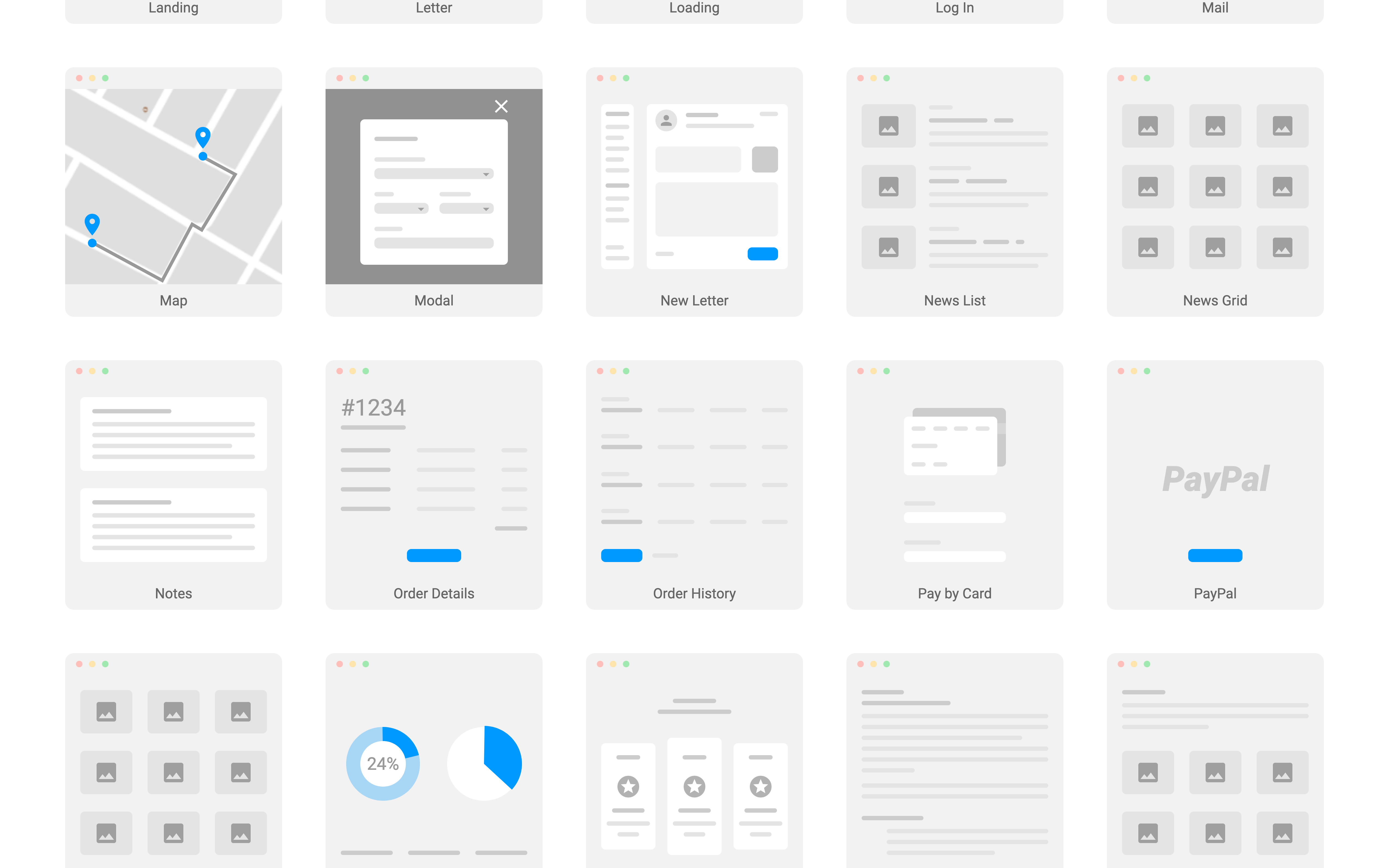
Add content, messages, media, maps, uploads, settings, system feedback, and service pages without inventing a new visual notation for each one.
Product specifications
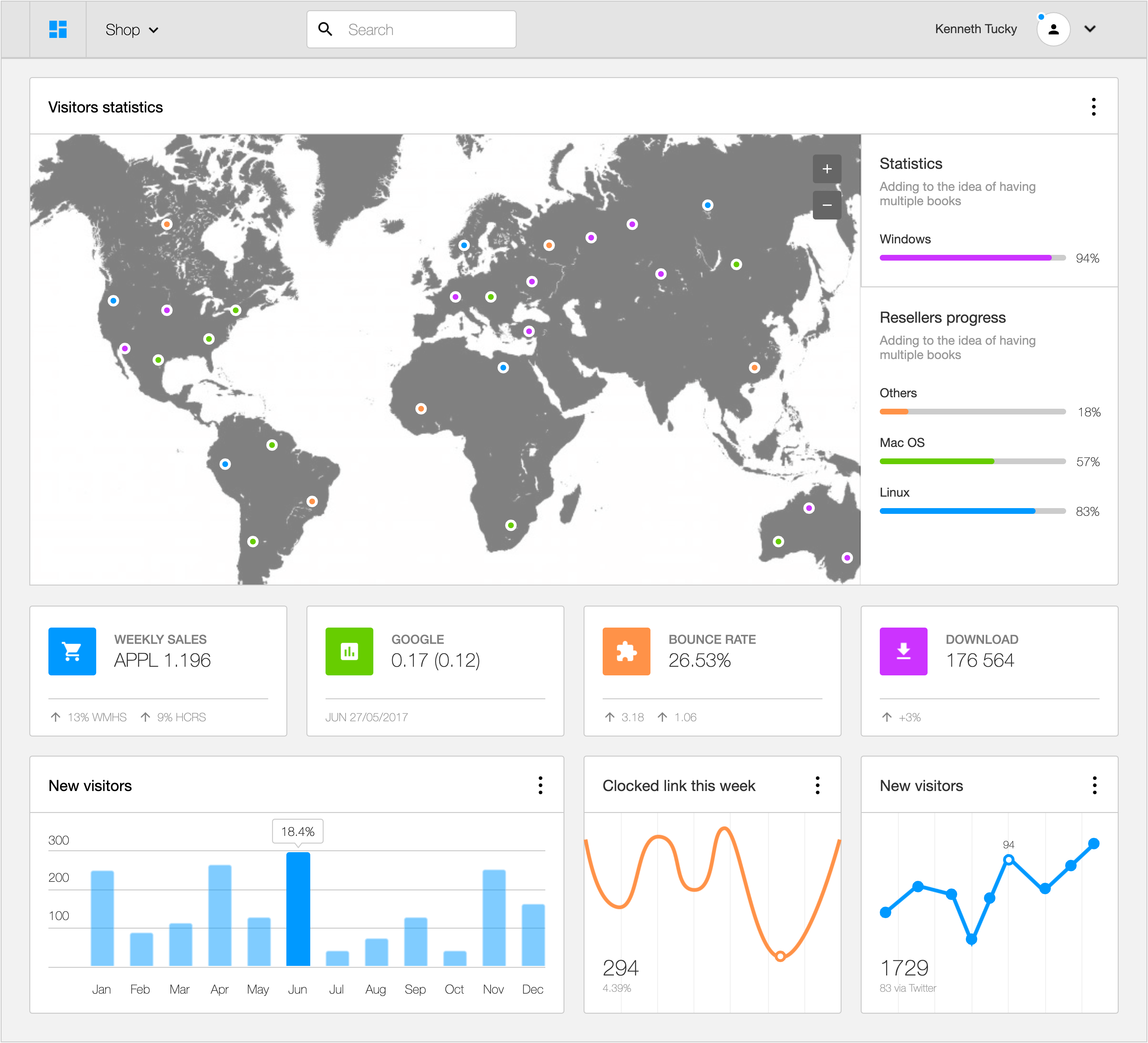
A 148-widget Axure library for assembling dashboards, workflows, navigation, forms, charts, and structured product screens.
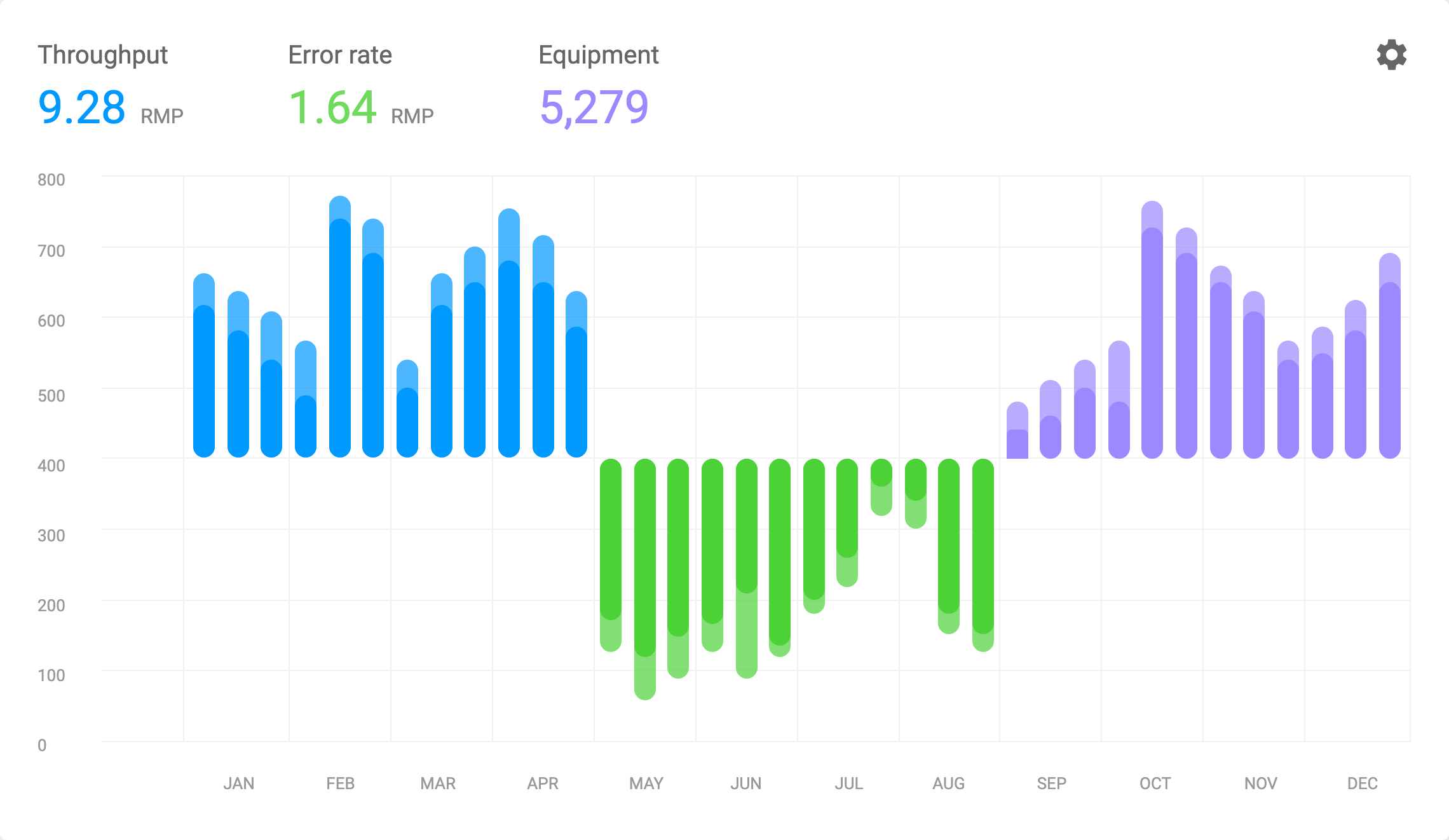
An editable Axure widget library with 44 chart, dashboard, and diagram building blocks for data-rich screens.
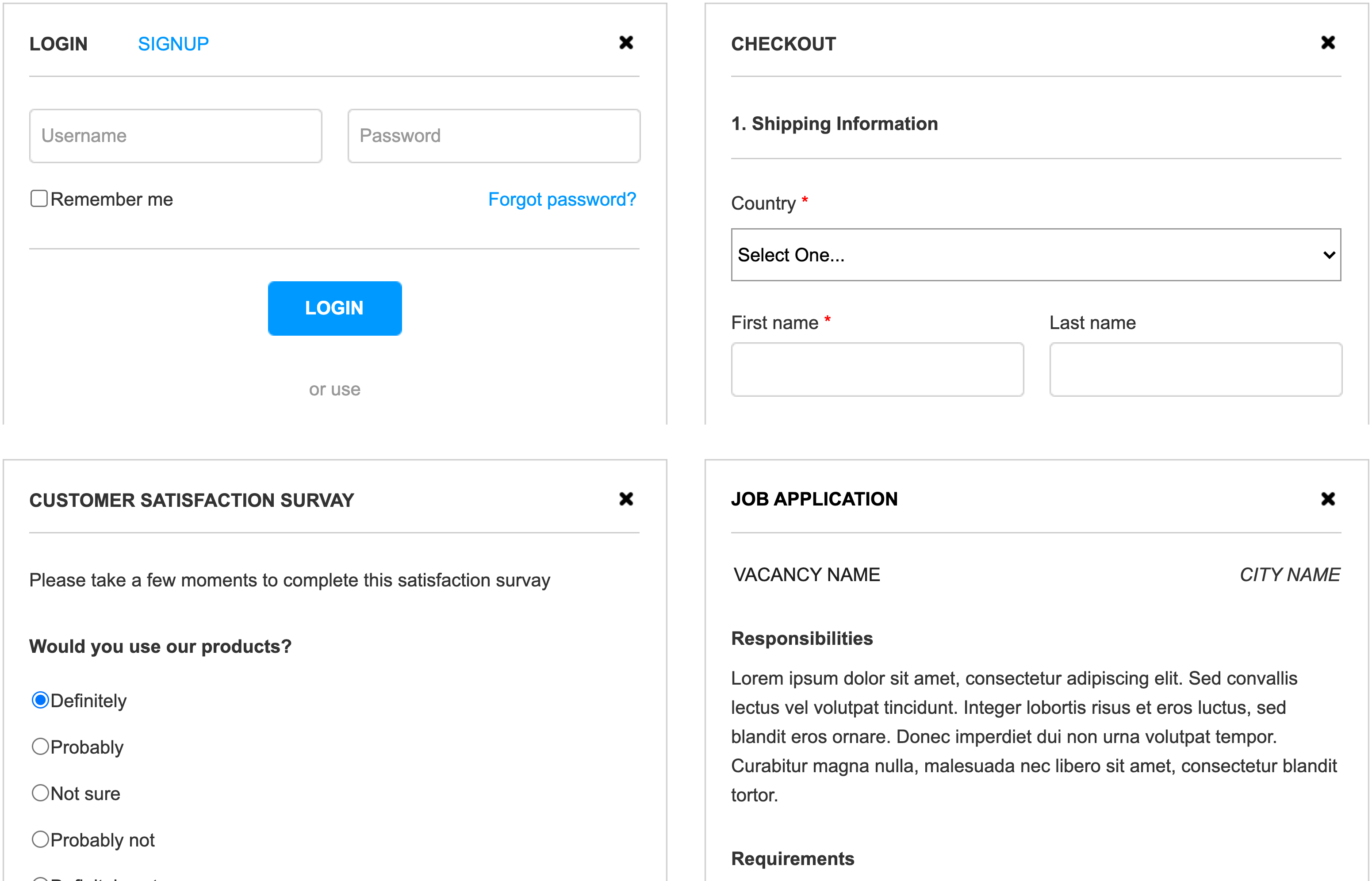
An Axure widget library with 26 editable form patterns for accounts, contact, commerce, surveys, applications, filters, and subscriptions.
Flowchart Tool is an Axure widget library for mapping pages, decisions, states, services, and user journeys.
The demo opens with a complete connected flowchart and then presents a large library of individual page cards and supporting elements.
Yes. Cards, labels, colors, connectors, decisions, and layout can be changed directly in Axure.
No. The cards represent pages and steps in a flow. They are not detailed screen designs.
The included patterns cover account, search, content, commerce, payment, messaging, files, media, settings, errors, services, and many other product areas.
Yes. Flowchart Tool Lite provides a smaller free selection for evaluating the approach.
The files were made for older versions of Axure RP. We have not tested the files with every newer release.
Use it before or alongside detailed prototyping when you need to clarify scope, navigation, branches, and system states.