
20K+Customers
Save hours with widget libraries and templates for Axure
Save setup time with editable Axure templates and Axure widget libraries for websites, apps, and dashboards. Adapt the screens and components to your project.
Used by designers and teams at












A long-term Axure resource
Built over years, used around the world
90+Countries
12Years in business
AxureOfficial listing
Find your starting point
Explore Axure templates, widget libraries, and Freebies.



Explore our best sellers
Discover Axure templates and widget libraries for your next prototype.
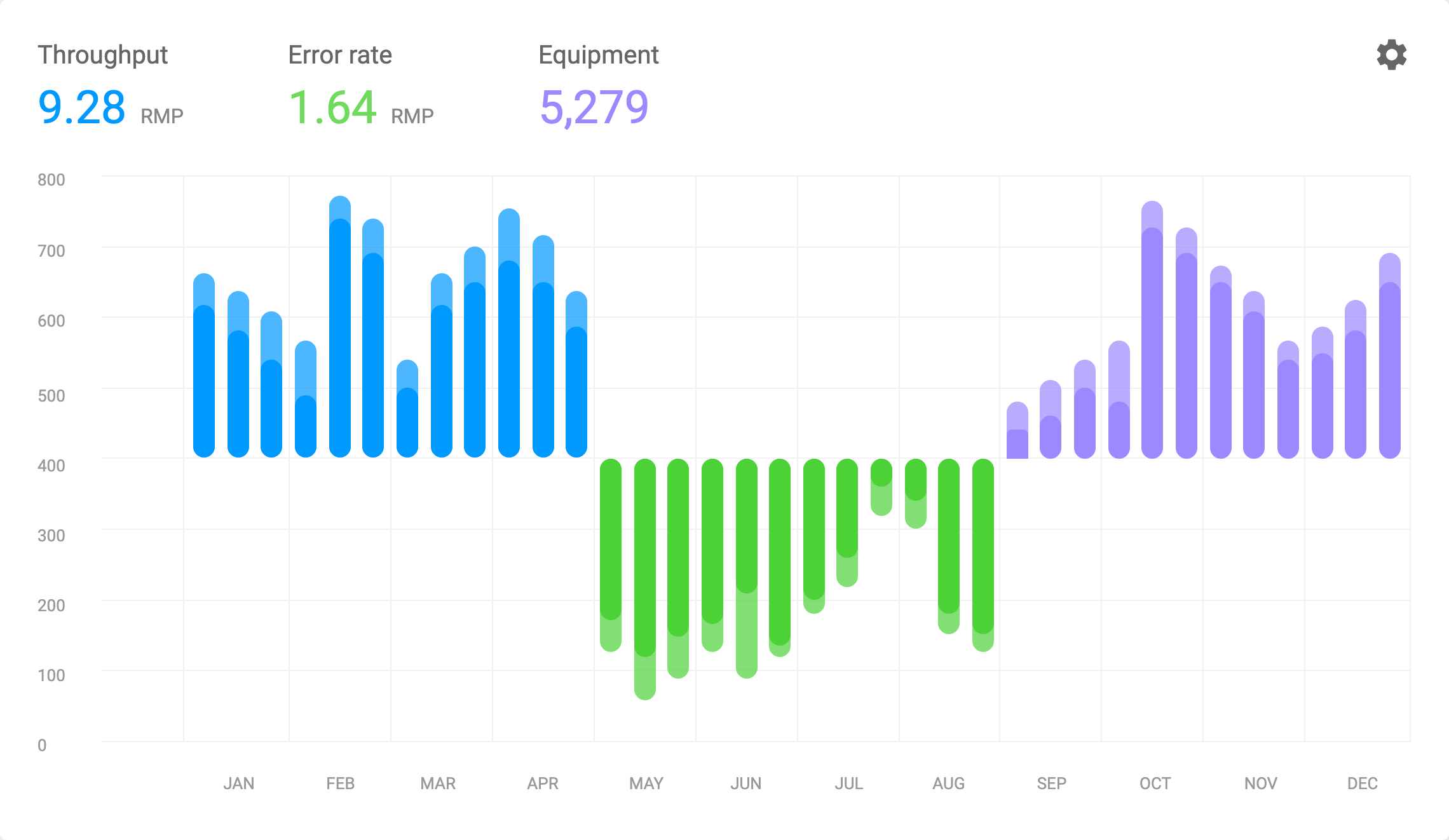
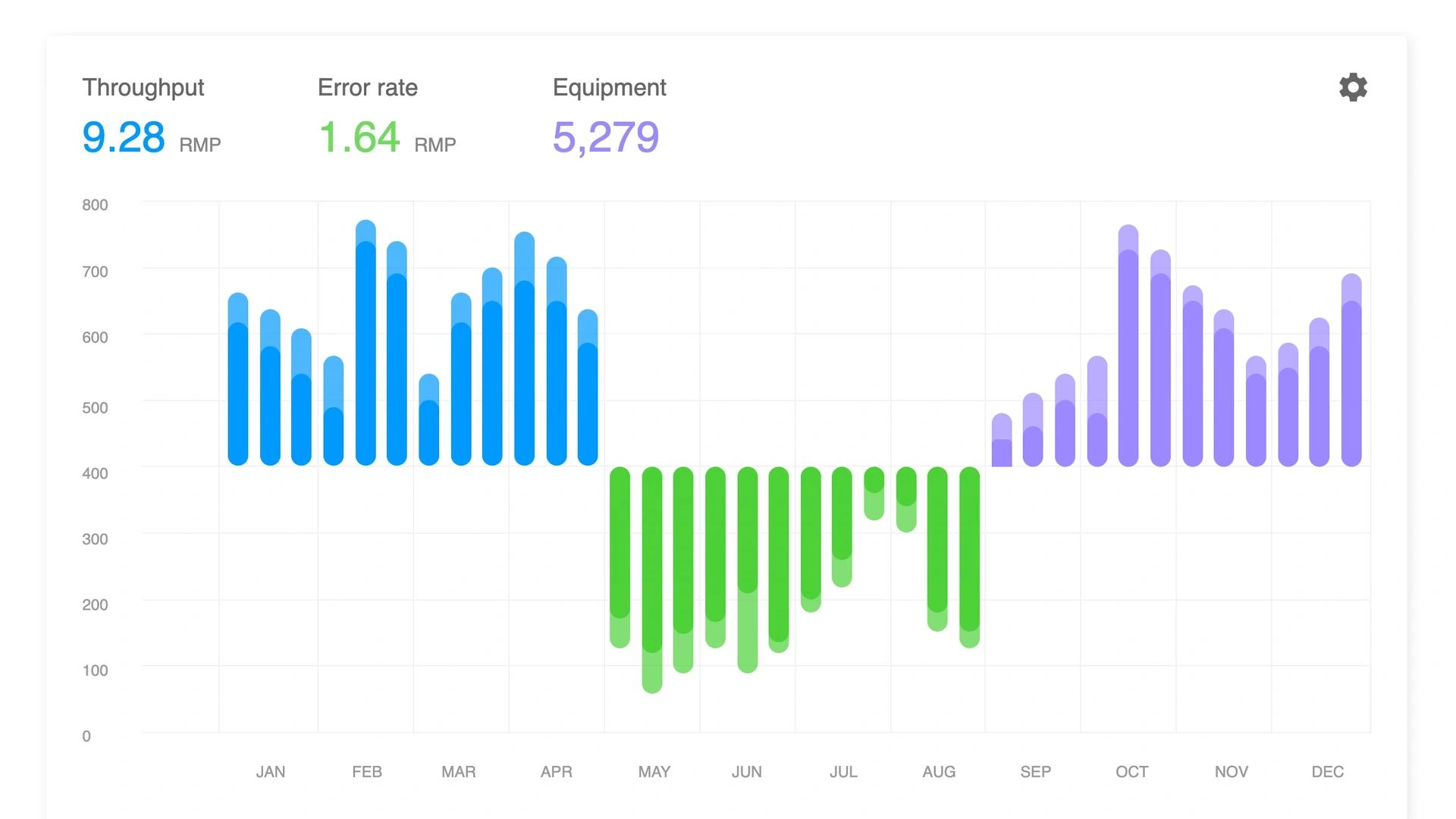
Data Visualization
$48An editable Axure widget library with 44 chart, dashboard, and diagram building blocks for data-rich screens.
.rp.rplib
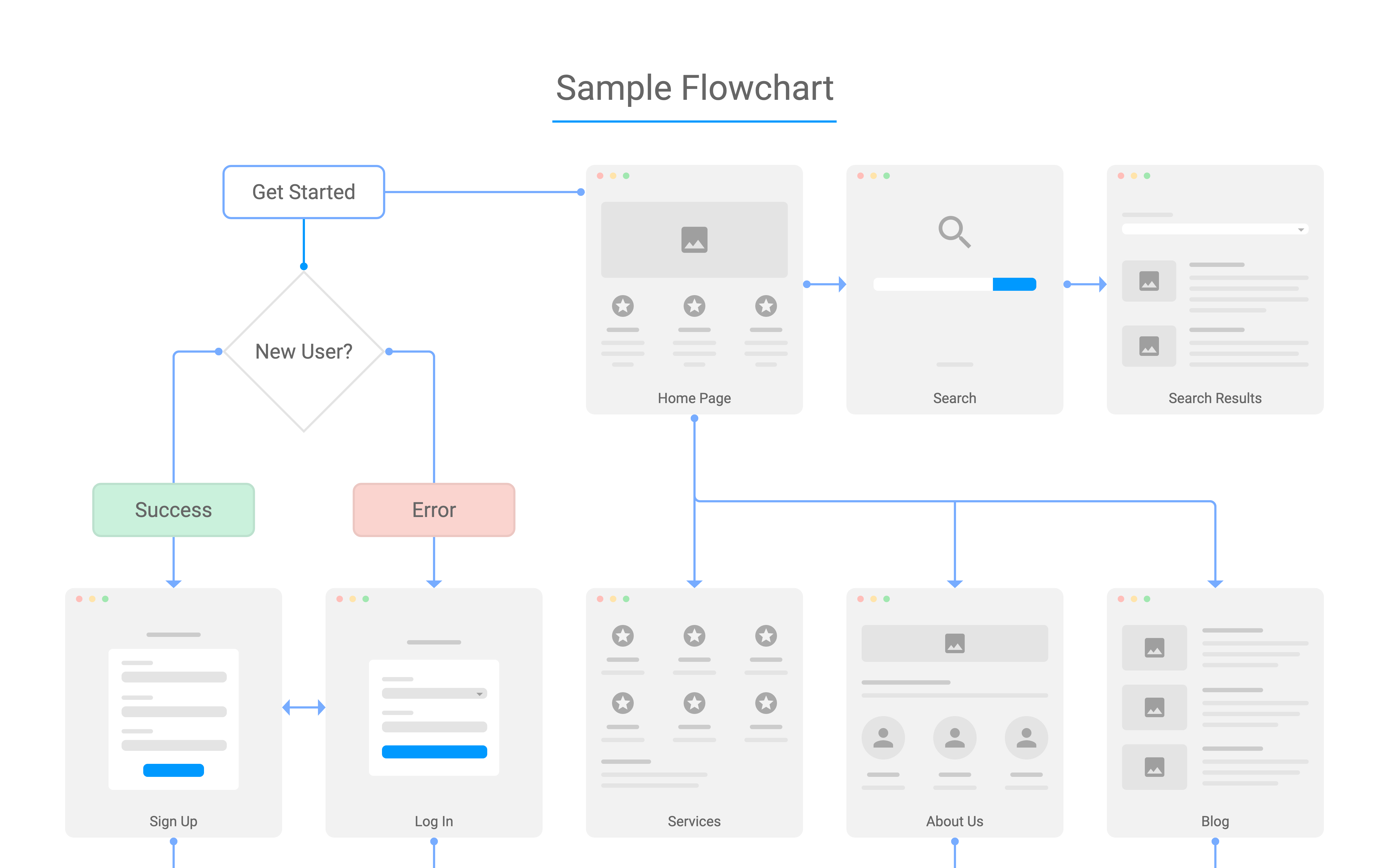
Flowchart Tool
$28An Axure widget library for flowcharts, with editable page cards, decisions, connectors, states, and a complete sample journey.
.rp.rplib
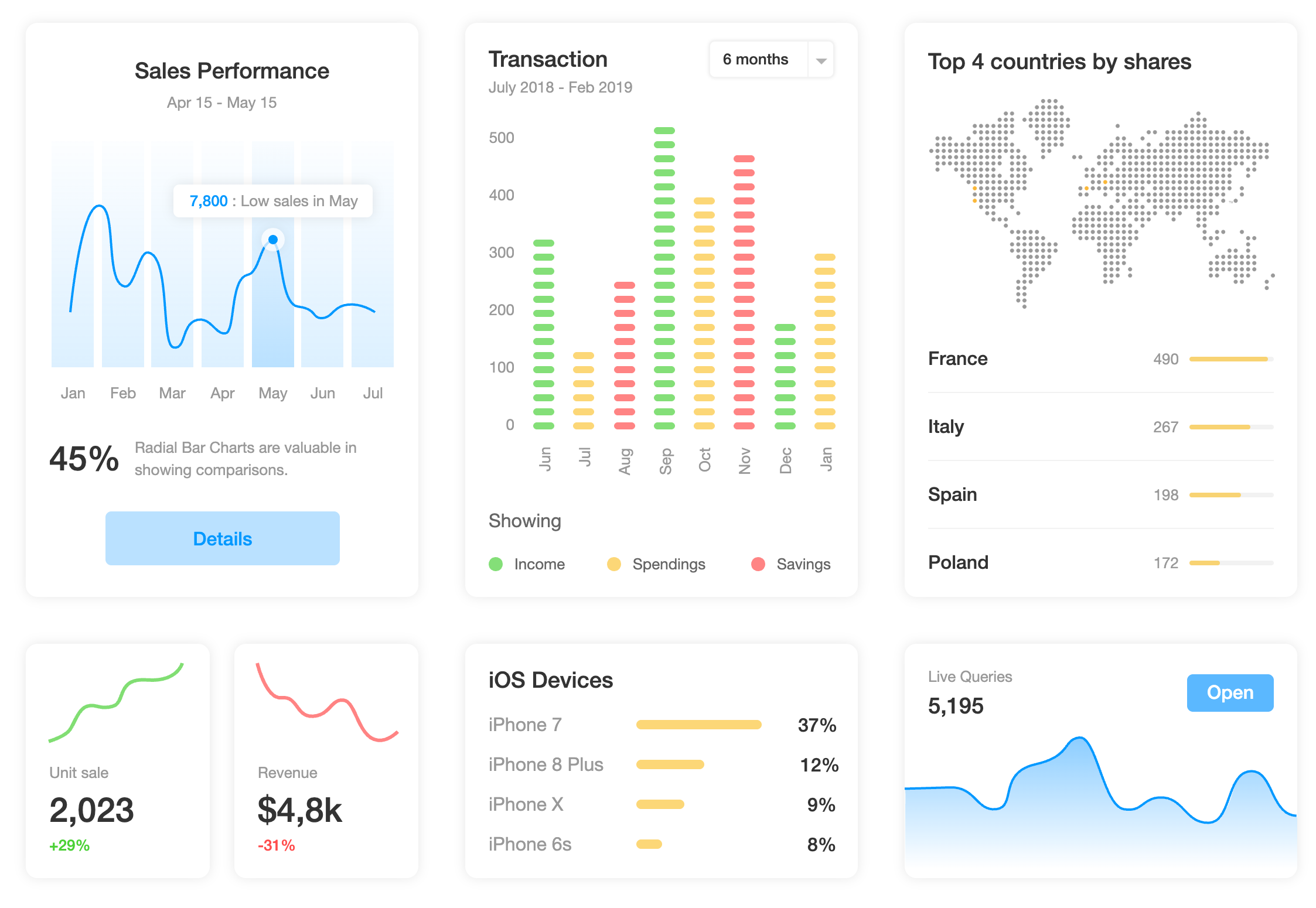
Mobile Admin
$38An Axure widget library with 152+ editable modules for mobile dashboards, charts, finance, tasks, calendars, and controls.
.rp.rplib
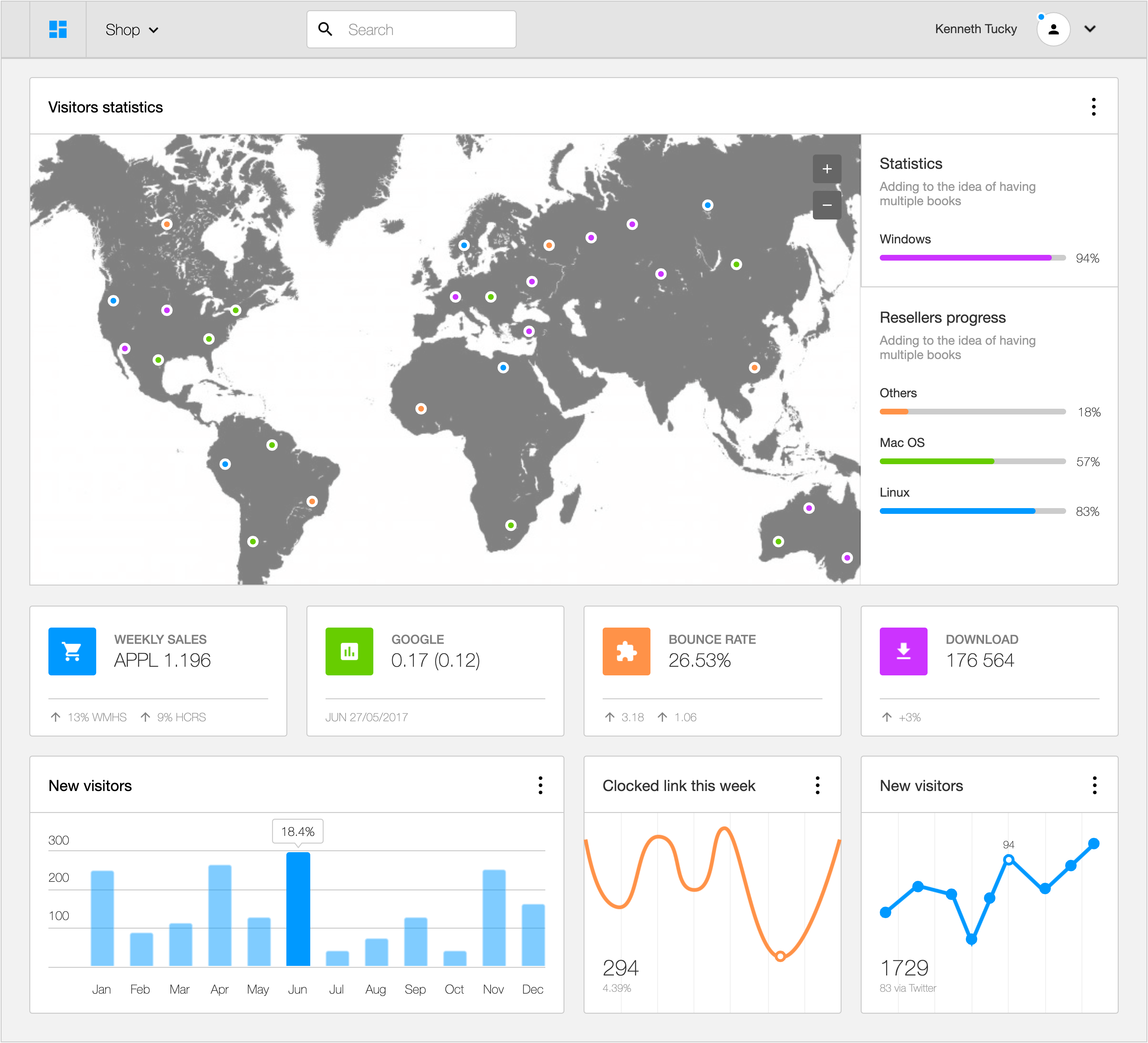
Control
$58A 148-widget Axure library for assembling dashboards, workflows, navigation, forms, charts, and structured product screens.
.rplib
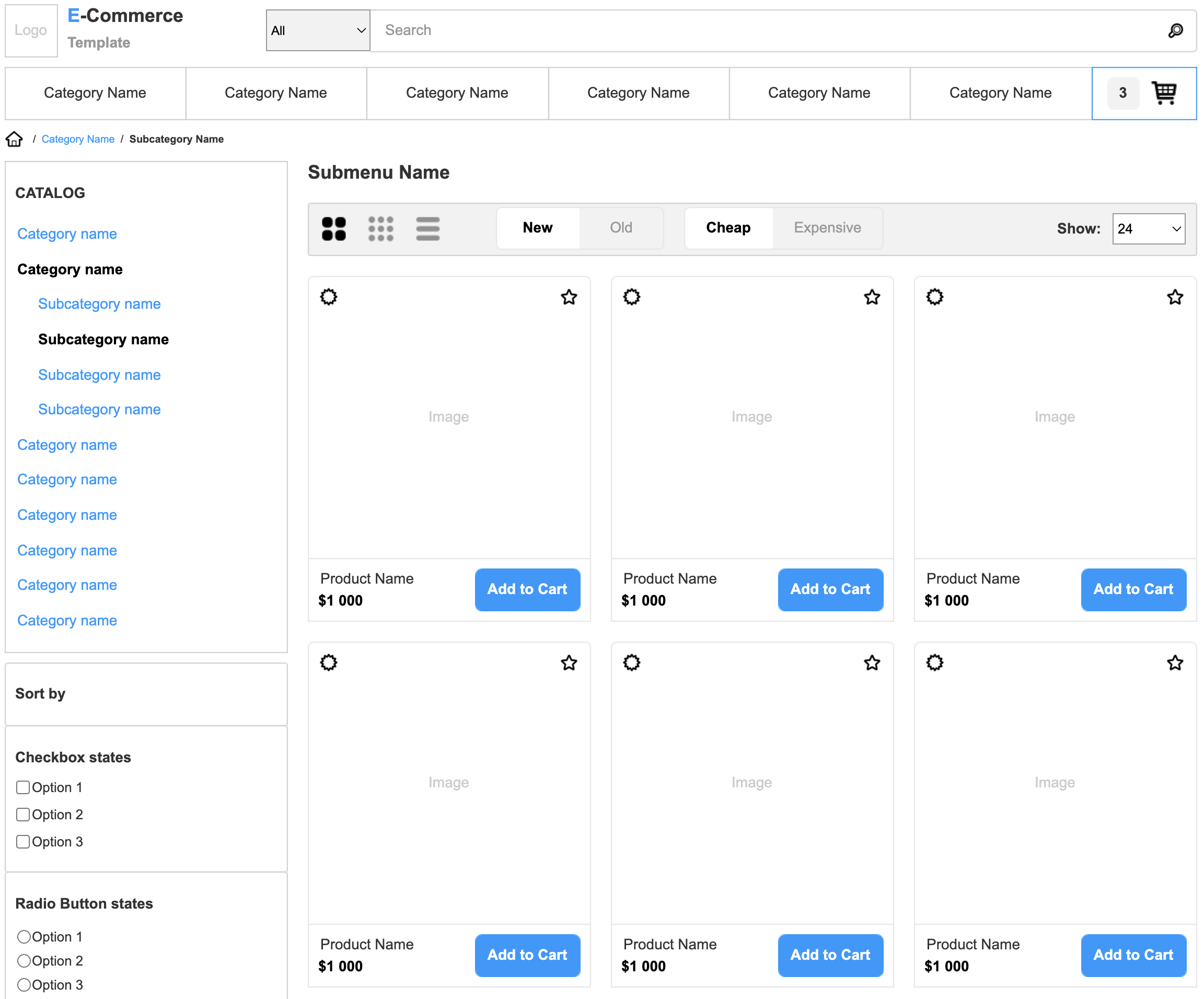
E-commerce
$38An editable Axure template with a ready-to-use desktop store prototype covering product discovery, catalog browsing, cart, checkout, and customer accounts.
.rp
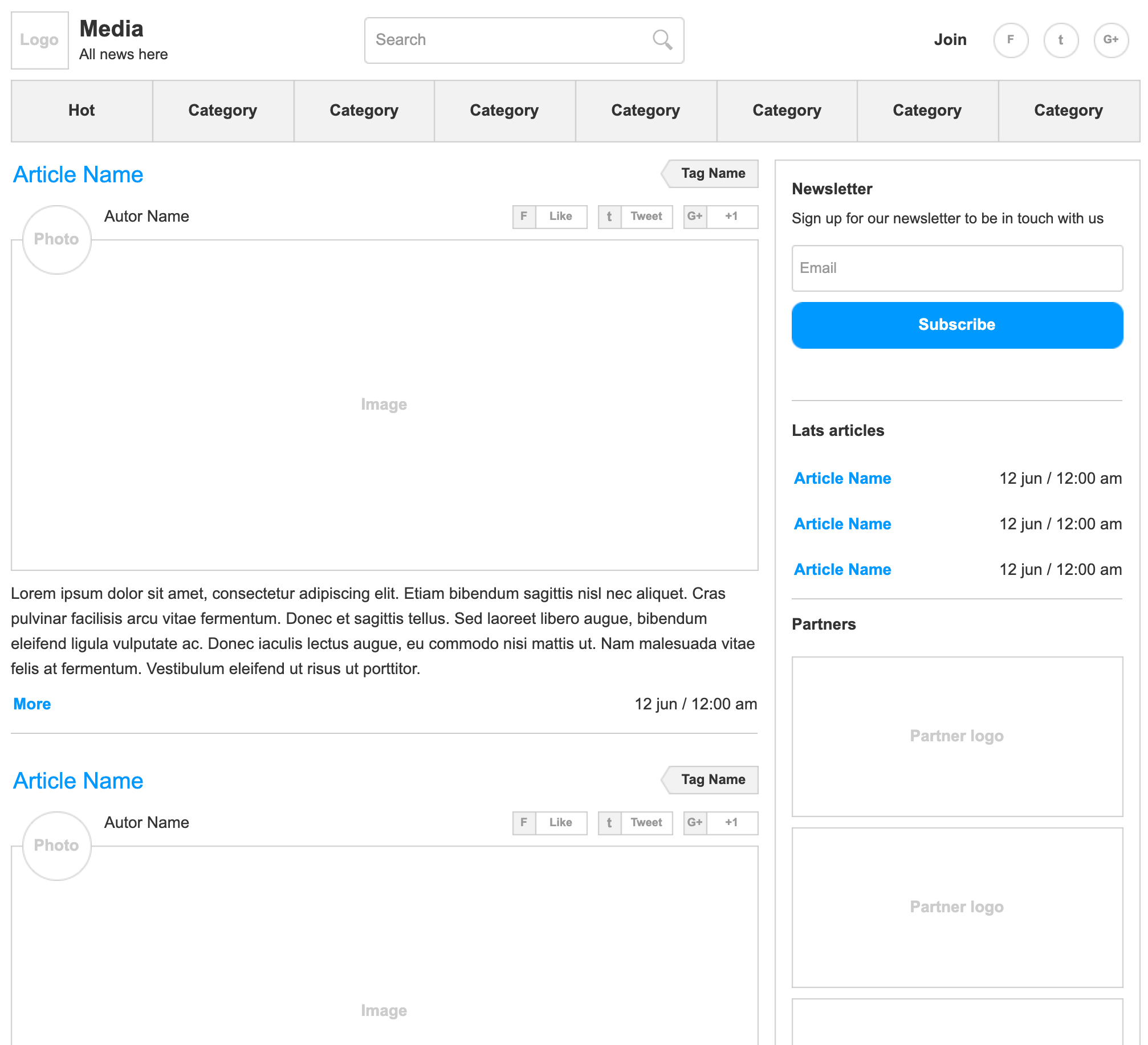
Media
$28An editable Axure template with a ready-to-use publishing prototype covering 10 screens for articles, categories, tags, authors, search, and reader feedback.
.rp
From the blog
Ideas for your next prototype
Guides and perspectives on Axure, choosing tools, and building useful prototypes.
Browse all articles
Axure RP 11 in 2026 and the work it still does well
Axure has become a more specialised tool. Here is where RP 11 still earns its place, and where other tools may fit better.
Read story
Moving from Axure RP 9 to RP 11 without losing the useful parts
A practical way to move valuable RP 9 files and libraries to RP 11 without losing the behaviour your team depends on.
Read story
How to choose a prototyping tool in 2026
Figma, Axure, and ProtoPie answer different design questions. Choose the one that helps your team test what matters.
Read storyFrequently asked questions
What is Axemplate?
Axemplate is a collection of Axure templates and widget libraries for prototyping websites, apps, dashboards, and more. Choose a template to start with existing screens and flows, or a widget library to add elements to your own prototype.
What is Axure RP, and do I need it?
Axure RP is a tool for designing and testing interactive prototypes. You need Axure RP to edit our Axure files. You can explore our online demos in your browser without installing it.
What is the difference between a template and a widget library?
An Axure template is a project you open and adapt in Axure RP. A widget library contains elements you can drag onto your own pages from the Libraries pane. Check each product page for the included files: .rp for projects and .rplib for widget libraries.
Are the products interactive?
It depends on the product. Some templates include connected screens and existing interactions; other products focus on editable widgets, charts, or layouts. Explore the demo and read the product page to see what is included before choosing.
Can I try a product before buying?
Yes. Open the demo from a product page to explore it in your browser. You can also browse Freebies for free Axure files, including Lite editions of selected products.
Which version of Axure RP do I need?
Compatibility varies by product. Check the version and file notes on the product page before buying. If you are unsure whether a file will work with your version, email info@axemplate.com and tell us which product you are considering.
How do I buy and download a product?
Choose a product and follow its purchase link to Gumroad, where you complete checkout and access your download. Use the email address you want associated with the purchase, and keep your receipt so you can return to your files.
What is included in the Ultimate Bundle?
The Ultimate Bundle includes all our current full products in one purchase, plus free updates and new products as they are released. Visit the bundle page for the current product list, price, and license options.