152+ editable modules for mobile admin screens
A broad set of modular charts, tables, KPI cards, workflow views, and mobile interface controls.

An Axure widget library with 152+ editable modules for mobile dashboards, charts, finance, tasks, calendars, and controls.
Time saved is an illustrative estimate for building comparable editable elements from scratch; actual results vary.
Inside Mobile Admin
Explore a long-form library of mobile analytics, finance, task, calendar, data-table, and interface modules. Each example is a prepared visual building block that you can restyle, rearrange, and connect with the exact Axure logic your own product requires.
A broad set of modular charts, tables, KPI cards, workflow views, and mobile interface controls.
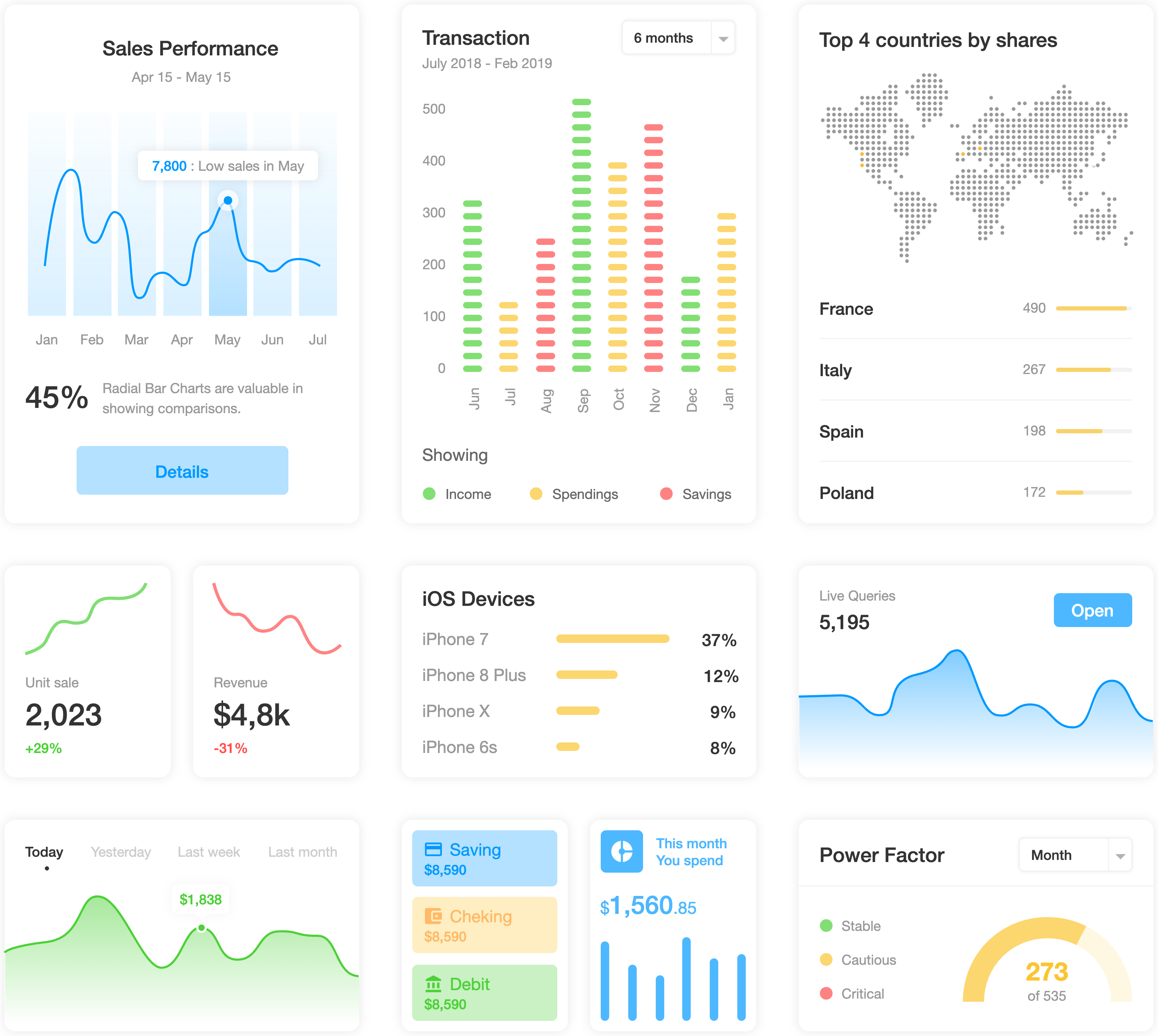
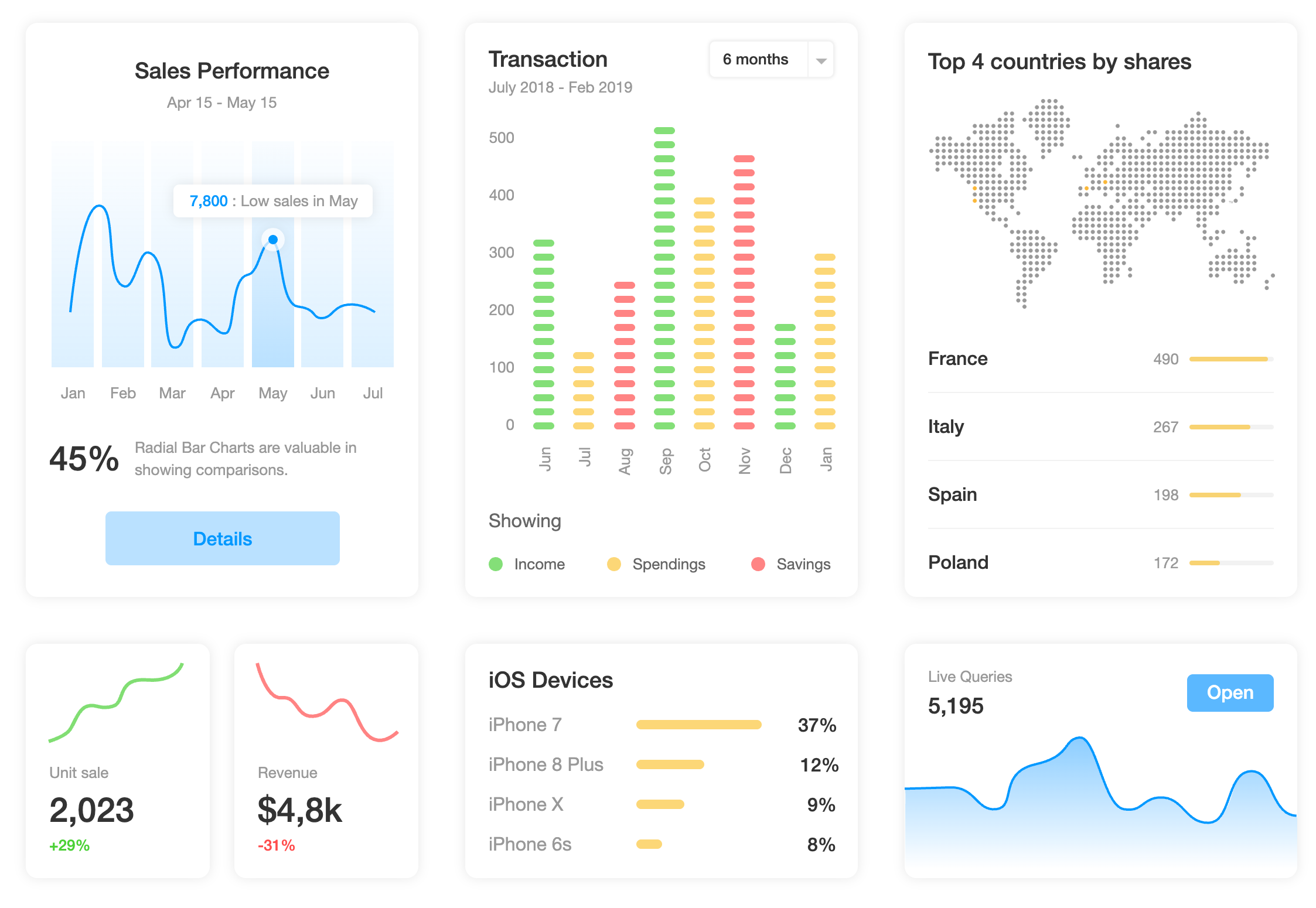
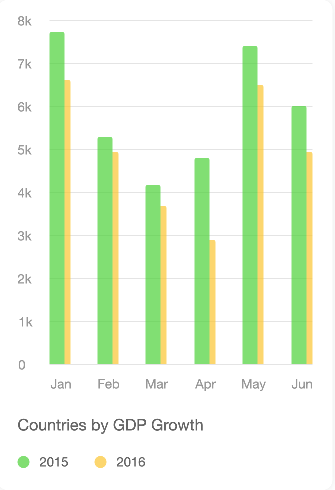
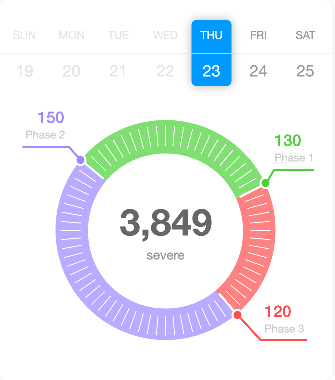
Use prepared bar, line, area, scatter, radial, comparison, and progress views sized for mobile layouts. The demo covers both familiar dashboard charts and more specialized ways to explain change, distribution, and performance.
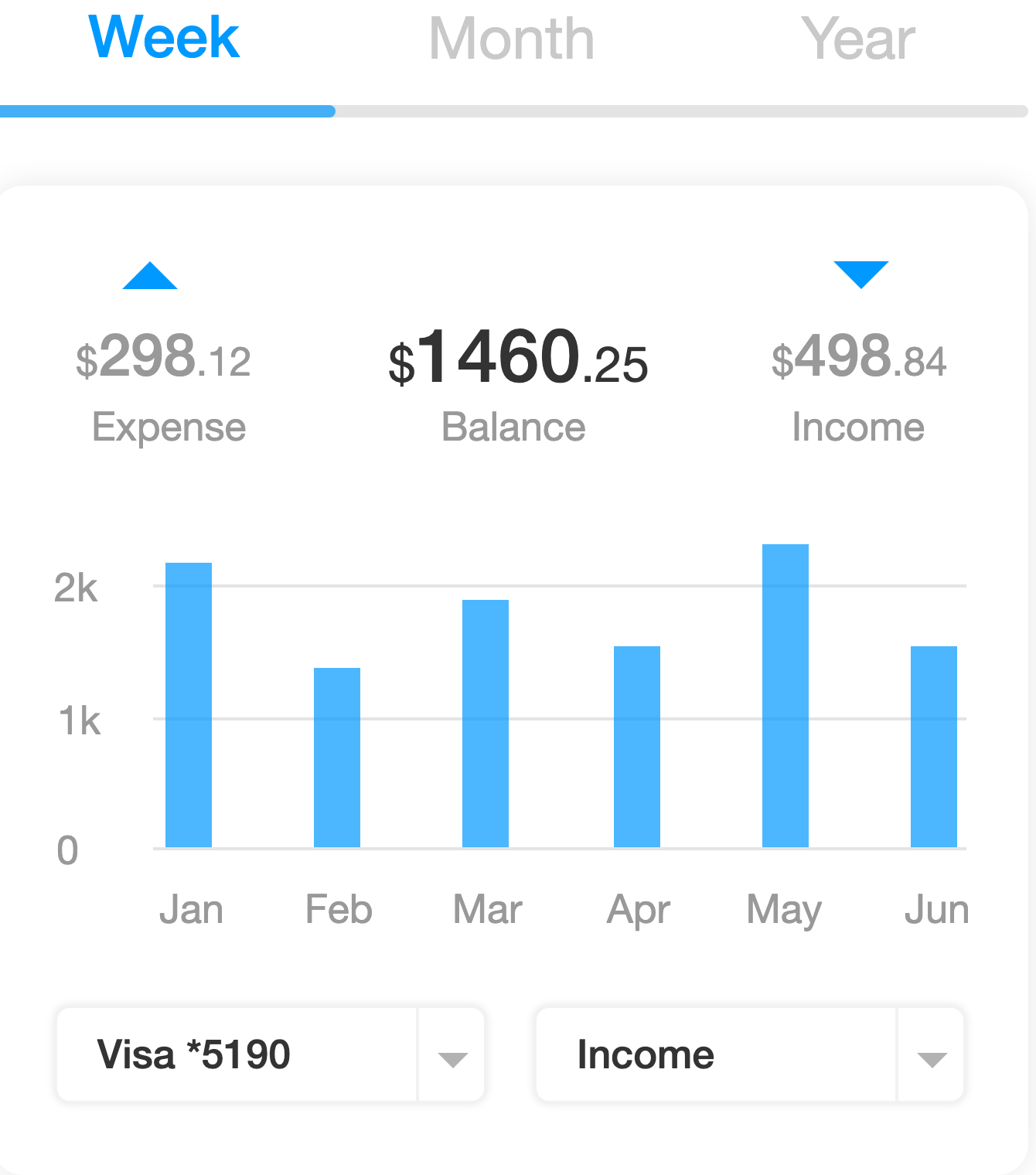
Prototype mobile finance and commerce screens with prepared balance, income, expense, payment, transaction, sales, device, country, and conversion modules.
Compare device shares, live queries, account balances, and power-factor status with compact, editable modules.
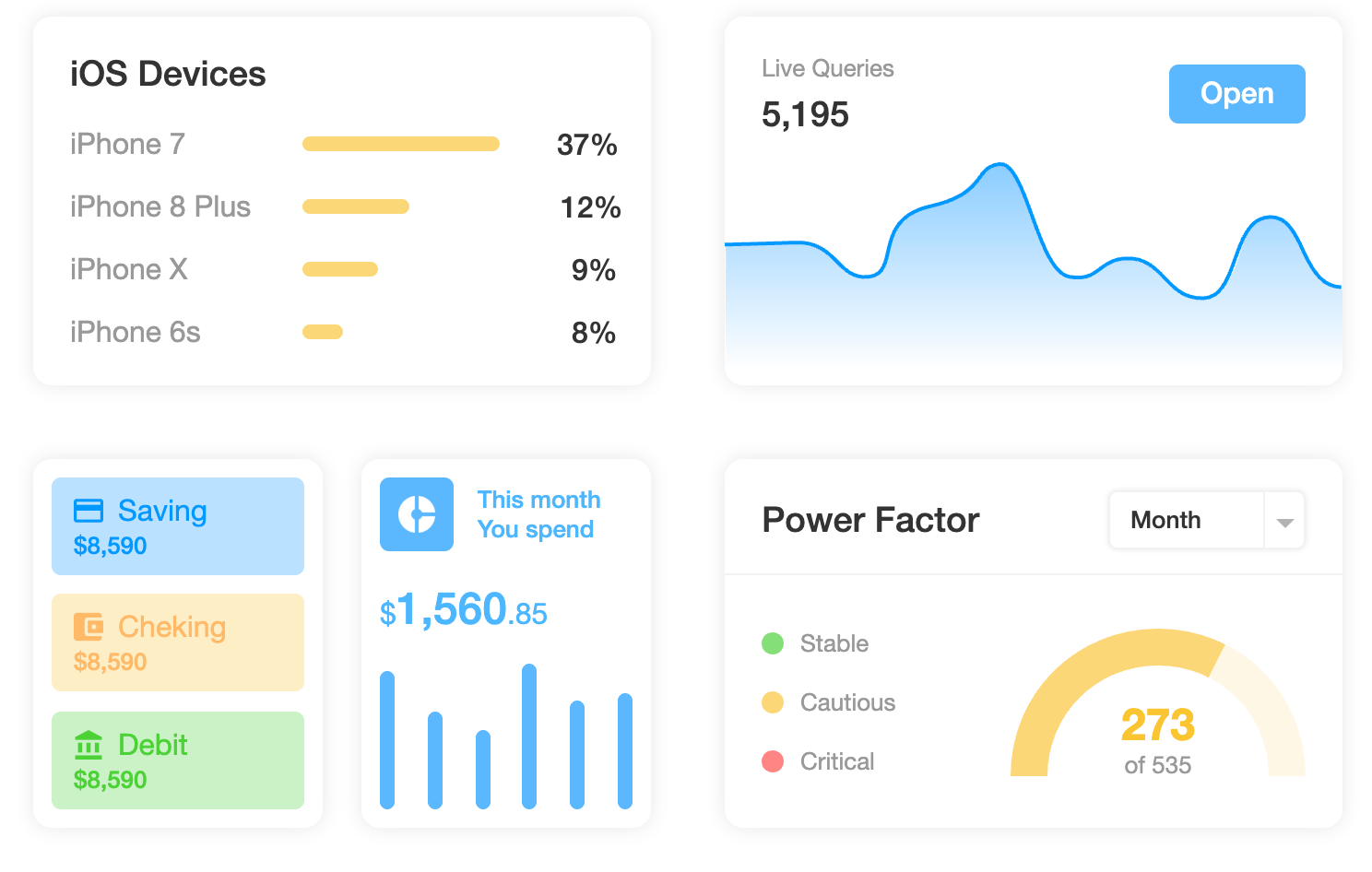
Each component begins as a clear, editable visual structure. Combine only the modules you need, then add conditions, variables, filters, navigation, and interactions in the way that suits your product.
Product specifications
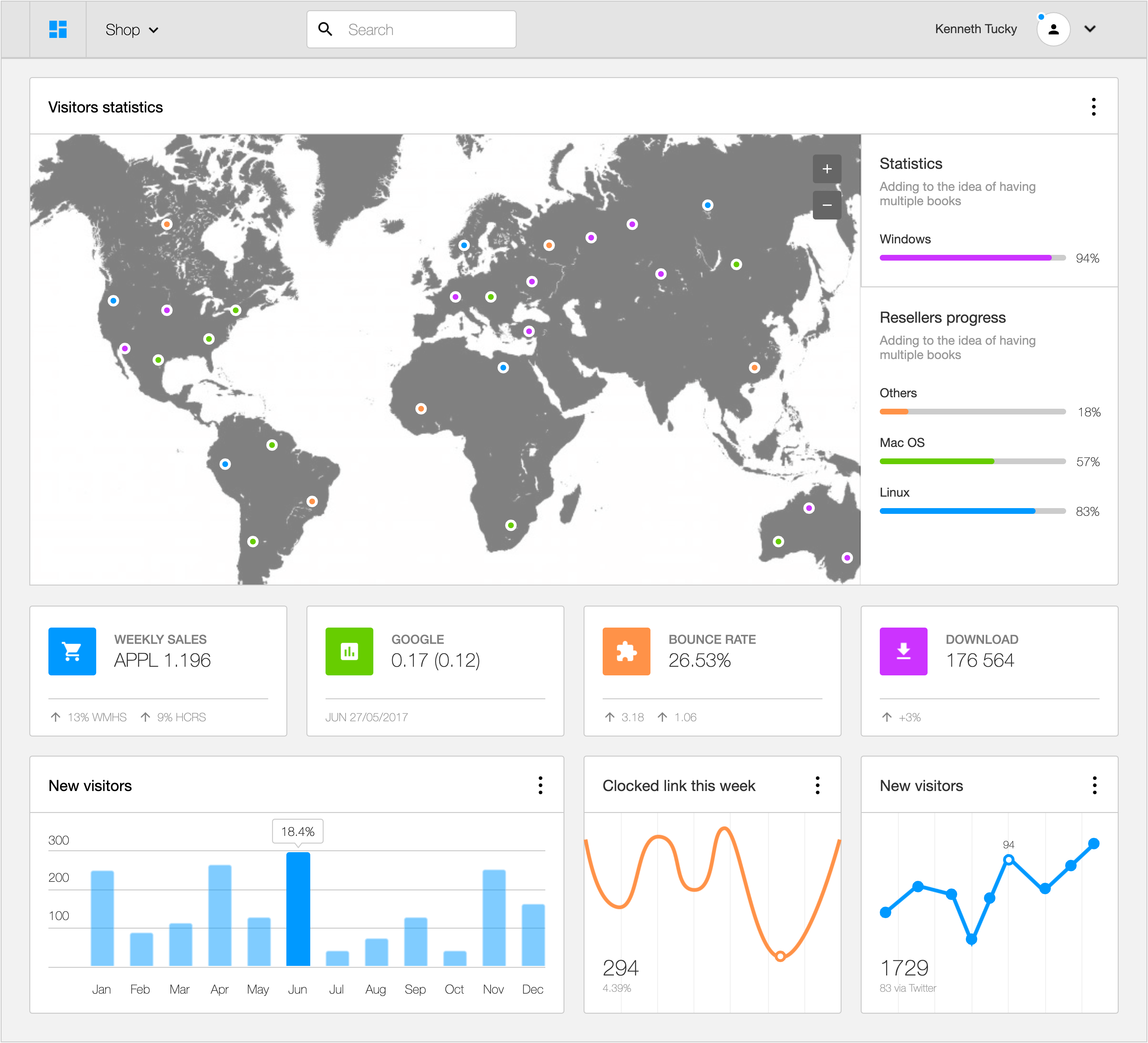
A 148-widget Axure library for assembling dashboards, workflows, navigation, forms, charts, and structured product screens.
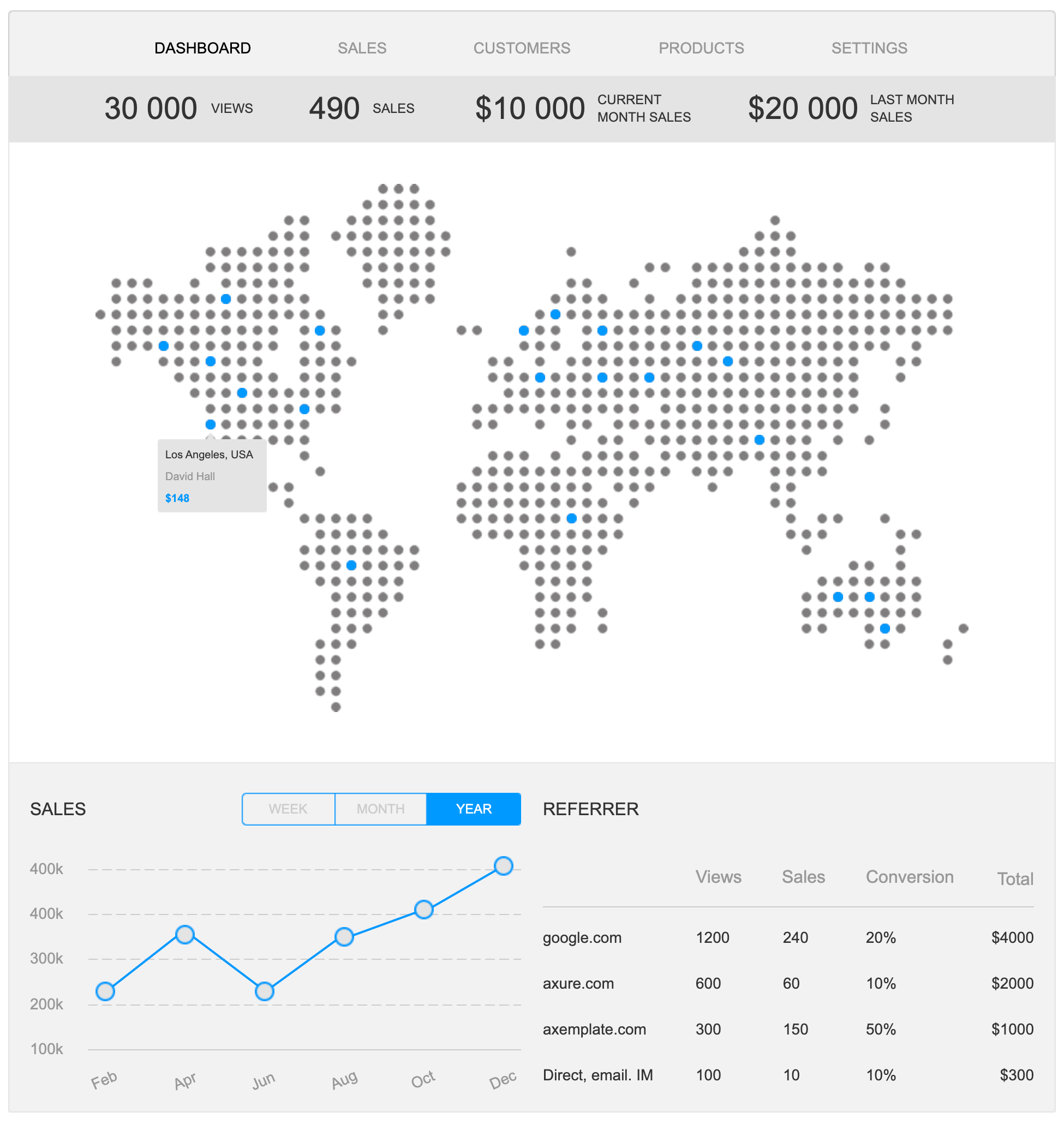
An editable Axure dashboard kit with complete layouts, navigation frames, charts, tables, and reusable CRM modules.
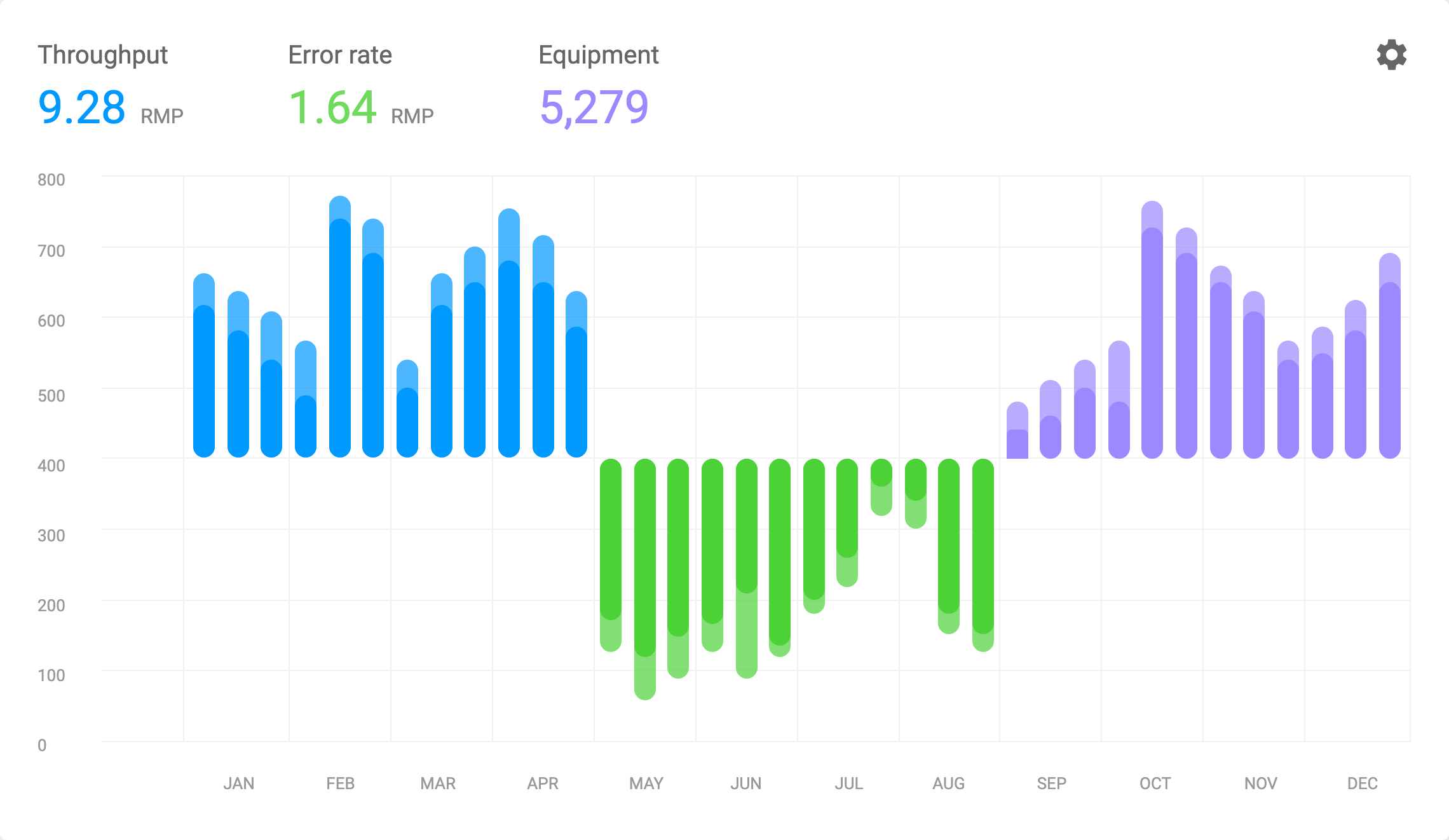
An editable Axure widget library with 44 chart, dashboard, and diagram building blocks for data-rich screens.
Mobile Admin is an Axure widget library with more than 152 editable elements for mobile dashboards and admin screens. It includes charts, tables, finance modules, tasks, calendars, and controls.
The demo includes mobile charts, KPI cards, and finance modules. It also shows tasks, calendars, activity feeds, tables, files, contacts, and common mobile controls.
Yes. The library uses editable Axure elements rather than flattened interface images. You can change colors, labels, values, sizes, and styles.
No. Mobile Admin provides editable screens and modules, not a finished app. Choose the parts you need and add your own filters, conditions, and navigation.
Yes. The mobile modules are not tied to one platform. You can adapt them for iOS or Android concepts.
The original product documentation lists Axure RP 7.5, 8, and 9. We have not tested the files with every newer release.
Yes. Mobile Admin Lite is a free selection of editable modules from the full Axure widget library.
Add the .RPLIB file to the Libraries panel in Axure RP. Drag the modules you need into your project. The download also includes .RP source and demo files.
No. Basic Axure RP skills are enough to edit the modules. You can add more advanced interactions when your prototype needs them.
Open the live demo to see the full Mobile Admin collection, including charts, finance modules, workflows, calendars, tables, and mobile controls.