148 editable widgets across 11 interface categories
A broad set of reusable interface blocks for dashboards, workflows, content, navigation, and product screens.
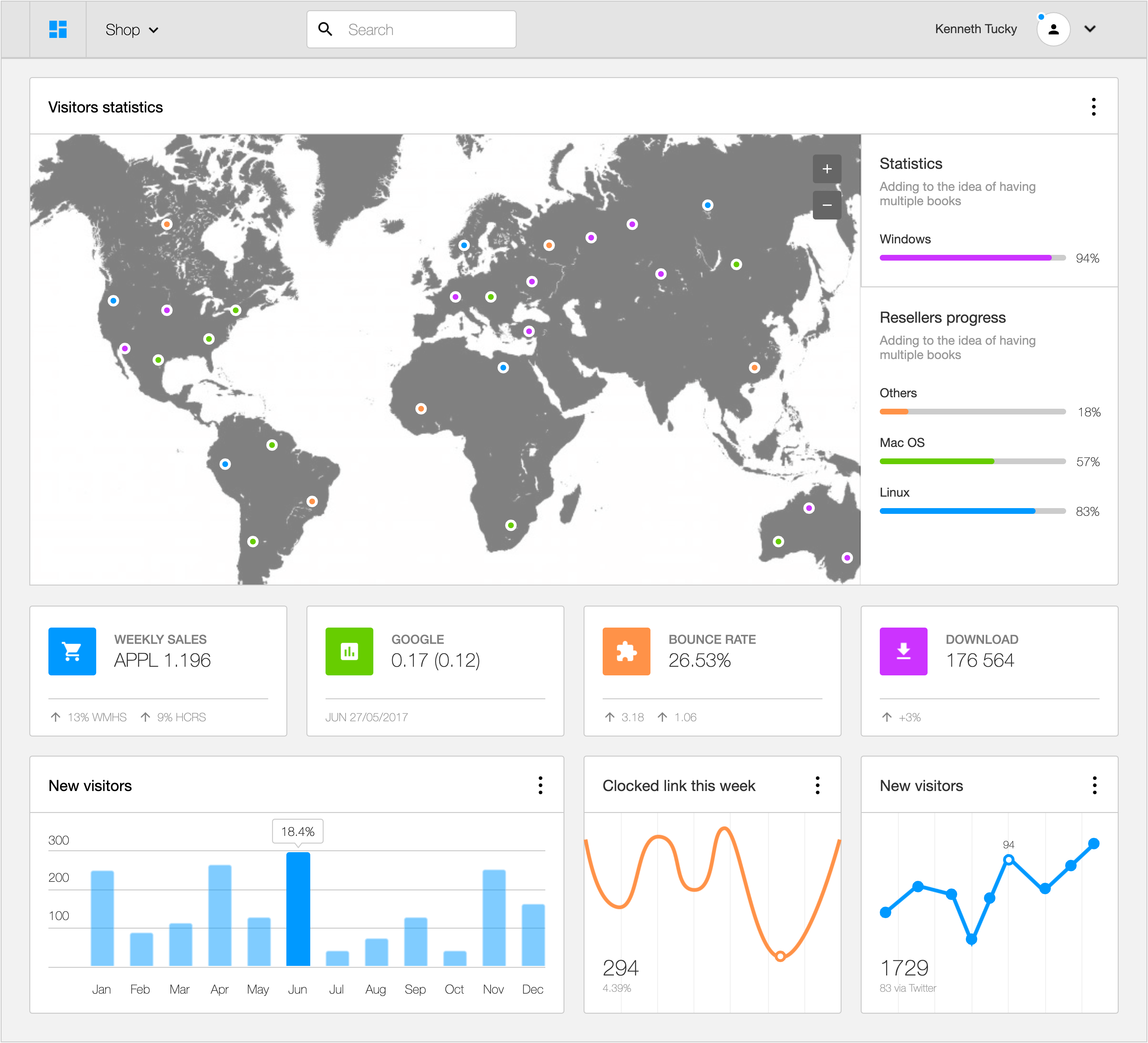

A 148-widget Axure library for assembling dashboards, workflows, navigation, forms, charts, and structured product screens.
Time saved is an illustrative estimate for building comparable editable elements from scratch; actual results vary.
Inside Control
Browse a four-part library of editable interface pieces, from complete admin screens and analytics modules to modals, calendars, navigation bars, filters, and content blocks. Control gives you prepared visual structure while leaving the final behavior and product logic in your hands.
A broad set of reusable interface blocks for dashboards, workflows, content, navigation, and product screens.
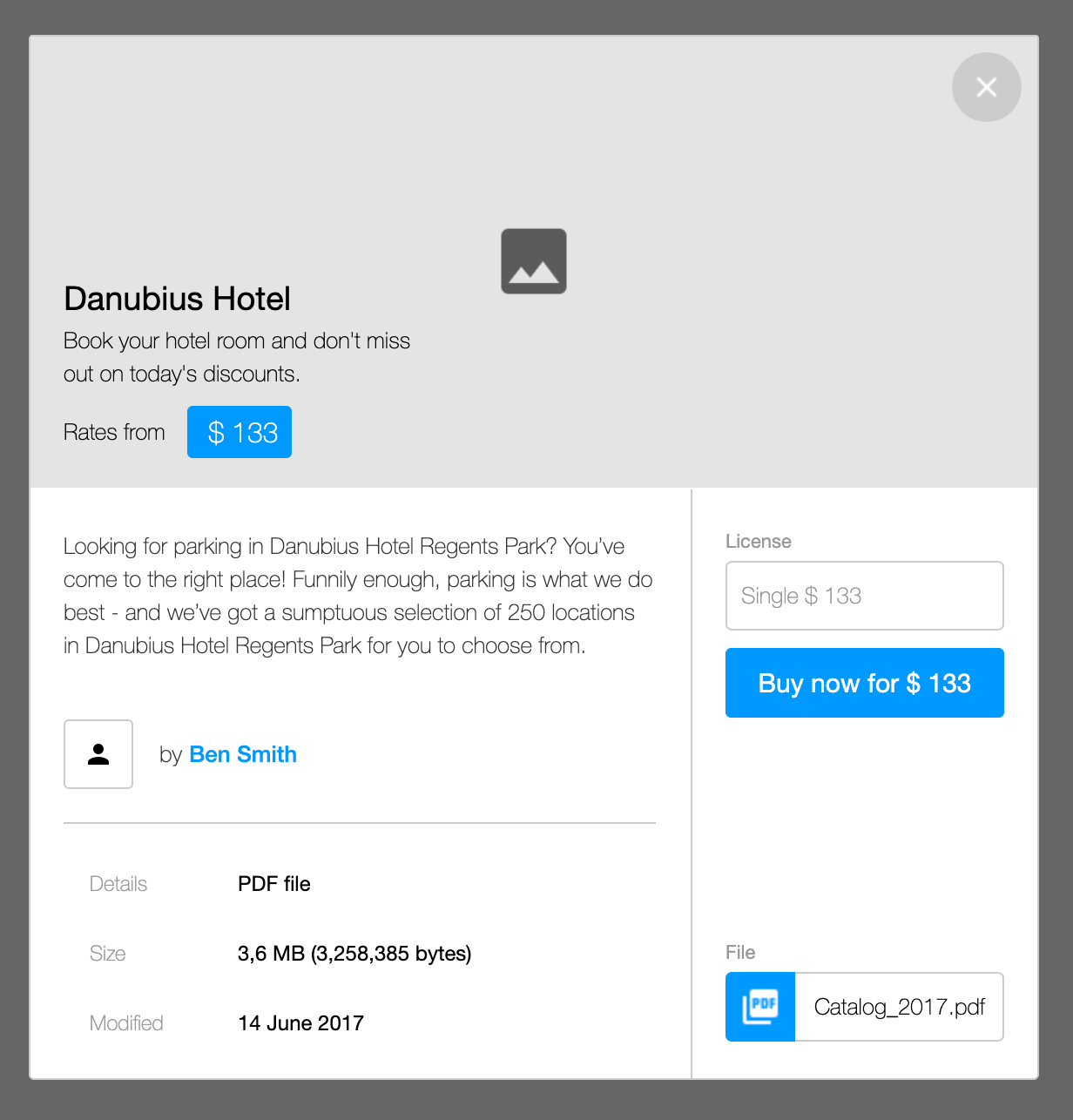
Adapt a hotel-offer layout with a description, price, purchase action, and supporting form fields to the details your product needs to show.
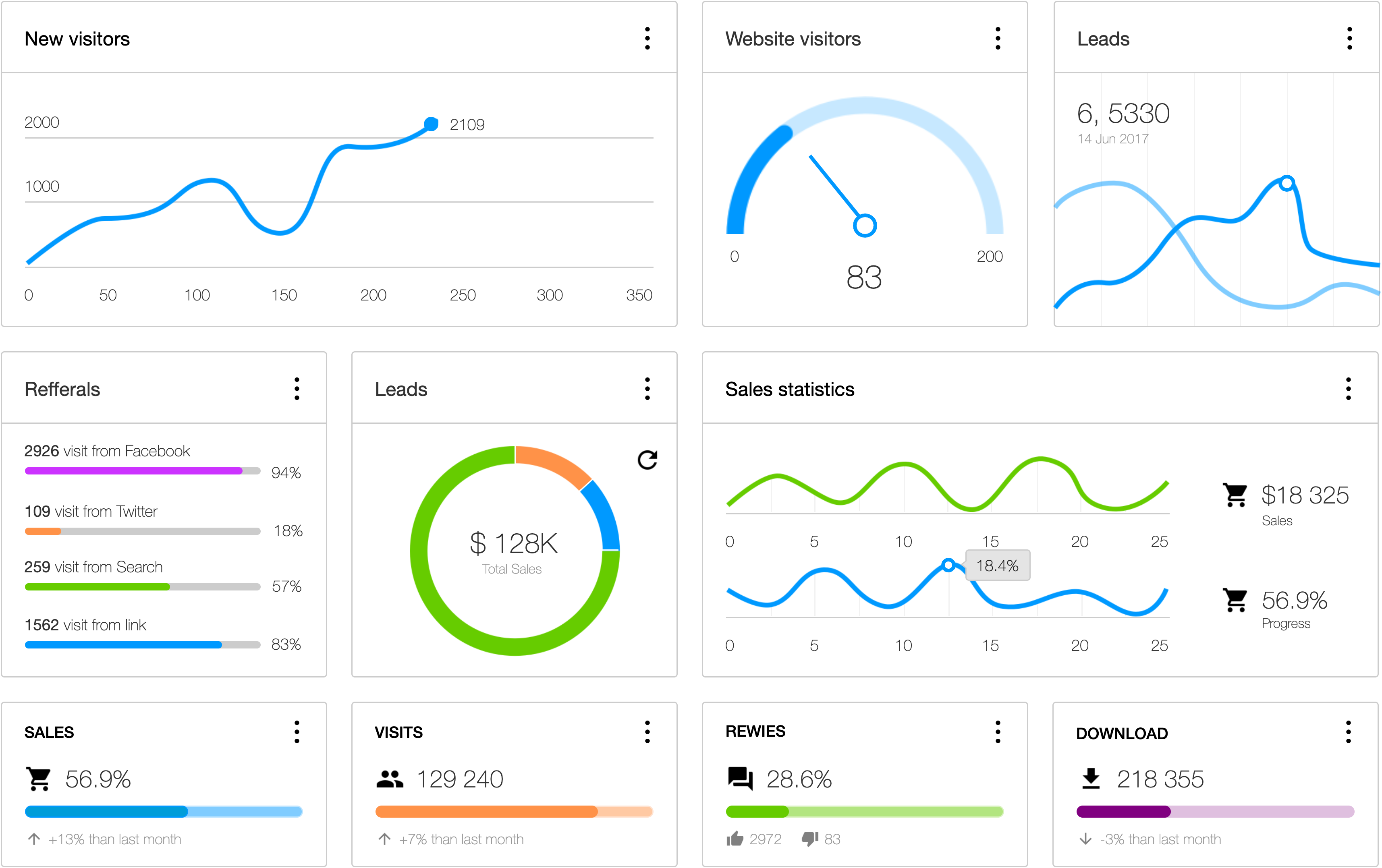
Use prepared line, bar, radial, gauge, progress, referral, visitor, sales, and KPI patterns to explain performance without drawing each module from scratch.
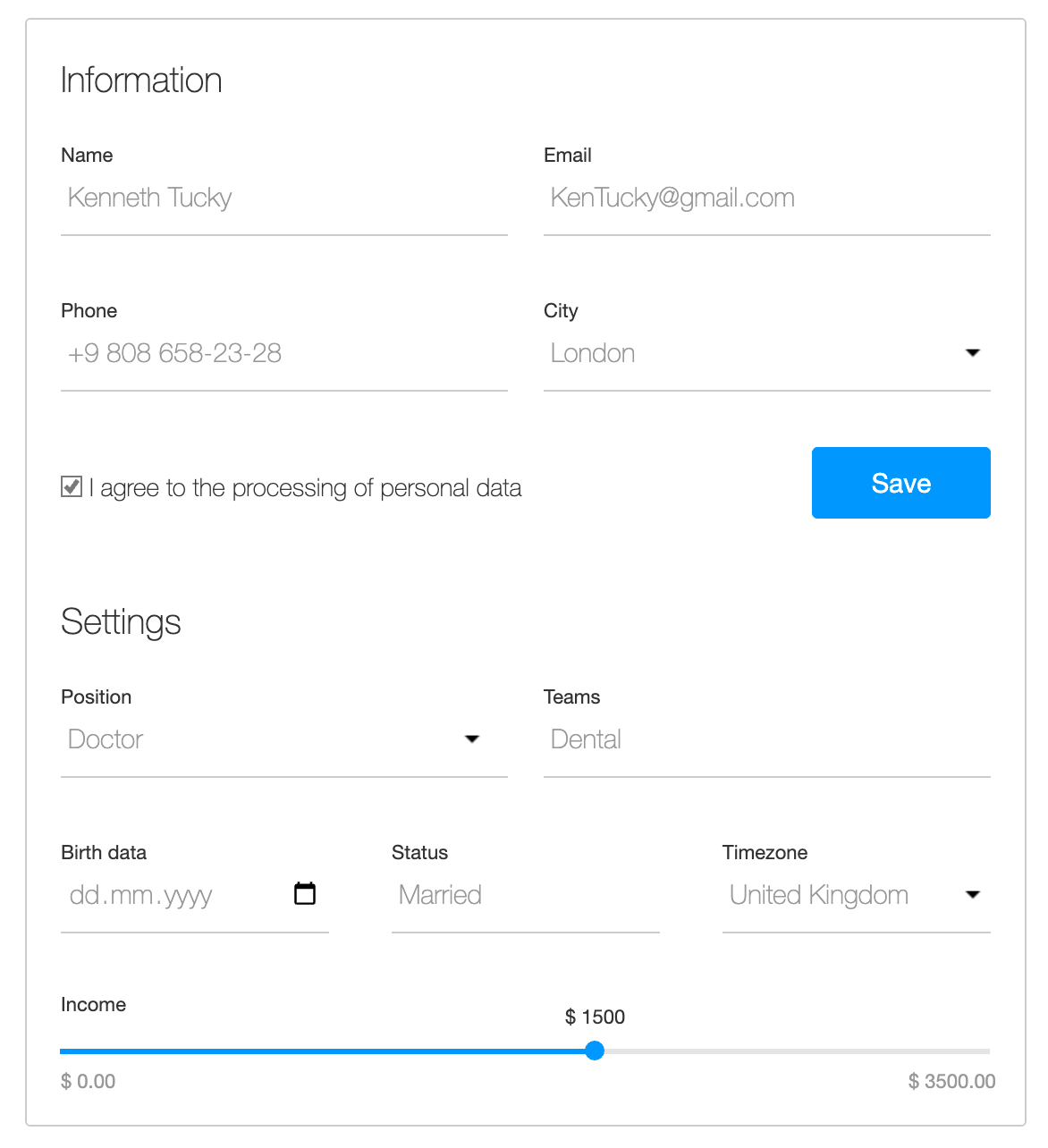
Use an editable form with name, email, phone, and city fields, plus a consent checkbox. Adapt the labels and options to your own account flow.
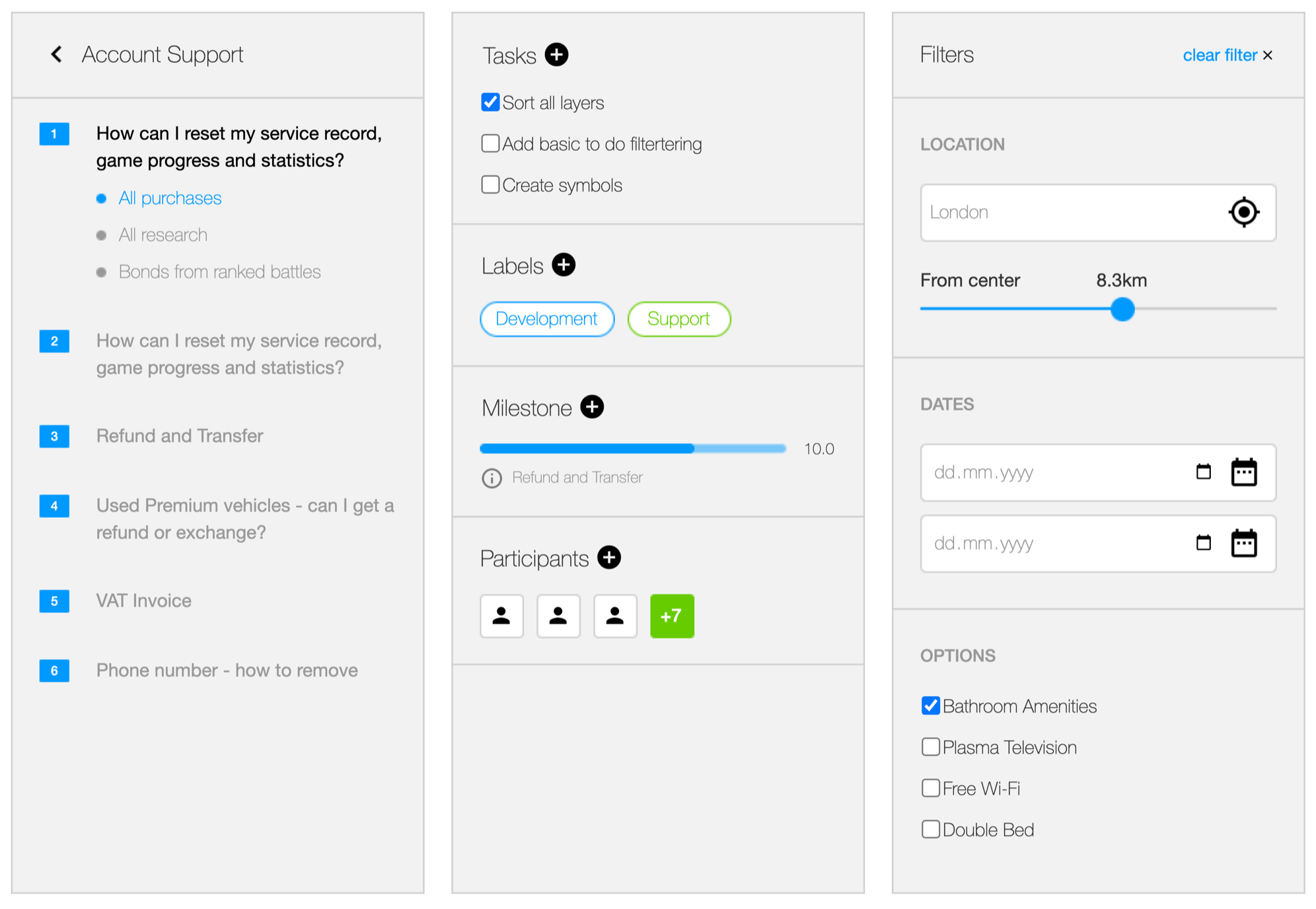
Move beyond analytics with prepared calendars, tasks, labels, milestones, participants, messages, files, pricing tables, article blocks, and structured content views.
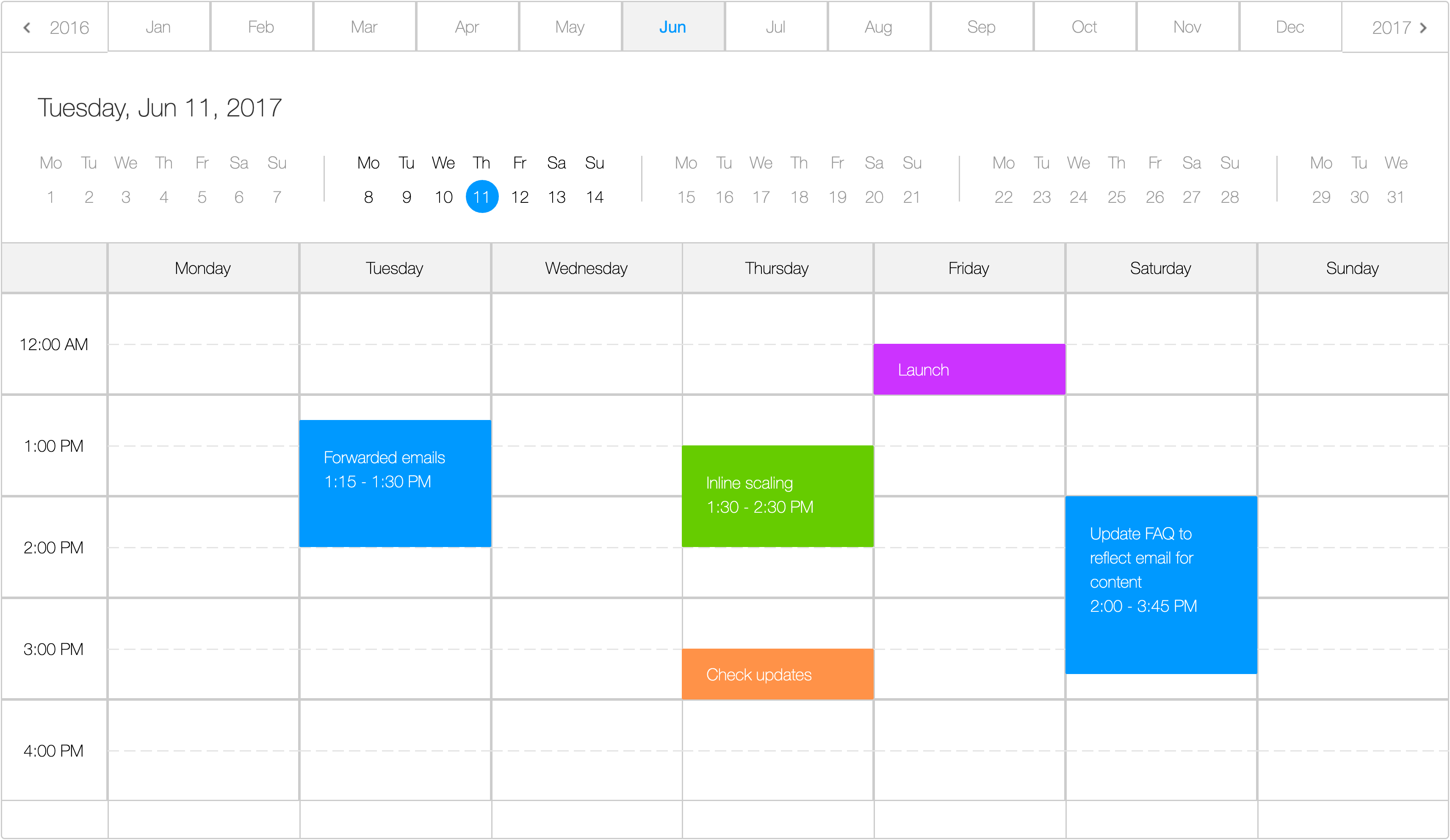
Complete a screen with reusable top bars, sidebars, filter panels, search controls, modals, and supporting interface utilities.
Product specifications
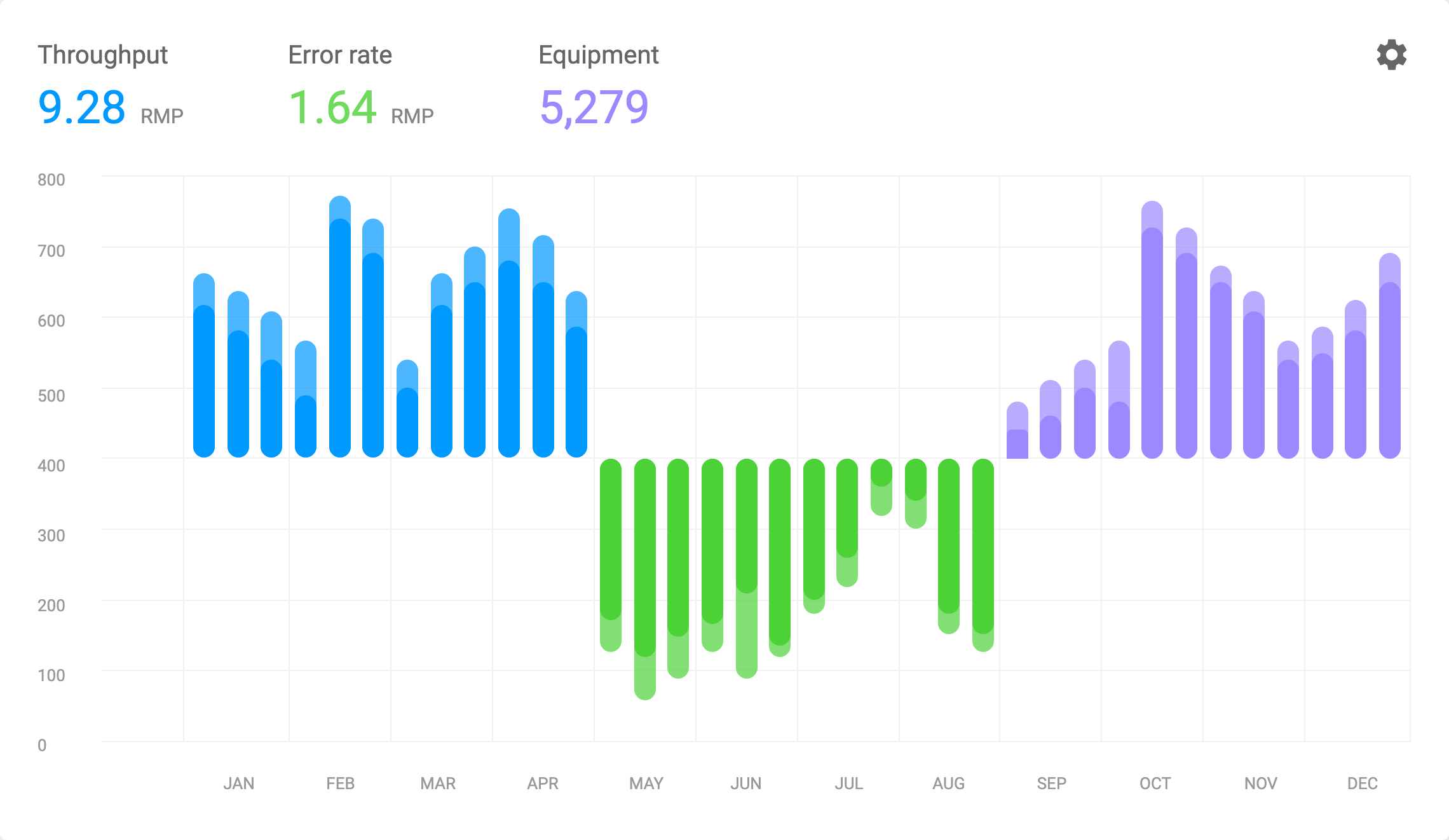
An editable Axure widget library with 44 chart, dashboard, and diagram building blocks for data-rich screens.
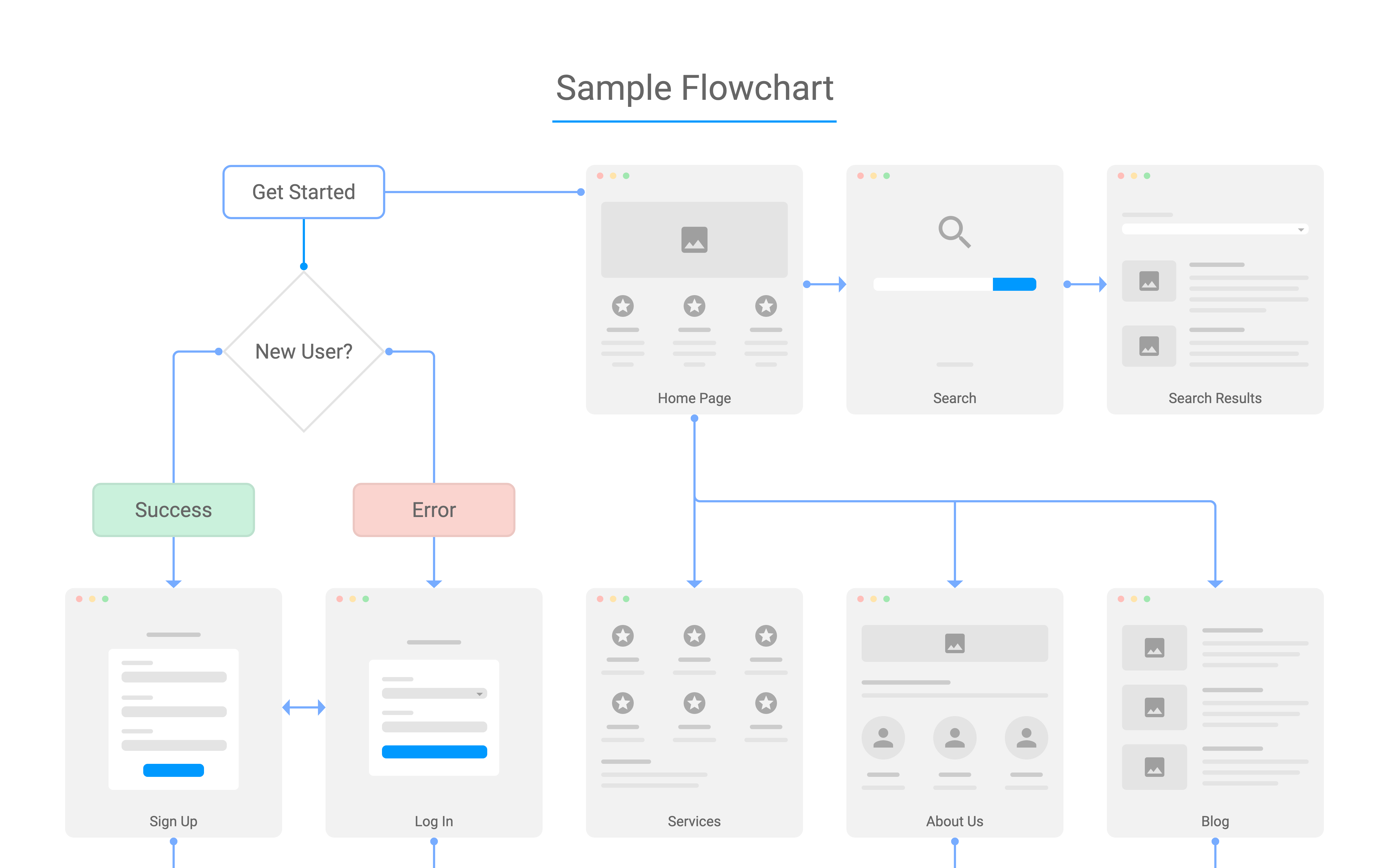
An Axure widget library for flowcharts, with editable page cards, decisions, connectors, states, and a complete sample journey.
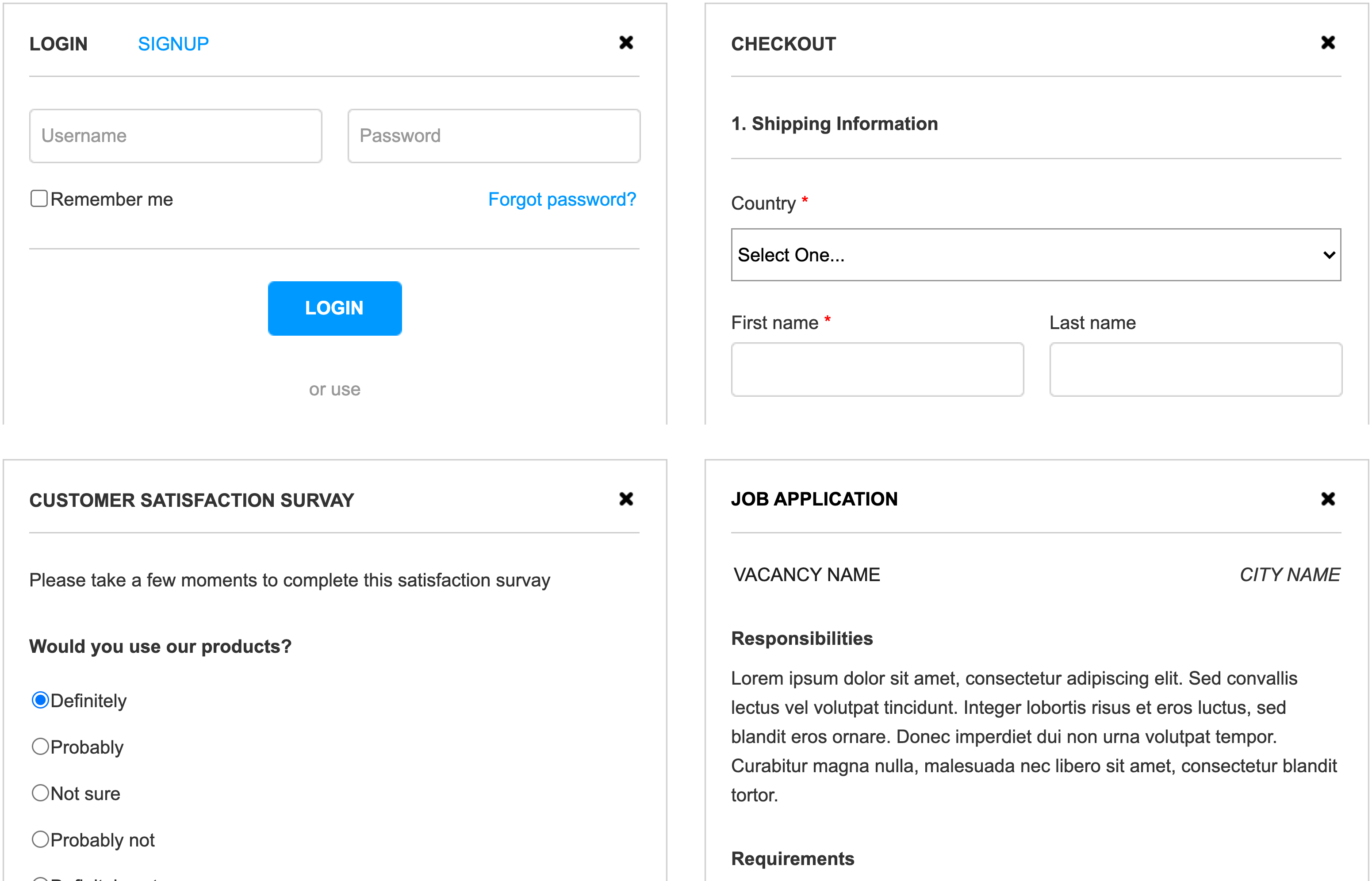
An Axure widget library with 26 editable form patterns for accounts, contact, commerce, surveys, applications, filters, and subscriptions.
Control is an Axure widget library with 148 editable widgets in 11 categories. It also includes complete screens, charts, navigation, filters, and other interface patterns.
Use Control to build admin screens, dashboards, project views, messages, calendars, and other product interfaces. The live demo shows both complete screens and smaller widgets.
No. Control is a library of editable screens and widgets, not a finished application. Add the variables, conditions, and navigation your product needs.
Yes. You can change the labels, values, colors, sizes, spacing, and styles of the Axure widgets.
The library groups 148 widgets into 11 categories. These include basic controls, charts, modals, content blocks, navigation, and complete screens.
The download includes separate .RP and .RPLIB files for Axure RP 7.5 and Axure RP 8+. We have not tested the files with every newer release.
Yes. Control Lite is a free selection of editable widgets from the full Axure library.
Add the .RPLIB file to the Libraries panel in Axure RP. Drag the widgets you need into your project. You can also inspect the .RP source files.
No. Basic Axure RP skills are enough to start editing the widgets. You can add more advanced interactions later.
The original product page estimated up to 36 hours saved. This is only an estimate. Your savings depend on how many widgets you use and what you would otherwise build.
Open the live demo to see the full Control collection. It has four parts with screens, charts, navigation, filters, and other widgets.