
There was a time when a design-tool comparison could be settled with one question: “Can it make the button work?” That question is no longer useful. Most modern tools can make a button work. The better question is what the team needs to learn when somebody presses it.
I have used Axure since 2011, and I have watched it move from a common answer to prototyping questions into a more specialised one. That shift is not a failure. It reflects a much richer set of tools, each with its own centre of gravity. Figma is strong where visual design, systems, collaboration, and responsive composition meet. ProtoPie is built for expressive interaction, including physical devices and multiple screens. Axure remains unusually comfortable with data-rich flows and explicit business logic. These are tendencies, not borders.
Start with the uncertainty, not the software
Imagine three teams, all asking for a “realistic prototype.”
The first needs to review a new component system across desktop and mobile. They care about visual consistency, layout, variants, and rapid feedback from colleagues. The second needs to test a complex insurance application, where answers on one page determine fields and messages on another. The third needs to show how a phone, an in-car display, and a physical input respond together.
Those teams may all use the word realistic, but they mean three different things. The choice of tool should follow the thing that might invalidate the design.
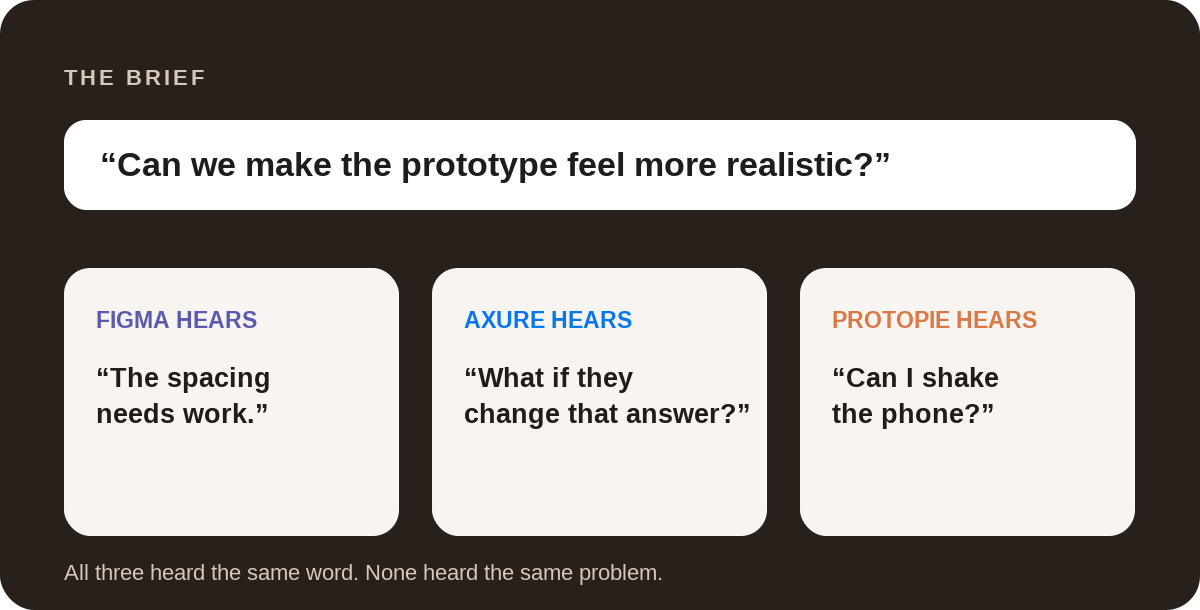
“Realistic” is doing a lot of work in that brief.
When Figma is a good home base
If the visual system is still moving, Figma is often the easiest place to keep design and prototype close together. Its auto layout helps components and screens adapt as content changes. Collaboration and reusable components make it practical to refine the real interface while sharing the prototype with the team.
It is also wrong to describe Figma as a tool for static click-throughs only. Its prototyping variables can store strings, numbers, colours, and booleans. Its documentation describes expressions, multiple actions, and if/else conditionals. For many flows, that is plenty. A product selector that remembers a choice, a menu with states, or a short onboarding journey may not need anything more elaborate.
The point at which I would reconsider is not the first conditional. It is when maintaining the model becomes harder than explaining it: many interdependent states, long forms, records that need to be sorted or filtered, or behaviour that must be inspected and changed repeatedly. There is no universal threshold. A skilled Figma author can do more than a beginner in Axure, and vice versa.
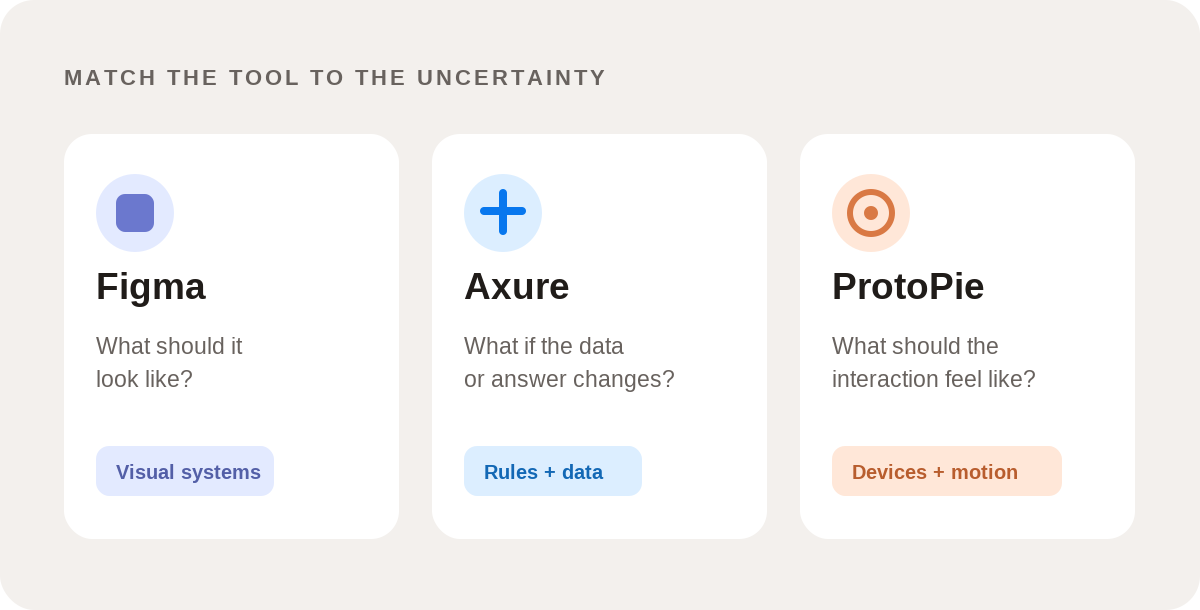
Three different questions; three different strengths. The overlap is real too.
When Axure earns its place
Axure’s appeal is clearest when the prototype itself becomes a small model of the product. Its repeaters can represent lists and tables backed by a dataset, with sorting, filtering, pagination, and row changes. Variables can carry values across interactions. Adaptive views can show different arrangements at different viewport sizes.
That makes Axure useful for answering questions such as: What does this dashboard say when there are no results? What happens if I change the date range after selecting a category? Does this multi-step form still make sense when a previous answer changes? These are not questions that a beautiful still screen can settle.
There is a price. Axure asks for more deliberate construction. A complex prototype can become difficult to hand over if pages, components, variables, and conditions are not named and organised carefully. Responsive layout is not the same experience as Figma’s auto layout. And if the objective is a visual direction or a one-hour stakeholder walkthrough, a deep interaction model can be wasted effort.
I would choose Axure for the part of the work where behaviour genuinely needs to be tested, not as a rule that every idea must begin there.
When ProtoPie is the more convincing answer
ProtoPie becomes particularly interesting when interaction reaches beyond a conventional browser flow. Its multi-device prototyping is designed for connected experiences. Its documentation covers variables and a broad set of triggers, including interactions driven by device input.
If the research question is about the feel of an interaction, a sensor response, a transition, or coordination between screens, that can be more persuasive than a spreadsheet-like simulation of application rules. But I would not move an ordinary admin-table experiment into ProtoPie just because its animation possibilities are exciting. The exciting part should be relevant to what the team needs to learn.
A practical choice for the next project
Before opening any tool, write down the two or three questions the prototype must answer. Then choose the shortest credible route to those answers:
- Choose Figma when the design system, visual detail, and collaborative iteration are central, and the required behaviour fits comfortably in its prototyping model.
- Choose Axure when data, branching rules, or repeatable UI patterns are central to the test.
- Choose ProtoPie when physical input, multi-device behaviour, or expressive interaction is itself the subject of the test.
And allow a mixed workflow. A team can settle a visual language in Figma, build a specific conditional flow in Axure, and prototype a device interaction in ProtoPie. That is not indecision. It is using each tool for the kind of uncertainty it is best at reducing.
The least useful comparison asks which tool is the winner. The useful one asks what would remain ambiguous if we used the wrong one.