
I have been making things in Axure since 2011. Back then, saying that a prototype could remember a choice, filter a list, or behave differently when a form was filled in felt like a small magic trick. Today, those abilities are less exotic. The design-tool landscape has changed, and so has Axure’s place in it.
That is why I find the question “Is Axure still relevant?” a little too blunt. Relevant to what? If the task is a polished marketing page, a shared visual system, or a quick clickable presentation, I would not automatically reach for Axure. If the task is to see what happens after a user changes a filter, edits a row, makes a choice on page three, and returns to page one, the answer becomes more interesting.
What has actually changed in RP 11
Axure RP 11 did not abandon the interaction model that made the tool useful. It added practical conveniences around it. The RP 11 upgrade overview highlights Quick Actions, Gallery View, more control over component interactions, and the ability to disable interactions while testing. None of these is a dramatic new philosophy. They are attempts to make a very capable, sometimes heavy workflow easier to navigate.
The September 2026 release brought the experimental desktop MCP server into the published RP 11 changelog. Earlier release-candidate notes also described a view-only mode for viewing, previewing, and using MCP without a license. According to Axure’s documentation, the desktop MCP server can give a local AI tool read-only access to open RP files: pages, widgets, interactions, notes, and rendered images. It cannot edit the file for you. It is also separate from the MCP connection Axure Cloud offers for whiteboards and documents.
I would treat that as an early bridge, not a reason to redesign a workflow overnight. The interesting part is the direction: an Axure file can start to be useful as structured context for documentation or development, rather than only as something a human clicks through. For teams with large, long-lived RP files, being able to ask what a page contains or where a condition lives could be genuinely helpful. The feature is still experimental, and the local-server security note is worth reading before enabling it on sensitive work.
The case for Axure is narrower, but clearer
The strongest reason to use Axure is not that every screen should be interactive. Most screens do not need that. It is the option to add logic where logic changes the design decision.
Take a management table. A flat set of screens can show its default, empty, and error states. But what if the team needs to learn whether filtering, sorting, pagination, and editing a row make sense together? An Axure repeater can hold a dataset, display repeated items, and respond to sorting, filtering, or row updates. That can turn a meeting from “imagine the table does this” into “try it and tell me where you get lost.”
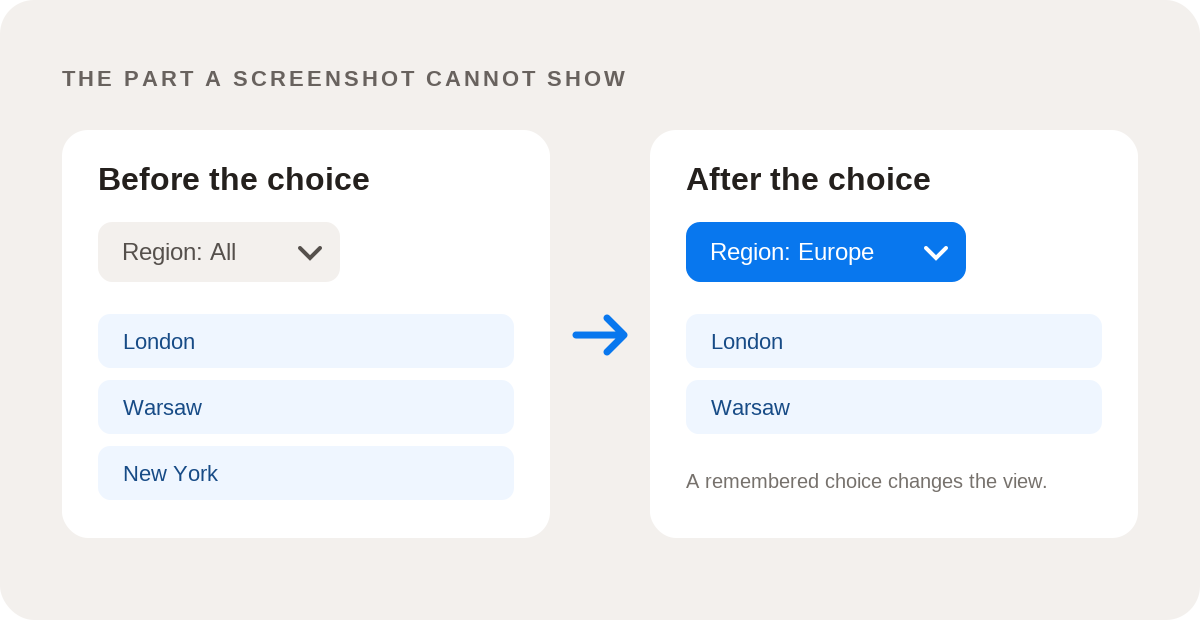
The interesting part is not the click. It is what the prototype remembers afterward.
The same applies to a configurator, a multi-step form, or a dashboard whose message changes with the data. Axure’s variables and conditional interactions let you model relationships between choices and outcomes. Its adaptive views let you design different arrangements for different viewport sizes, although they are not a substitute for modern automatic layout systems.
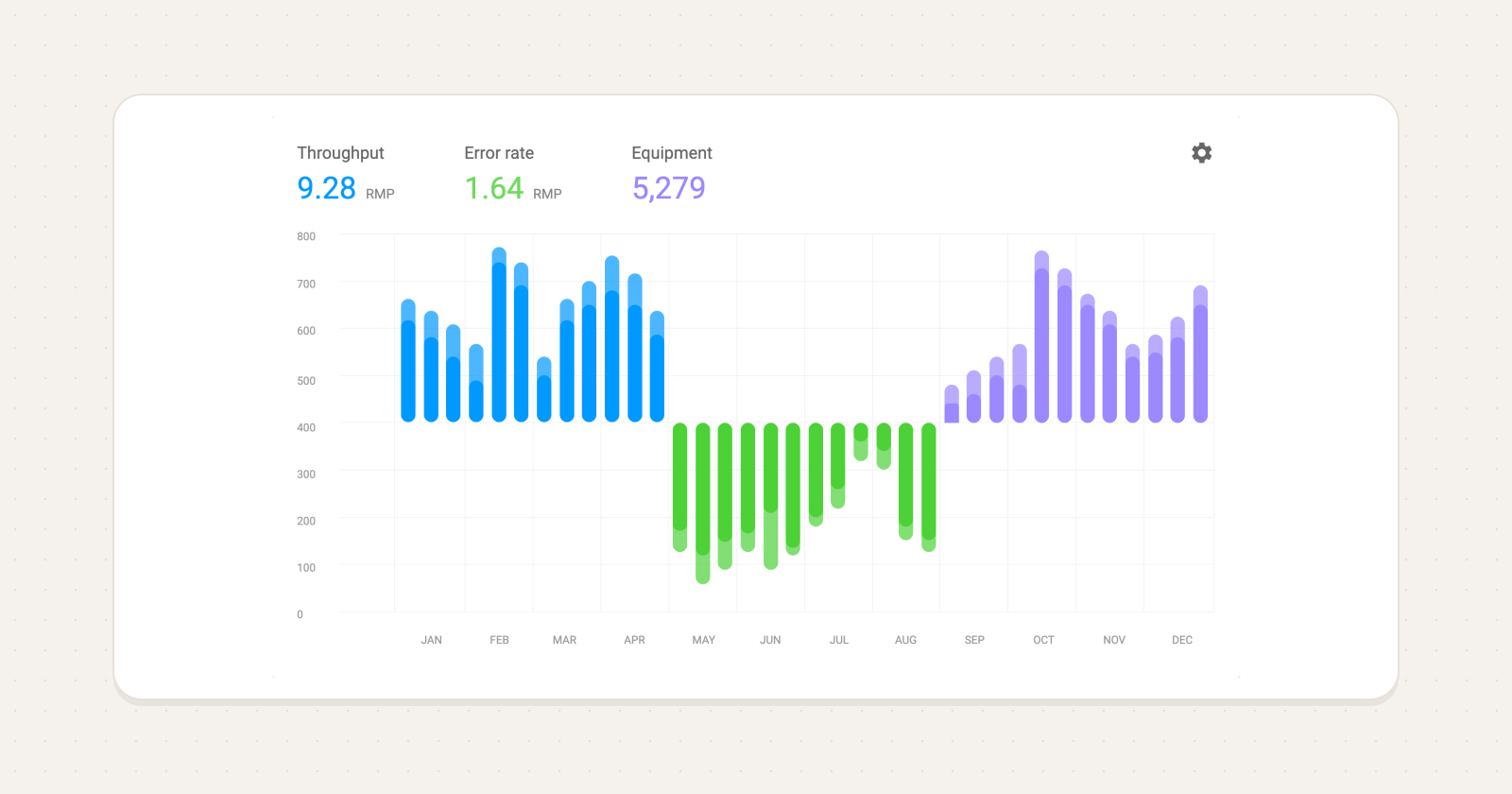
This is not an argument for wiring up everything. I have built Axure products as editable pieces on purpose: charts, controls, diagrams, and page patterns that a designer can understand and change without first unpicking someone else’s complicated conditions. The value of a capable prototyping tool is that you can add the necessary behavior later, on your terms. A reusable library and a fully scripted prototype solve different problems.
Where the friction remains
Axure’s power still has a cost. A complex file asks its author to think about structure, naming, state, and what a collaborator will understand six months from now. Responsive composition can take more deliberate work than it does in a tool built around automatic layout. A forum discussion asking for auto-layout is a useful reminder of that friction. It is a community request, not proof that every Axure user has the same problem, but it points to a real workflow difference. And then comes the familiar request: “Could we add just one more tiny condition?”
 via GIPHY ↗
Nor should an Axure user pretend that other tools stood still. Figma now documents variables, expressions, and conditional actions in prototypes. “Figma cannot do logic” is an outdated argument. The better question is how much logic a particular project needs, how data-heavy it is, and how comfortably the team can maintain it in its chosen tool.
So who should still use it?
I would keep Axure close for work where behavior is the thing under discussion: workflows with dependencies, data-rich screens, business rules, and cases where stakeholders need to experience a decision rather than read a note about it. I would also keep it for an existing Axure practice with useful .rp files, libraries, and expertise. Replacing a tool has a migration cost; replacing a team’s accumulated knowledge has a larger one.
I would not insist on Axure for every visual exploration or every handoff. A good tool choice is not a loyalty test. It is a way to spend less time explaining what a design might do and more time discovering whether it should do it at all.
Axure is more specialised than it once seemed. To me, that makes its purpose easier to describe, not harder. When a prototype needs to carry real decisions, not just connect beautiful screens, it still has a place on the desk.
 Explore Data Visualization Lite