
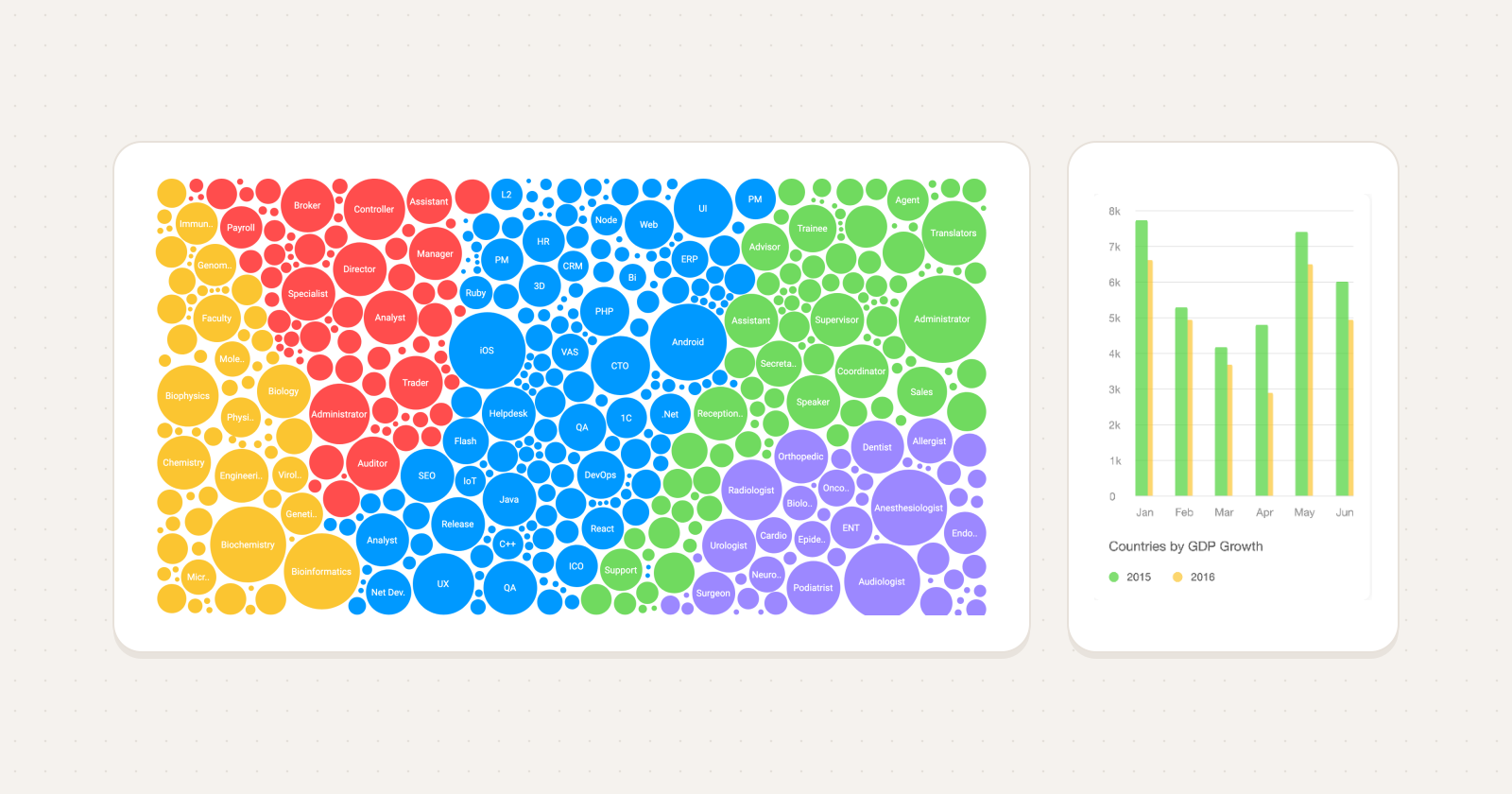
When someone opens a product demo and sees a polished chart, it is reasonable to ask what happens when they click it. Sometimes the answer is: not much yet. That is not an omission I am trying to hide. It is often the point of the product.
Most of the Axure products I make are closer to a box of well-designed parts than a finished machine. You get the chart, the dashboard module, the mobile control, or the diagram. You can inspect it, recolour it, rearrange it, and connect it to your own flow. I would rather give a designer that freedom than bury the same element inside an elaborate prototype whose rules were written for a project they do not have.
The hidden cost of a ready-made interaction
Imagine a dashboard card that changes on click. In one product, that click should open a detail page. In another, it should change a date range, expand a panel, or do nothing because the card is only a summary. A prebuilt interaction can look like added value, but if it encodes the wrong decision, the buyer’s first job is to take it apart.
That reverse-engineering can be more frustrating than adding the right interaction from scratch. Axure is capable of rich behaviour: variables, conditions, and repeaters can support substantial prototype logic. Capability, however, is not an instruction to attach logic to every object. The most useful starting point may be an element that is visually complete and structurally understandable, with behaviour left open for the project owner to define.
This is the difference between a prototype kit and a prototype. The kit saves work on the pieces that many teams need. The prototype makes decisions about how those pieces behave together. Those decisions should come from the product problem, not from the library author’s guess.
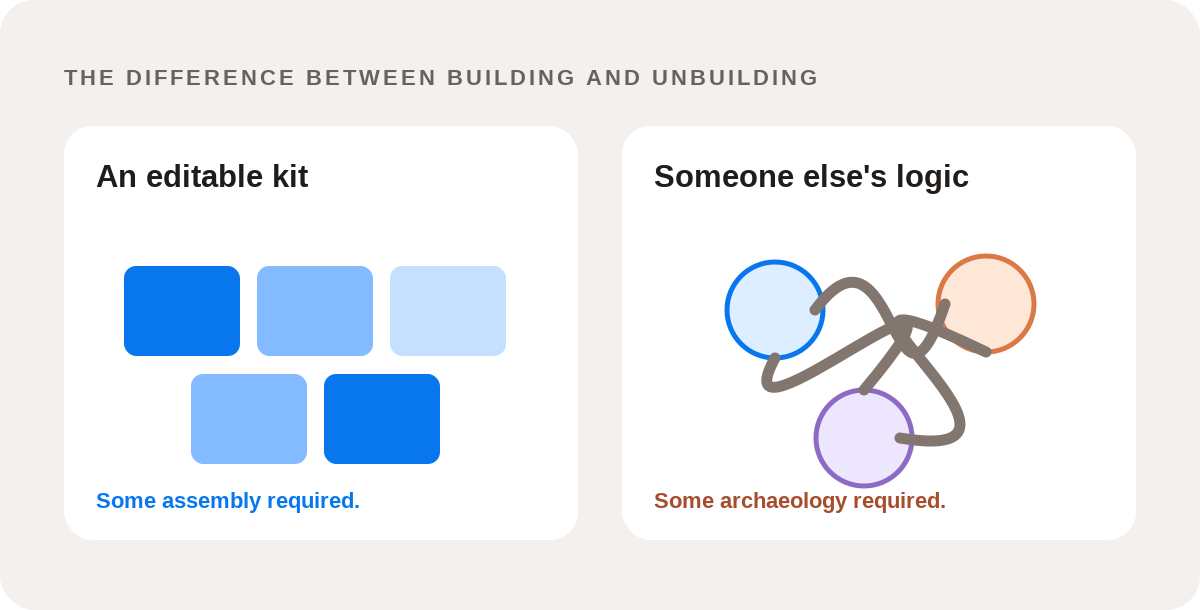
Some assembly required. Some archaeology avoided.
Editable should mean editable in practice
I use the word editable carefully. A screenshot of a chart is easy to paste into a mockup, but it does not help much when the product’s palette changes or the chart needs a different label. A useful Axure building block should let a designer change the visible structure without rebuilding the whole thing.
For example, Data Visualization is presented as a library of 44 visual building blocks for charts, dashboards, diagrams, and data-rich screens. The reason to start from a library like that is not that all 44 elements belong in one prototype. It is that a designer can choose the one that communicates the right data story, adapt it, and decide how much interaction that particular story needs.
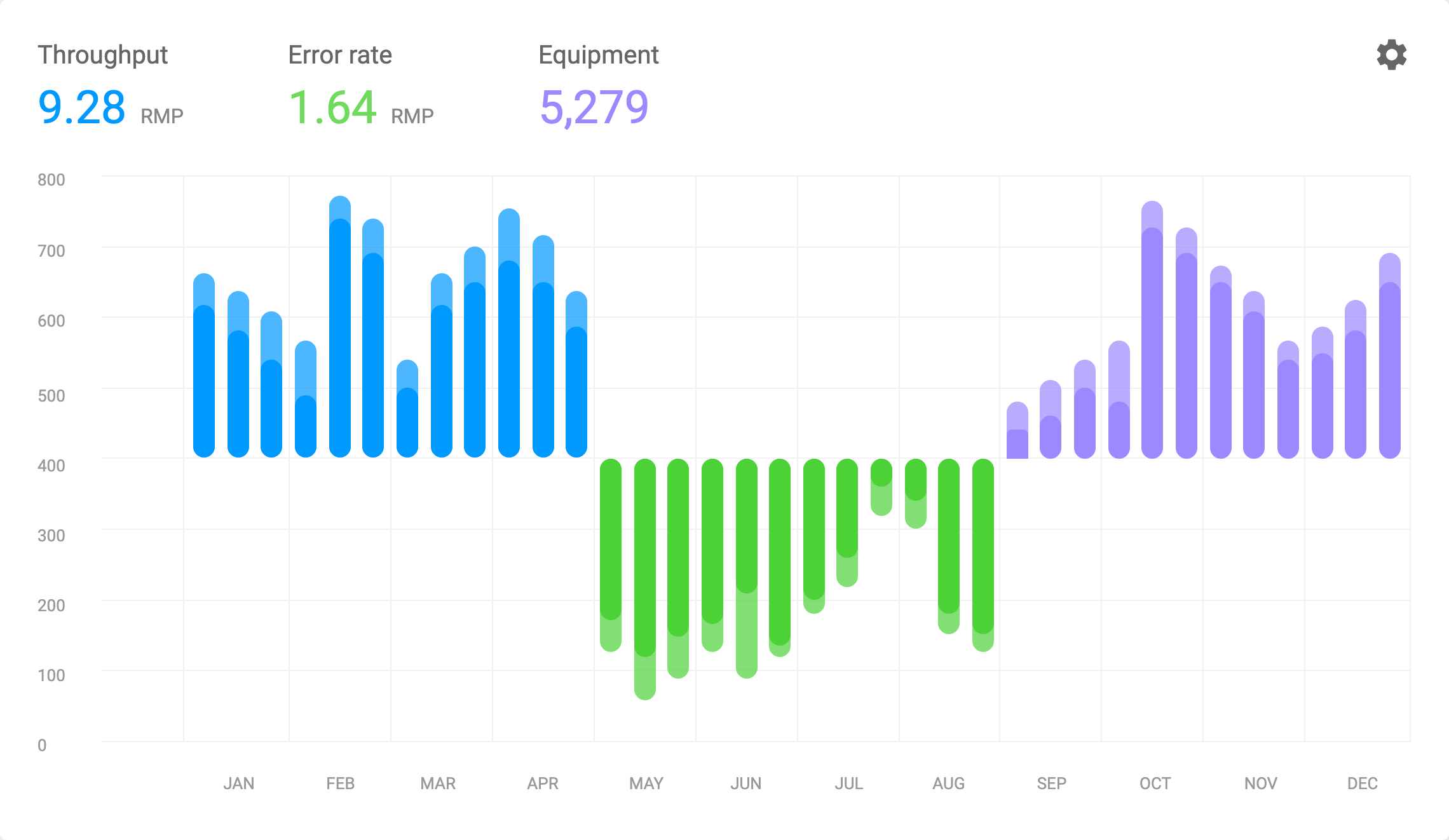
One visual building block. What it does in the finished product is still your decision.
The same thinking applies to Mobile Admin, which collects a broad set of mobile dashboard, finance, task, calendar, and interface modules. A module is not a promise that every possible admin workflow has already been solved. It is a way to avoid redrawing the same foundations while leaving the actual product logic to the person who knows the product.
Static by design does not mean stuck
“Static” can sound like an apology in a world that prizes motion. I think that confuses the starting state with the ceiling. A clear, editable component is static until you decide what it should do. It can become dynamic as soon as the design question calls for it. A thoroughly wired component can also be changed, of course, but the cost of understanding someone else’s conditions rises with every layer of hidden behaviour.
This is why I often start by asking two questions: What has to look convincing? And what has to respond convincingly? The answers are not always the same. A financial dashboard may need a rich visual vocabulary to make a concept legible in a review. A checkout form may need careful validation and branching to make a usability test meaningful. Good prototyping means spending effort in the right place, not maximising the number of clickable things.
There are exceptions in my catalogue. Some product concepts, such as an e-commerce experience, are meant to feel more like a small site or a more complete journey. Those deserve to be judged as prototypes. But I do not want the existence of those projects to make every widget library sound like a ready-to-launch application.
What you are really buying back
The honest value proposition is time and control. You do not have to draw every chart, form element, or module from zero. You also do not have to accept my assumptions about your workflow. You can start from a considered visual element, make it yours, and add the interactions that your own research or requirements justify.
I have worked with Axure long enough to appreciate what a sophisticated prototype can do. I have also worked with it long enough to know how quickly an overbuilt file becomes somebody else’s puzzle. A good library avoids that puzzle. It gives you useful pieces and lets you decide what to build.