542 editable building blocks for everyday product work
A broad source library of reusable Axure interface and content building blocks.
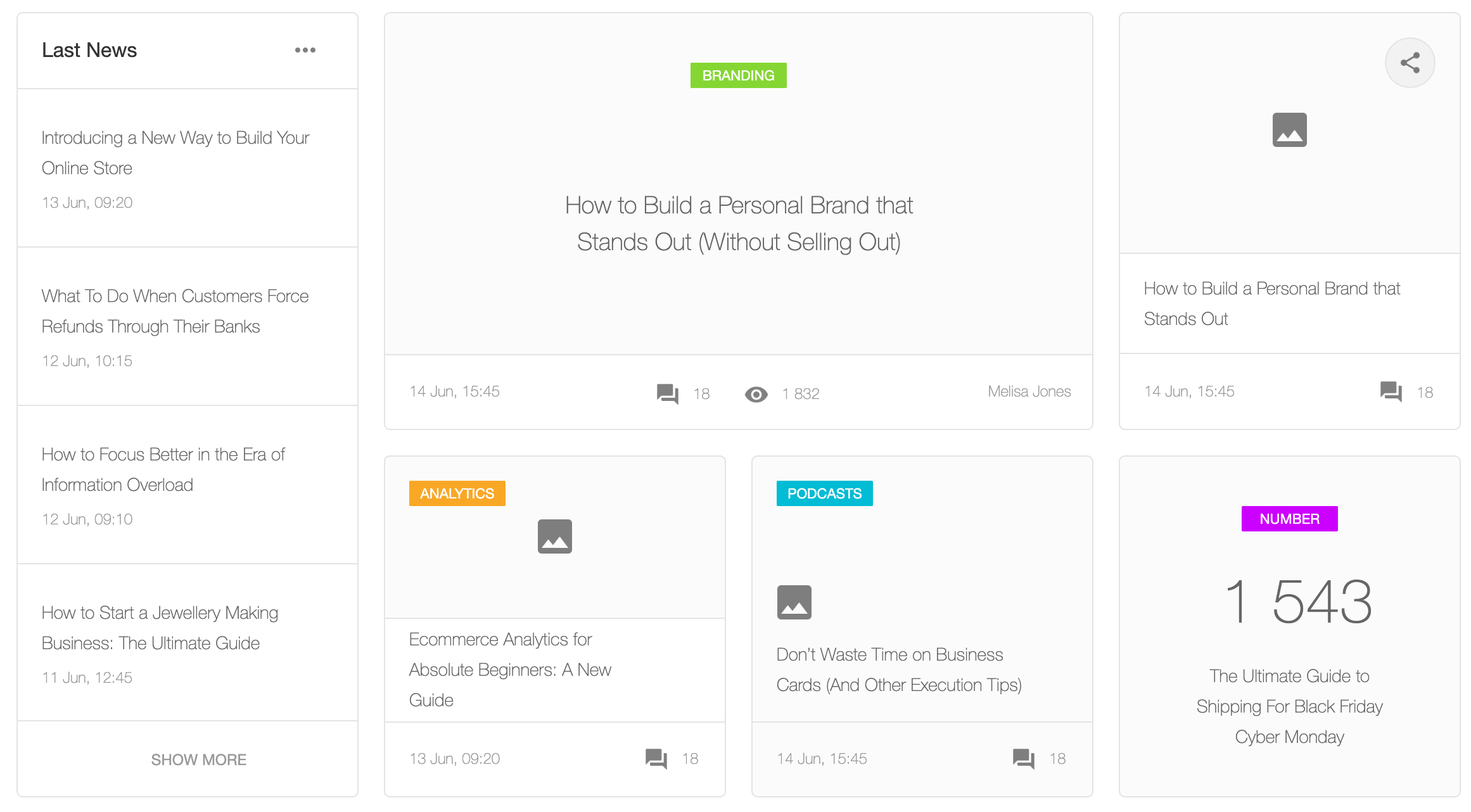

An Axure widget library with 542 editable elements for controls, media, social, business, content, and reusable product interfaces.
Time saved is an illustrative estimate for building comparable editable elements from scratch; actual results vary.
Inside Force
Browse a seven-part demo that moves from essential controls to media players, feeds, profiles, topics, groups, maps, business content, and other reusable product patterns.
A broad source library of reusable Axure interface and content building blocks.
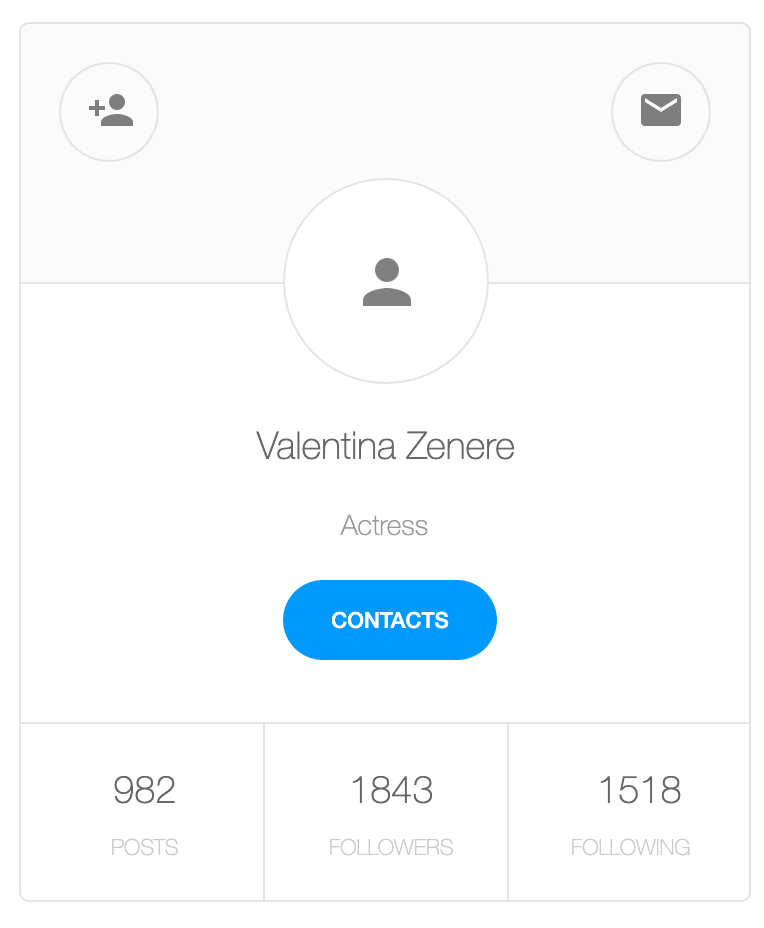
Adapt profile cards with an avatar, a contact action, and social statistics to the people and accounts in your product.
Use prepared audio, video, album, channel, article, and content-list modules to shape media-heavy screens quickly.

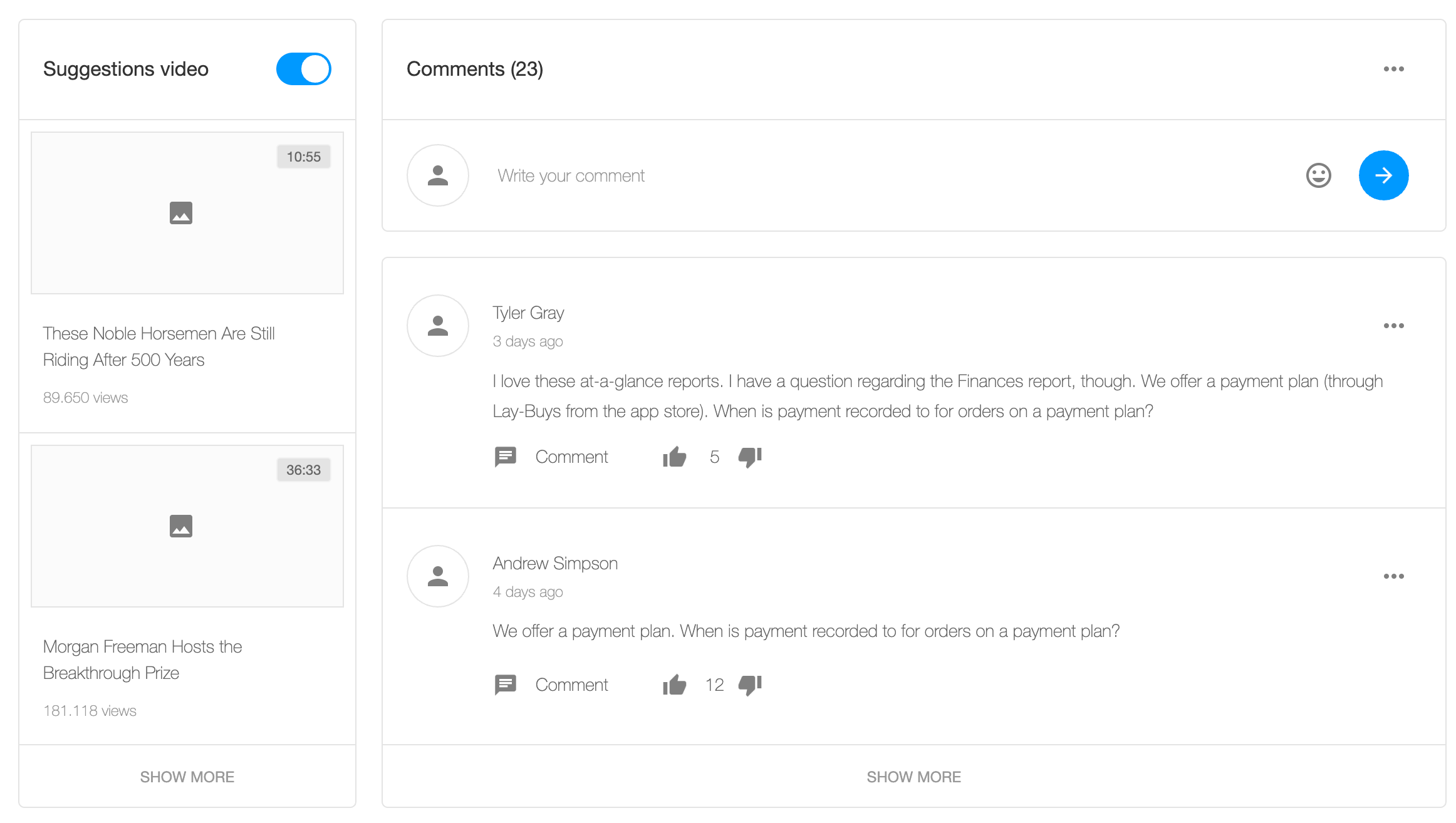
Use editable comment threads, reply actions, activity details, and suggested-content modules in your social or content screens.
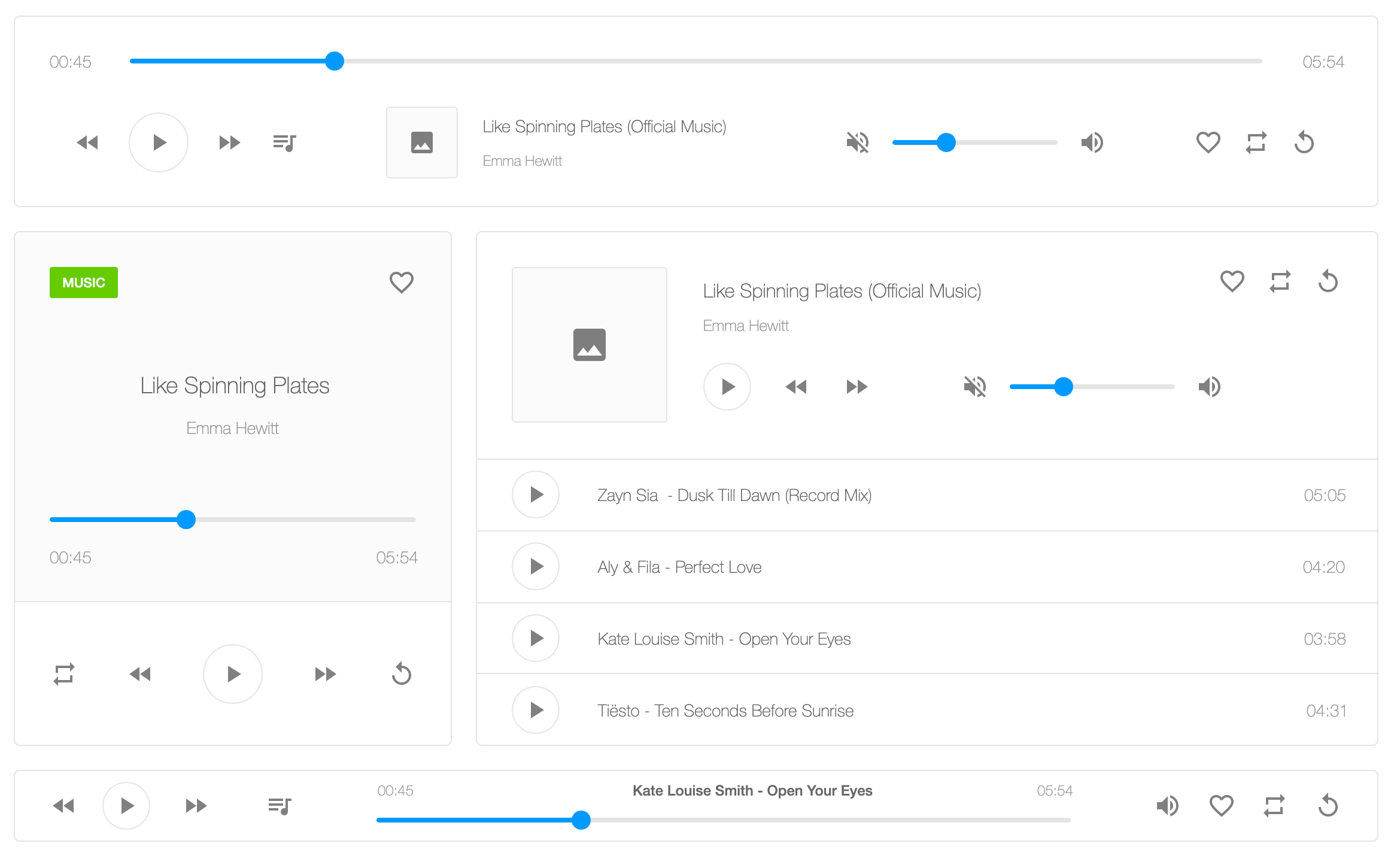
Reuse playback controls, track cards, playlists, and music-player layouts as editable starting points for media interfaces.
Product specifications
Force is a broad Axure library containing 542 editable widgets for common controls, media, content, social, business, and community interfaces.
The live demo has seven parts. Together, they show the six main groups of widgets in the original catalog.
Yes. The components are intended to be restyled, resized, rearranged, and adapted directly in Axure.
No. Force provides individual widgets and larger examples, not one complete app. Add the interactions that fit your project.
The library supports social, media, community, business, content, profile, messaging, file, map, and general application concepts.
Basic Axure familiarity is enough to start arranging and styling widgets. More advanced skills are useful when adding custom logic.
The original documentation references Axure RP 7.5 through 9. We have not tested the files with every newer release.
Open the live demo and use its seven-part navigation to inspect the categories and example compositions.