Compose content-rich mobile experiences
Use feeds, profiles, stories, media, cards, lists, and navigation patterns as editable foundations for your own iPhone X product.
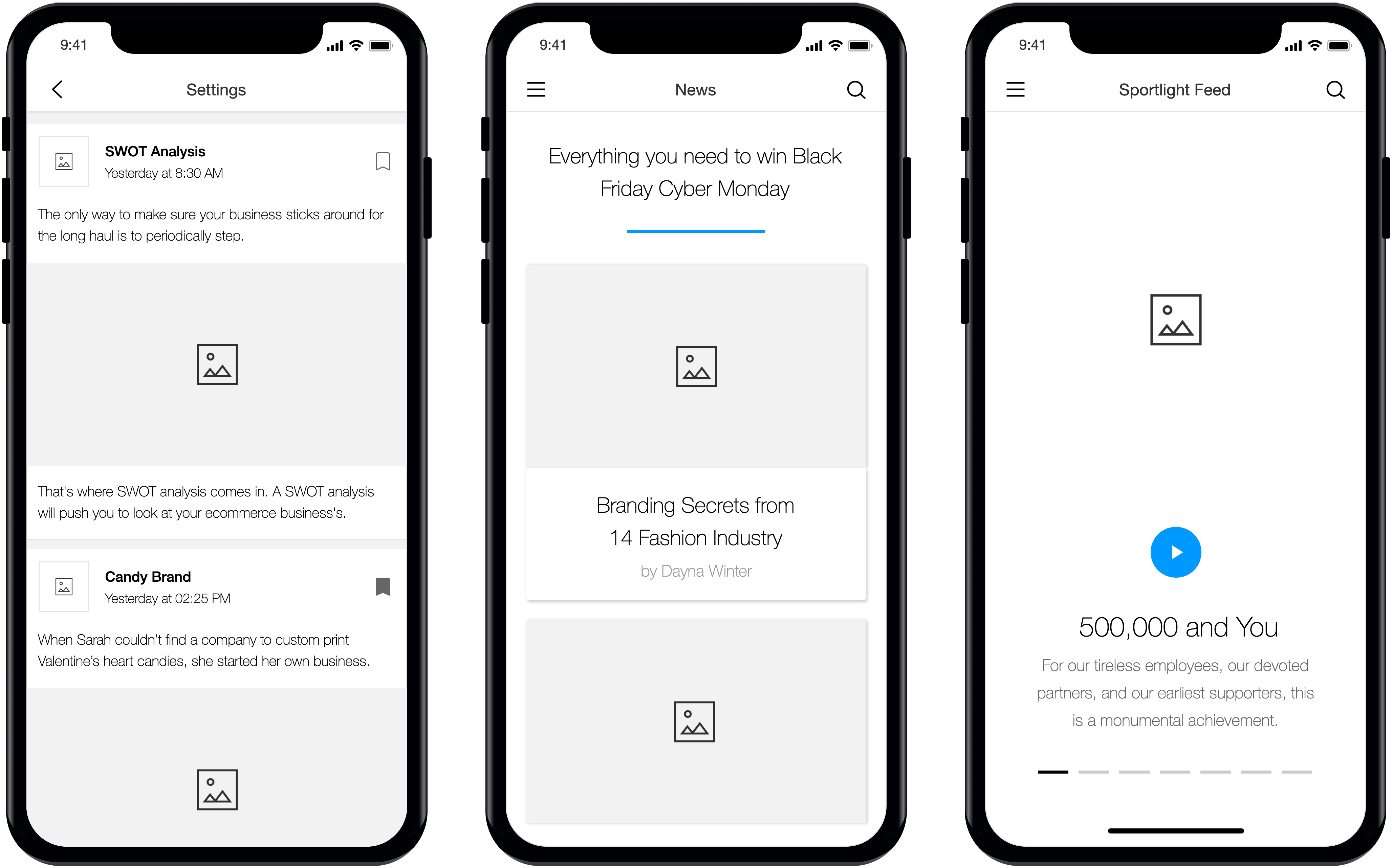

A three-part editable Axure iPhone X library with controls, mobile patterns, content feeds, profiles, galleries, and utility screens.
Time saved is an illustrative estimate for building comparable editable elements from scratch; actual results vary.
Inside iPhone X
Explore three extensive demo parts that move from core iPhone X controls and reusable screen patterns into content, feeds, profiles, media, gallery, and utility views.
Use feeds, profiles, stories, media, cards, lists, and navigation patterns as editable foundations for your own iPhone X product.
Reuse buttons, fields, selectors, navigation bars, lists, alerts, and system-oriented patterns instead of rebuilding basic UI structure.
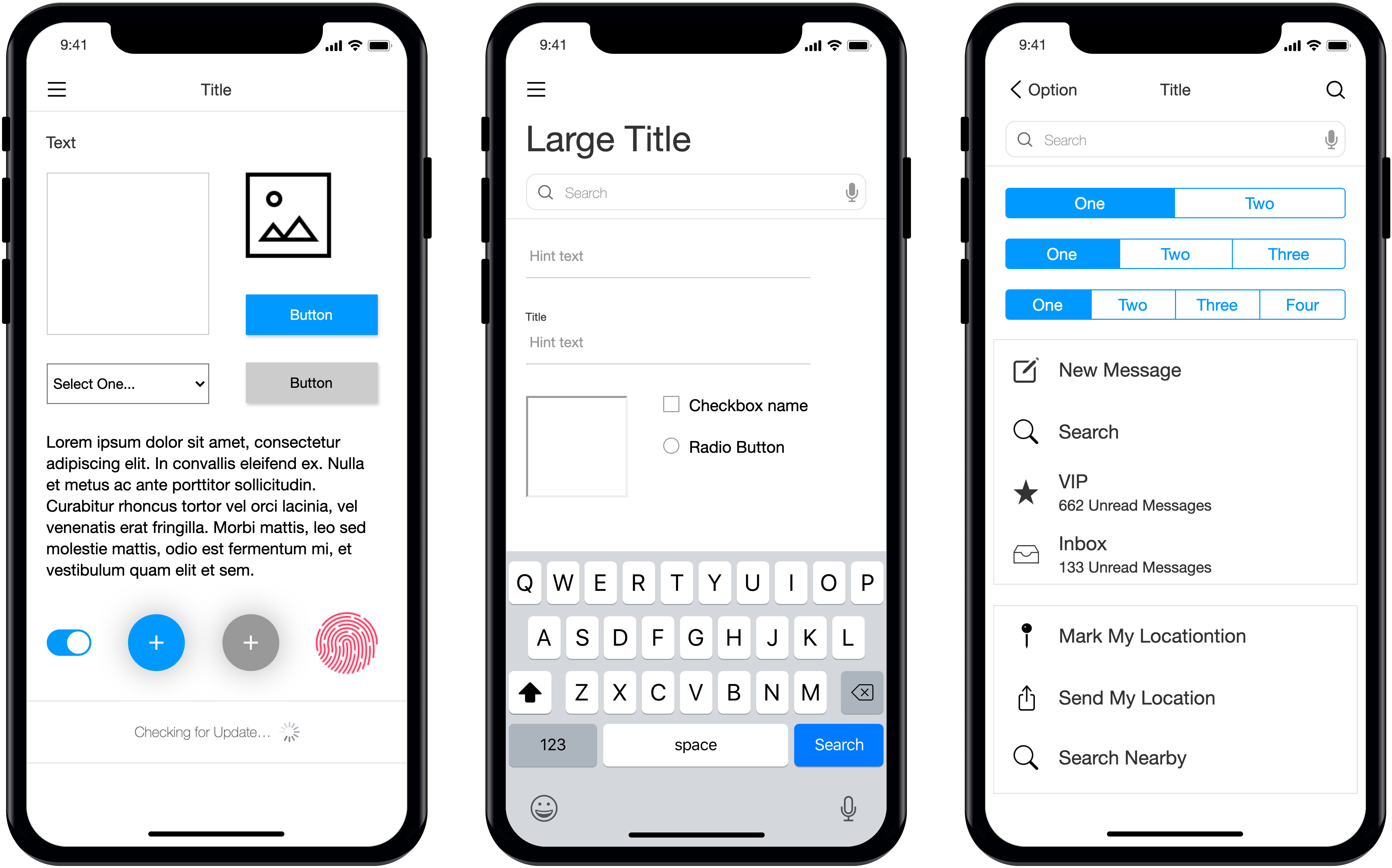
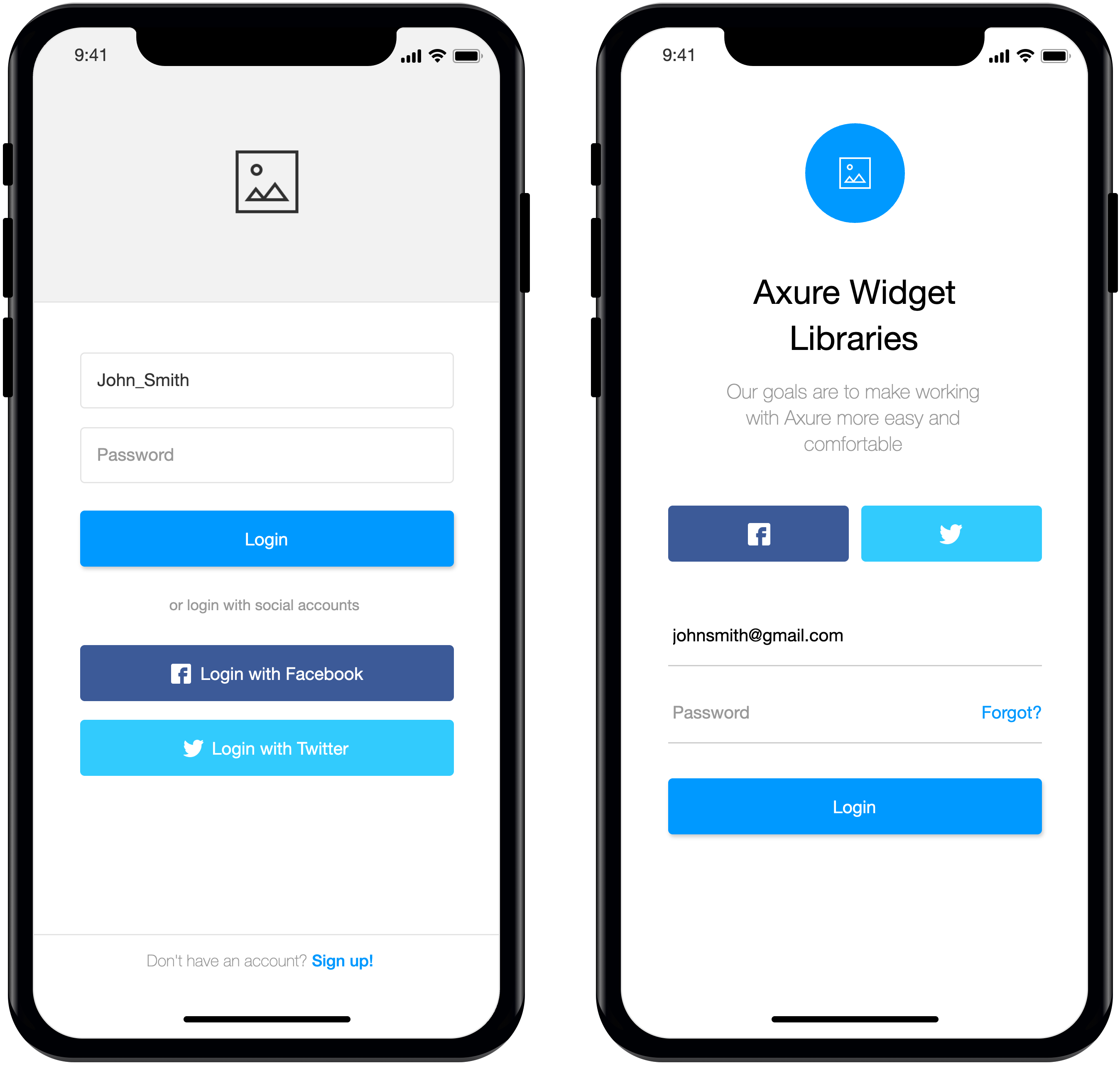
Combine prepared entry, account, content, commerce, communication, and utility structures in the sequence your concept needs.
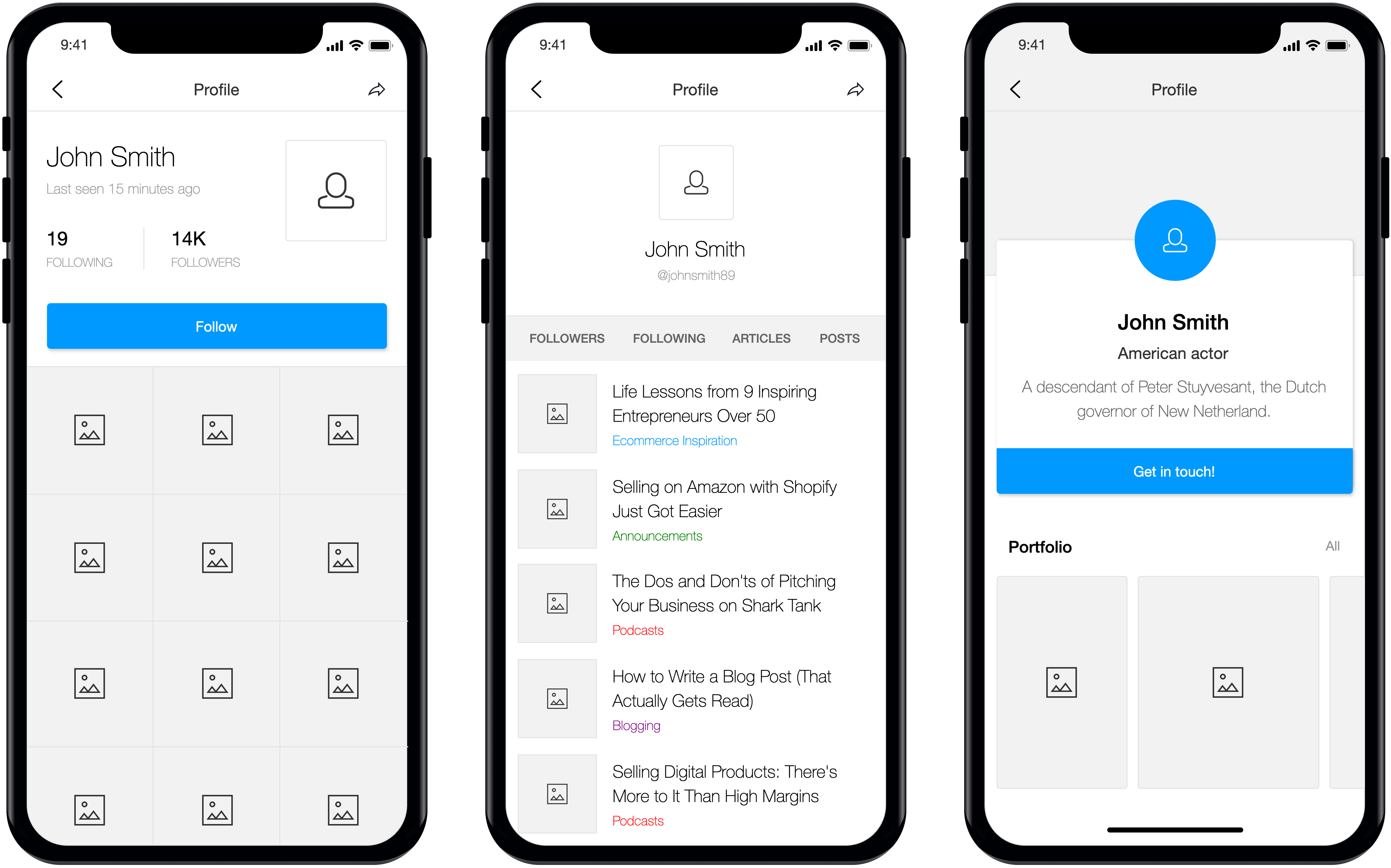
Adapt editorial cards, timelines, profiles, comments, and supporting actions while keeping the source easy to understand.
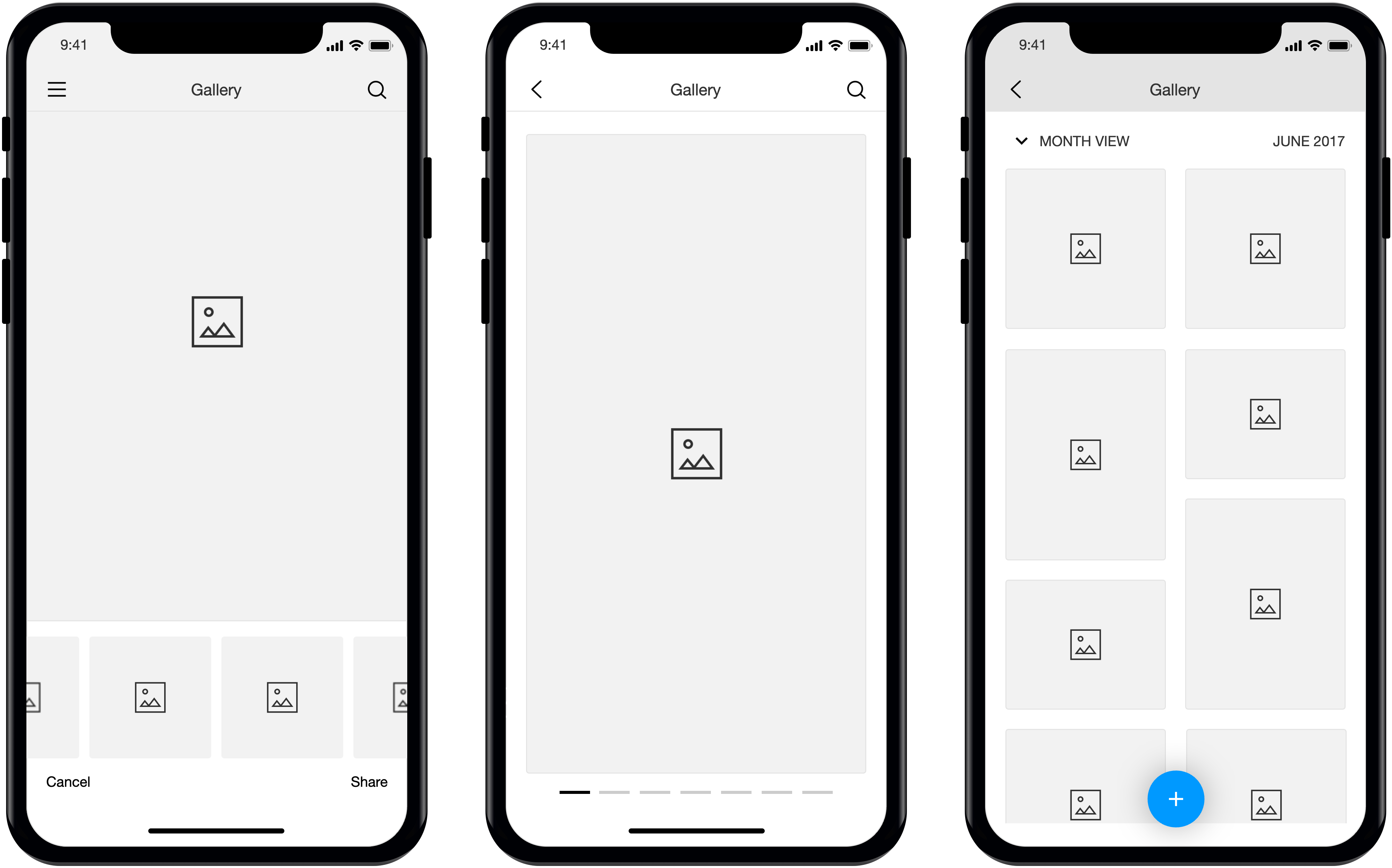
Use gallery, photo, video, and detail layouts as visual structure, then add the gestures and states required by your prototype.
Product specifications
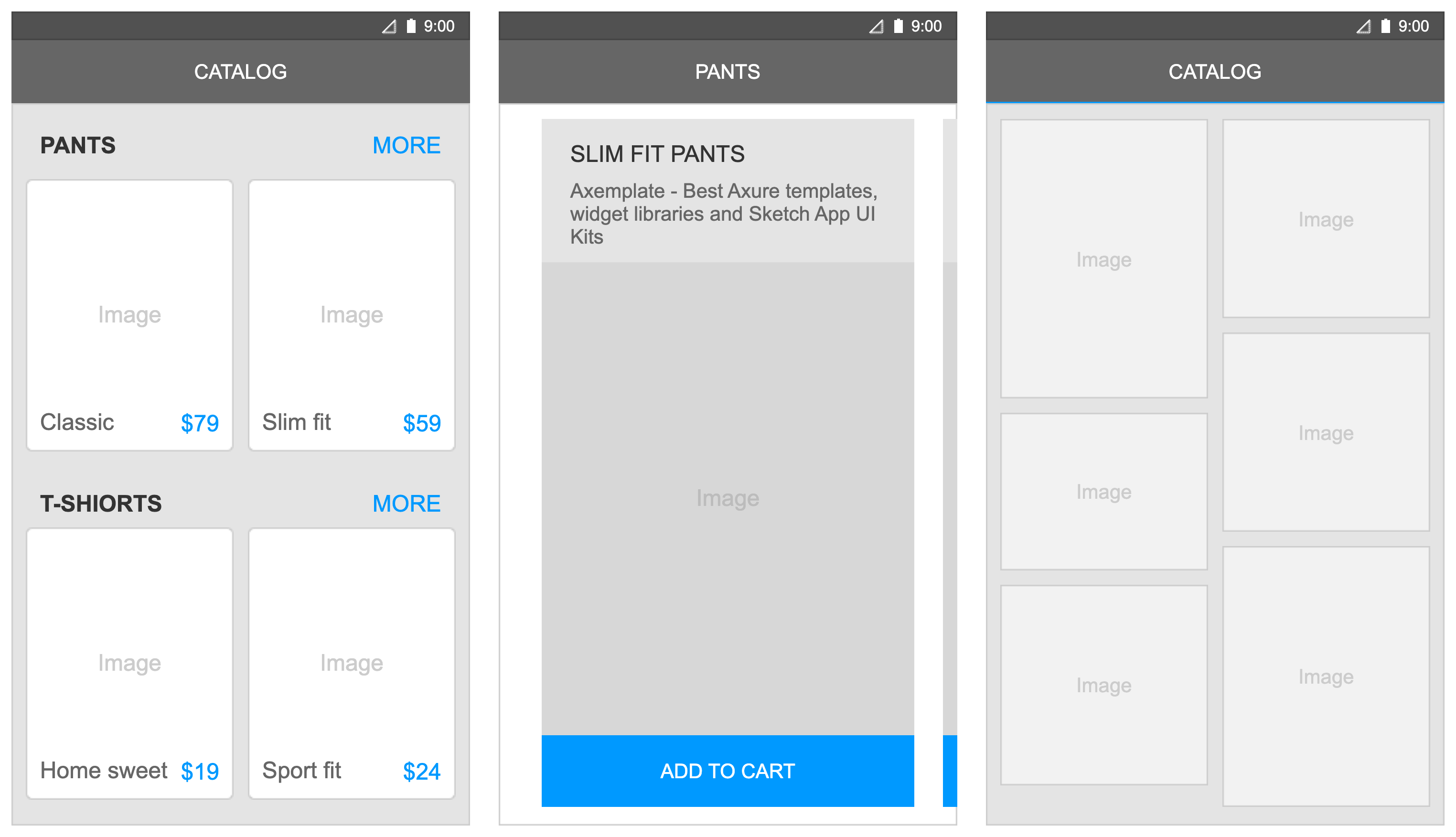
An editable Axure library for Android controls, mobile screens, feeds, profiles, commerce, navigation, and dashboards.
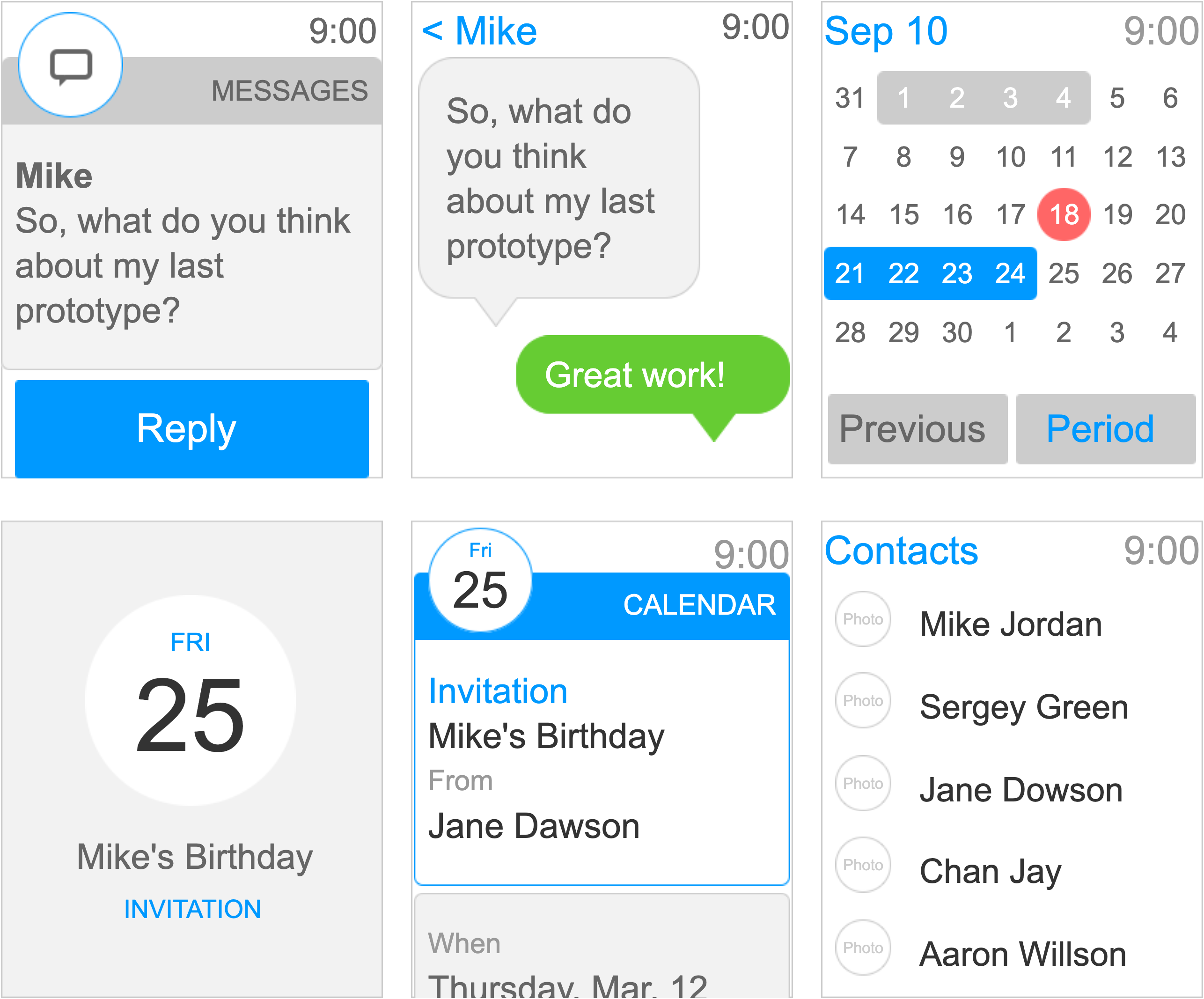
An editable Axure Apple Watch library for utilities, health, business, hobby, communication, and icon-based watch concepts.
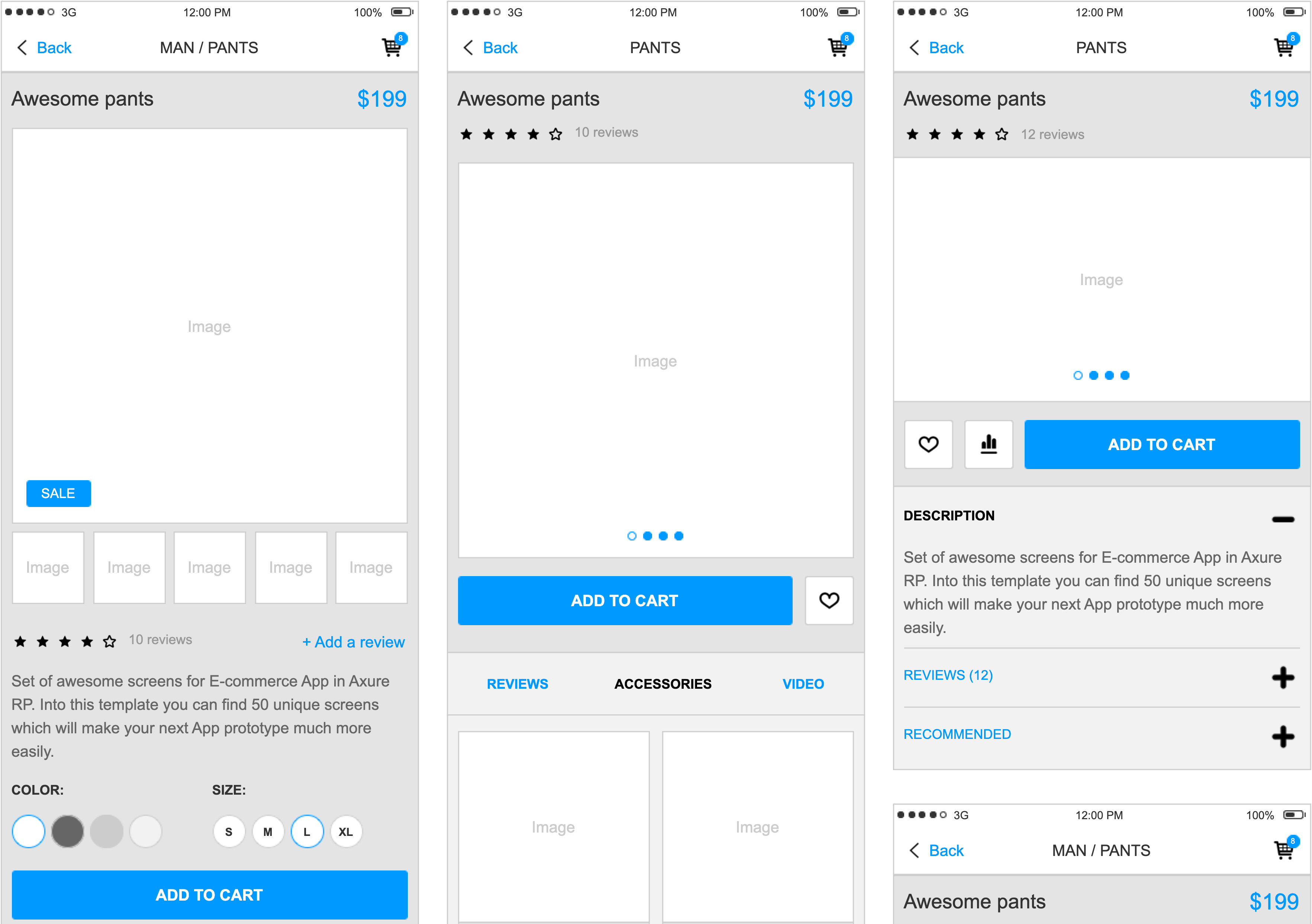
An Axure template kit with 50 editable iOS commerce screens for catalogs, products, filters, cart, checkout, and accounts.
The iPhone X Axure library lists 120 premade screens in 12 categories. The three-part demo shows controls, feeds, profiles, media, galleries, and other mobile patterns.
Yes. The library supports both smaller interface elements and larger prepared screen structures.
No. The library includes editable Axure screens and widgets, not a working app. Add your own data and interactions.
Yes. The demo includes feed, profile, editorial, gallery, photo, video, card, and detail-oriented layouts.
Yes. iPhone X Lite is a free sample of the full Axure library.
Yes. The source is editable, so you can preserve useful structure while modernizing typography, spacing, controls, and device conventions.
The original product page listed Axure RP 7.5, 8, and 9. We have not tested the files with every newer Axure RP release.