Shape a complete mobile news experience
Start with a consistent visual direction for reader onboarding, subscription choices, alert preferences, and news-focused mobile screens.
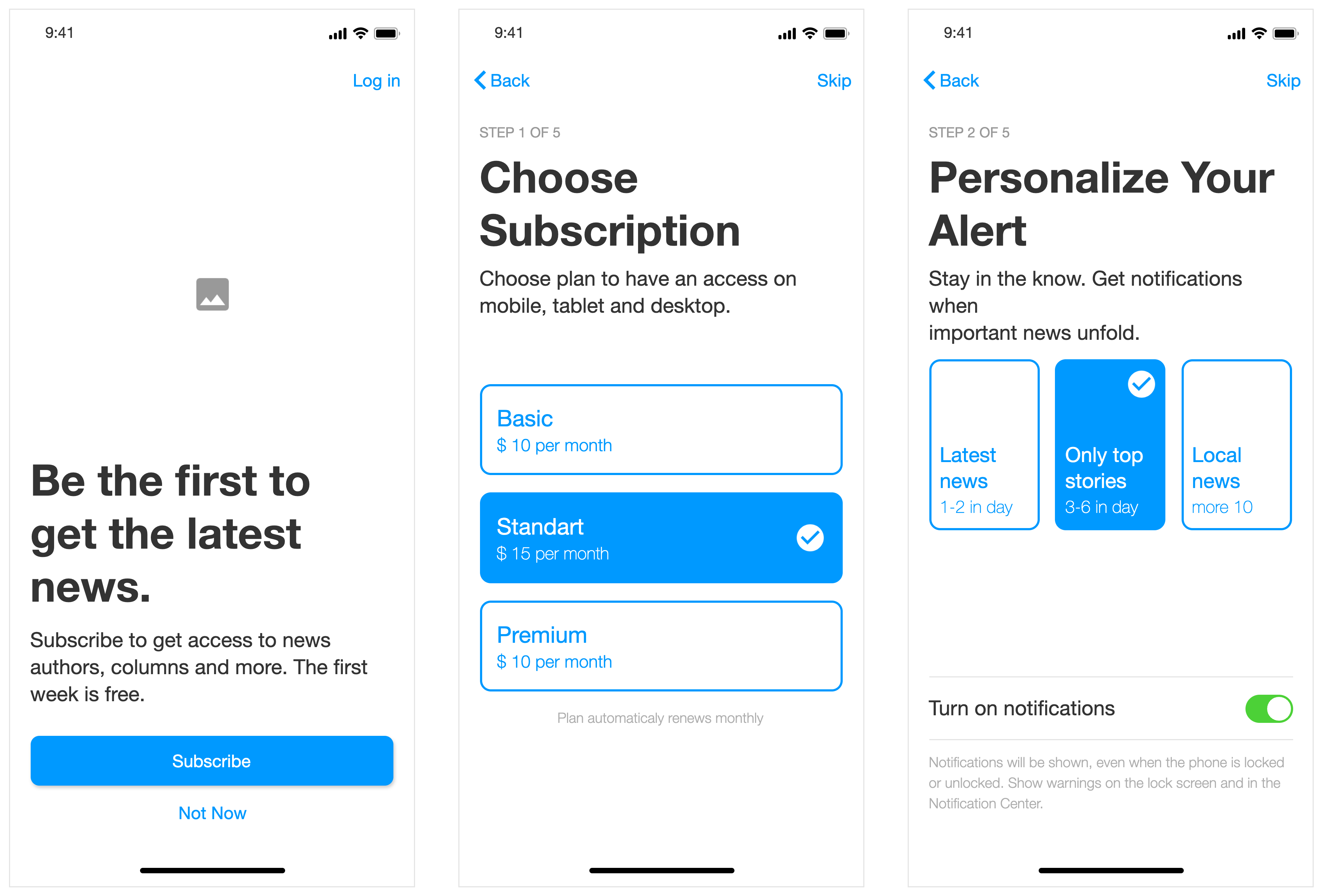

A 20-screen editable Axure mobile news template for onboarding, subscriptions, alerts, accounts, and reading experiences.
Time saved is an illustrative estimate for building comparable editable elements from scratch; actual results vary.
Inside iOS Media App
Start with onboarding, subscriptions, news screens, alerts, and account settings. Adapt the editable screens to your own mobile media app.
Start with a consistent visual direction for reader onboarding, subscription choices, alert preferences, and news-focused mobile screens.
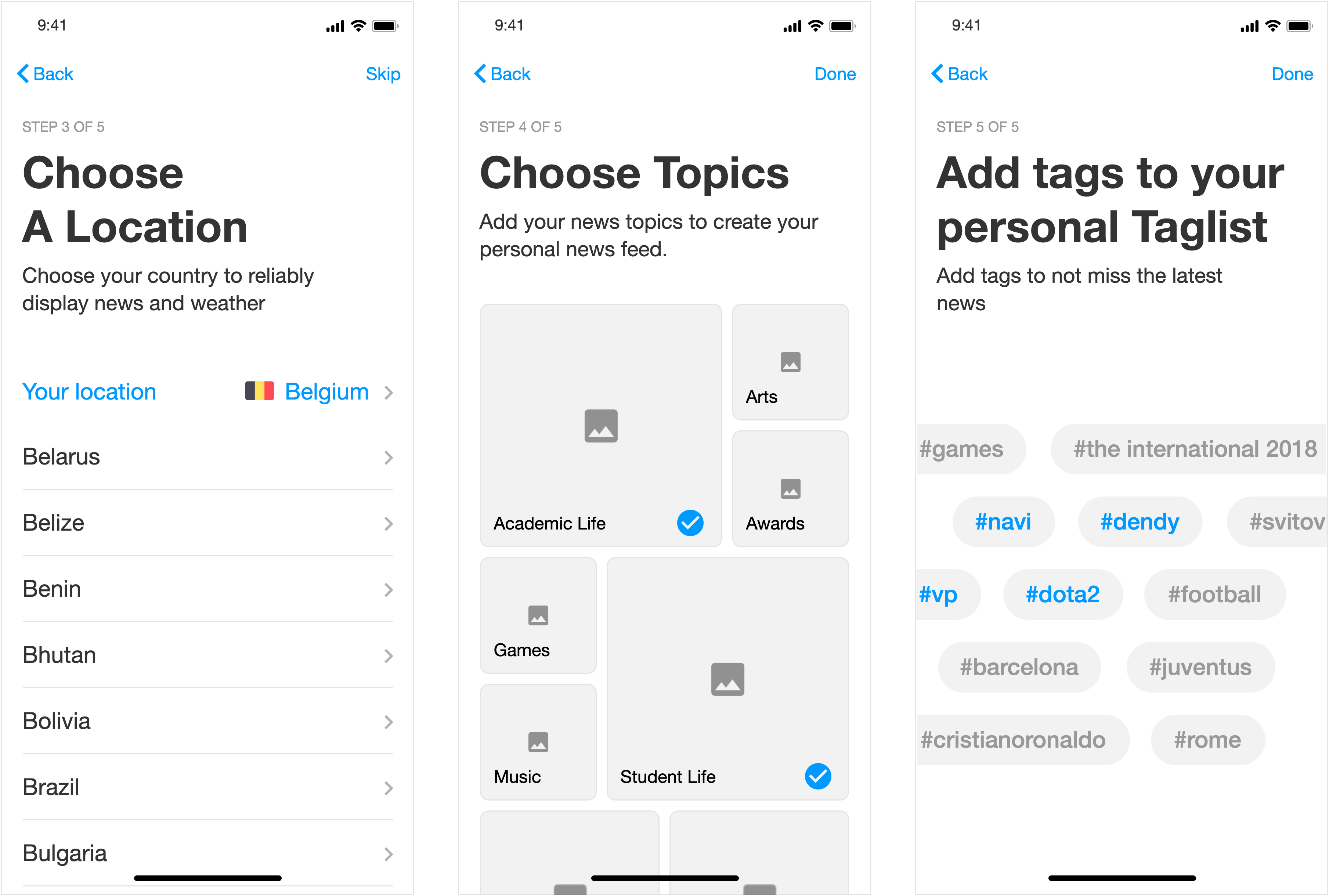
Use prepared location, topic, and tag-selection screens to tailor the onboarding flow before readers enter the news feed.
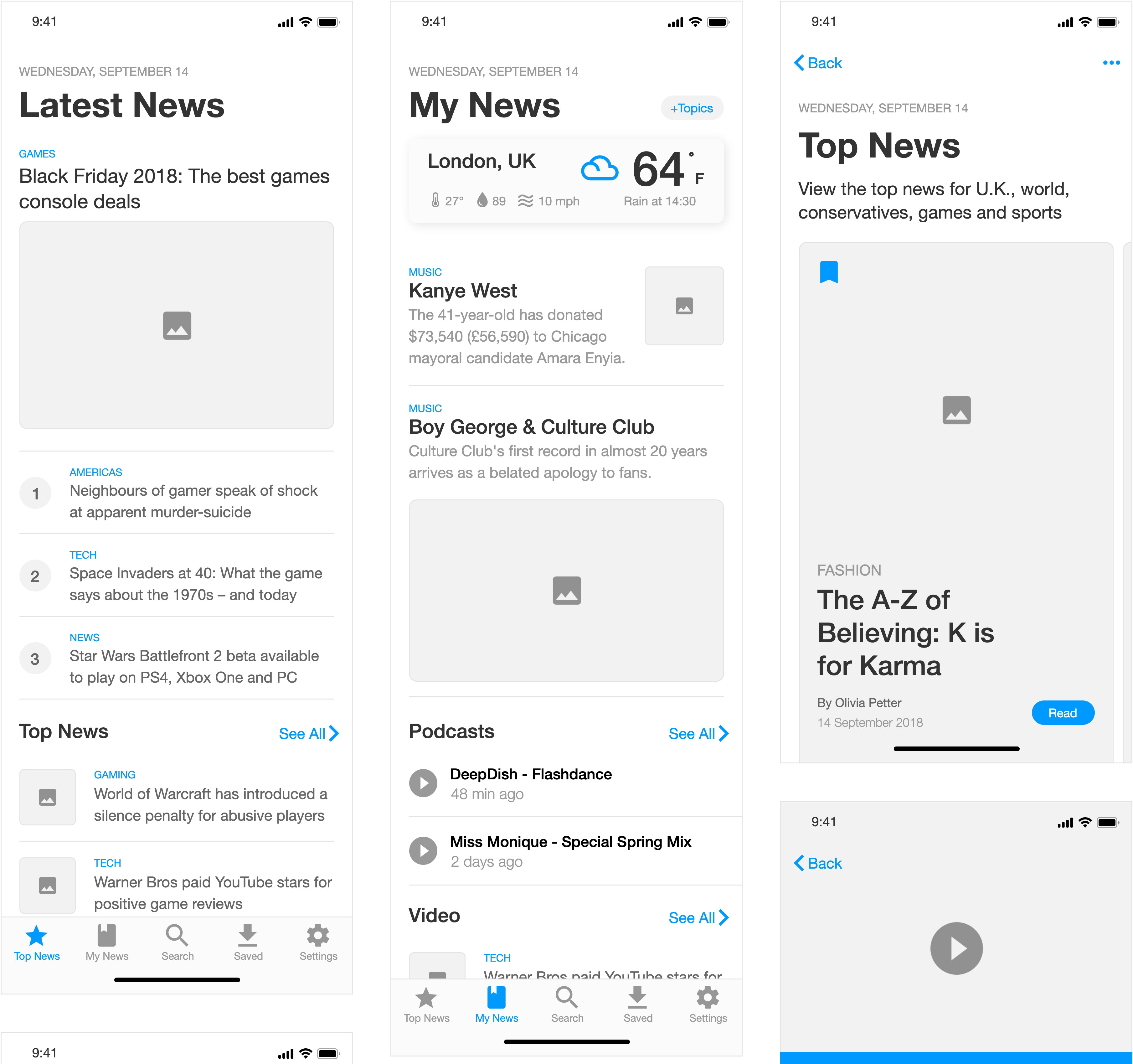
Start with Latest News, My News, and Top News layouts. Adapt the article cards, categories, and reading structure to your news product.
Product specifications
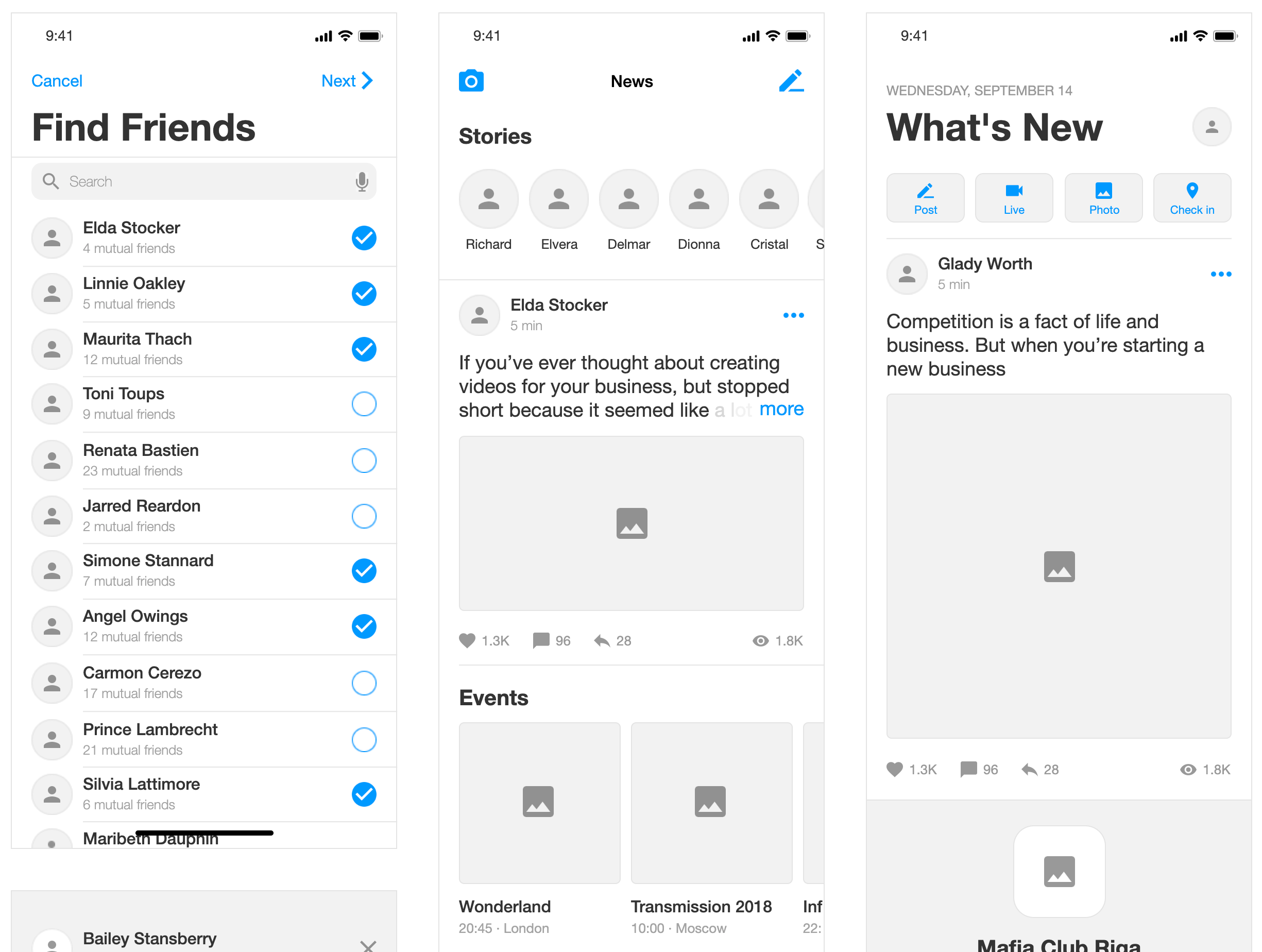
An editable Axure template with 24 social-app screens for iPhone X and iPhone 8, from onboarding to messages.
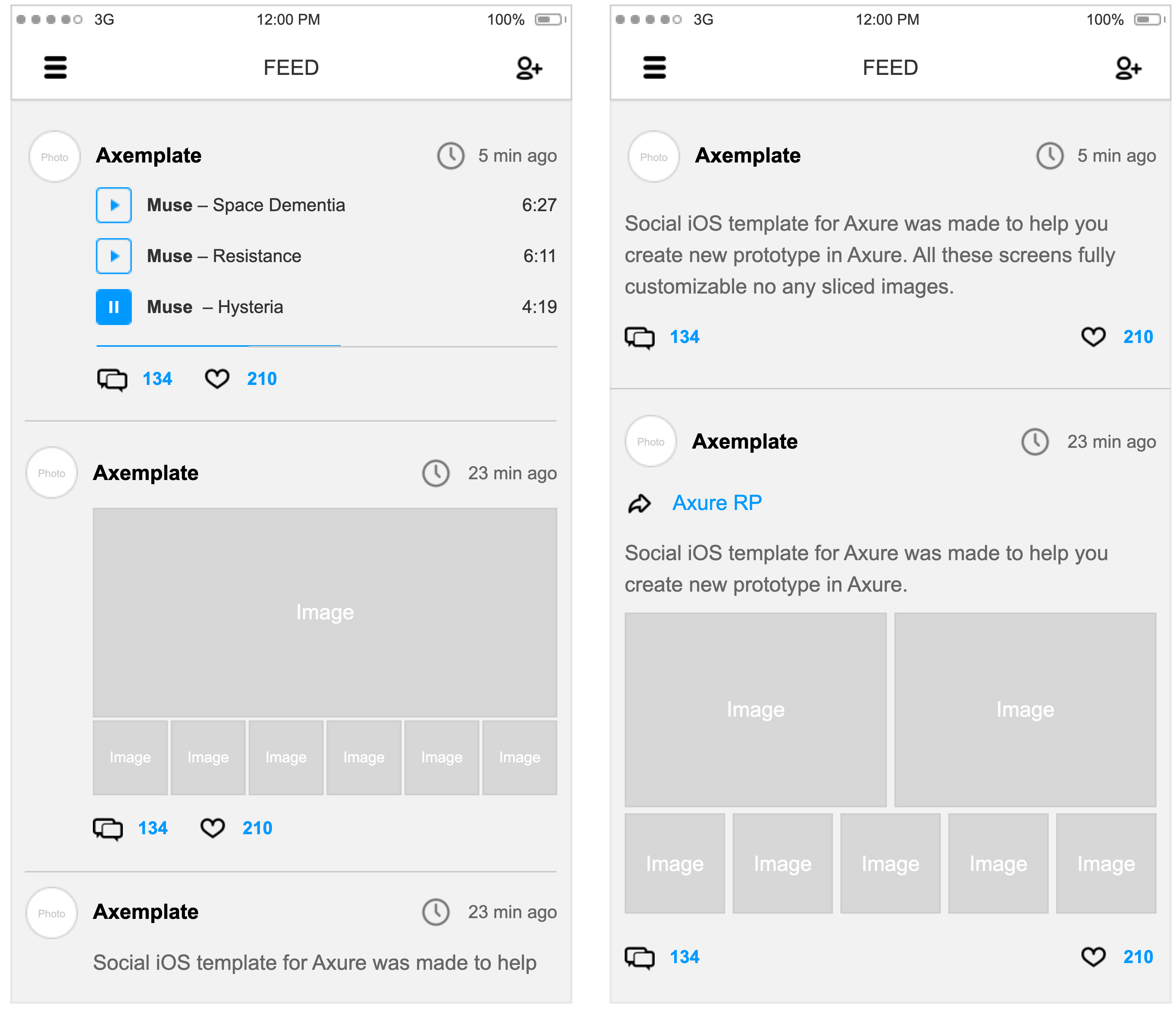
An Axure template for social apps, with approximately 47 editable iOS screens for onboarding, feeds, profiles, media, messages, and settings.
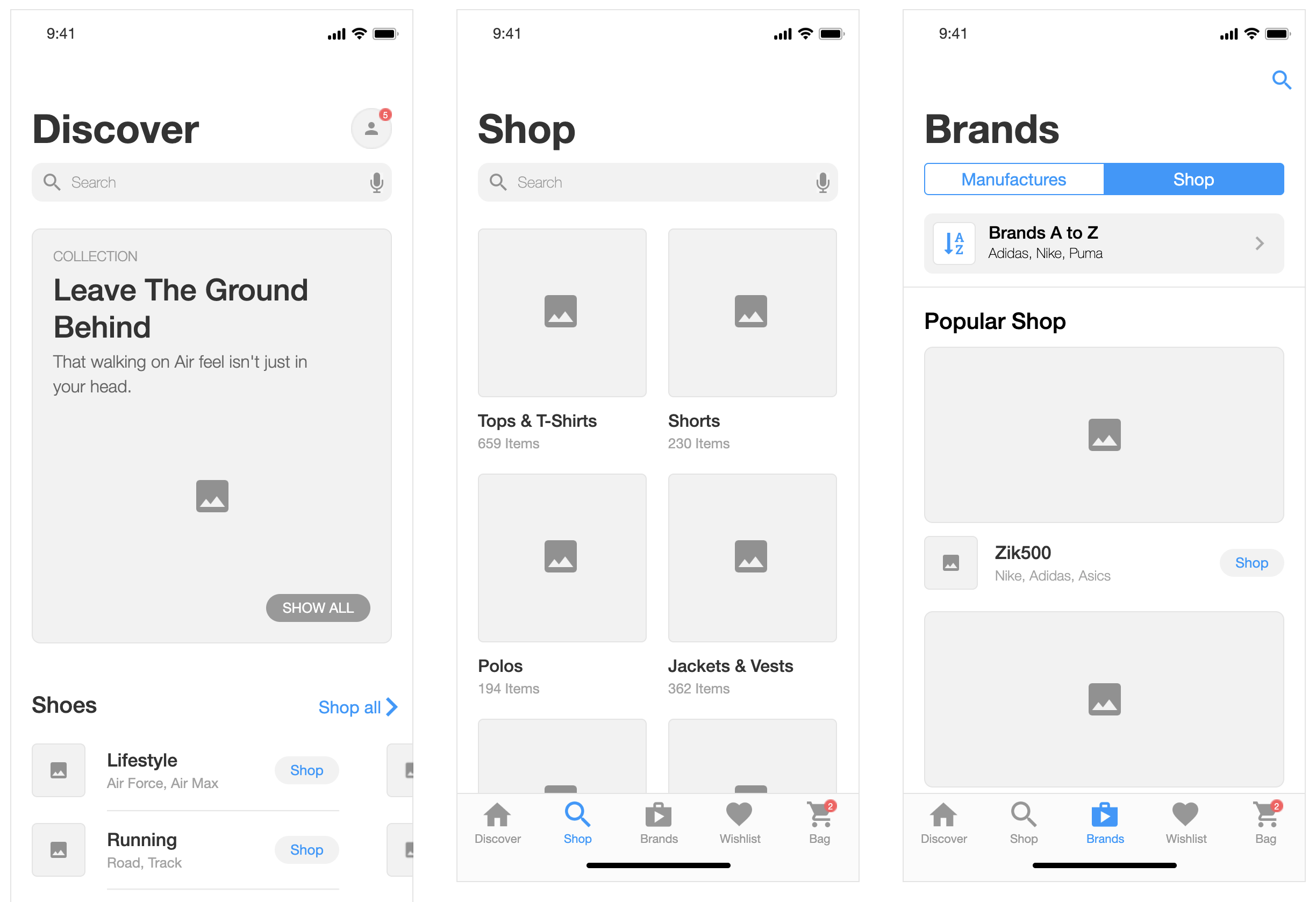
An editable Axure template with 21 shopping-app screens for iPhone X and iPhone 8, from discovery to checkout.
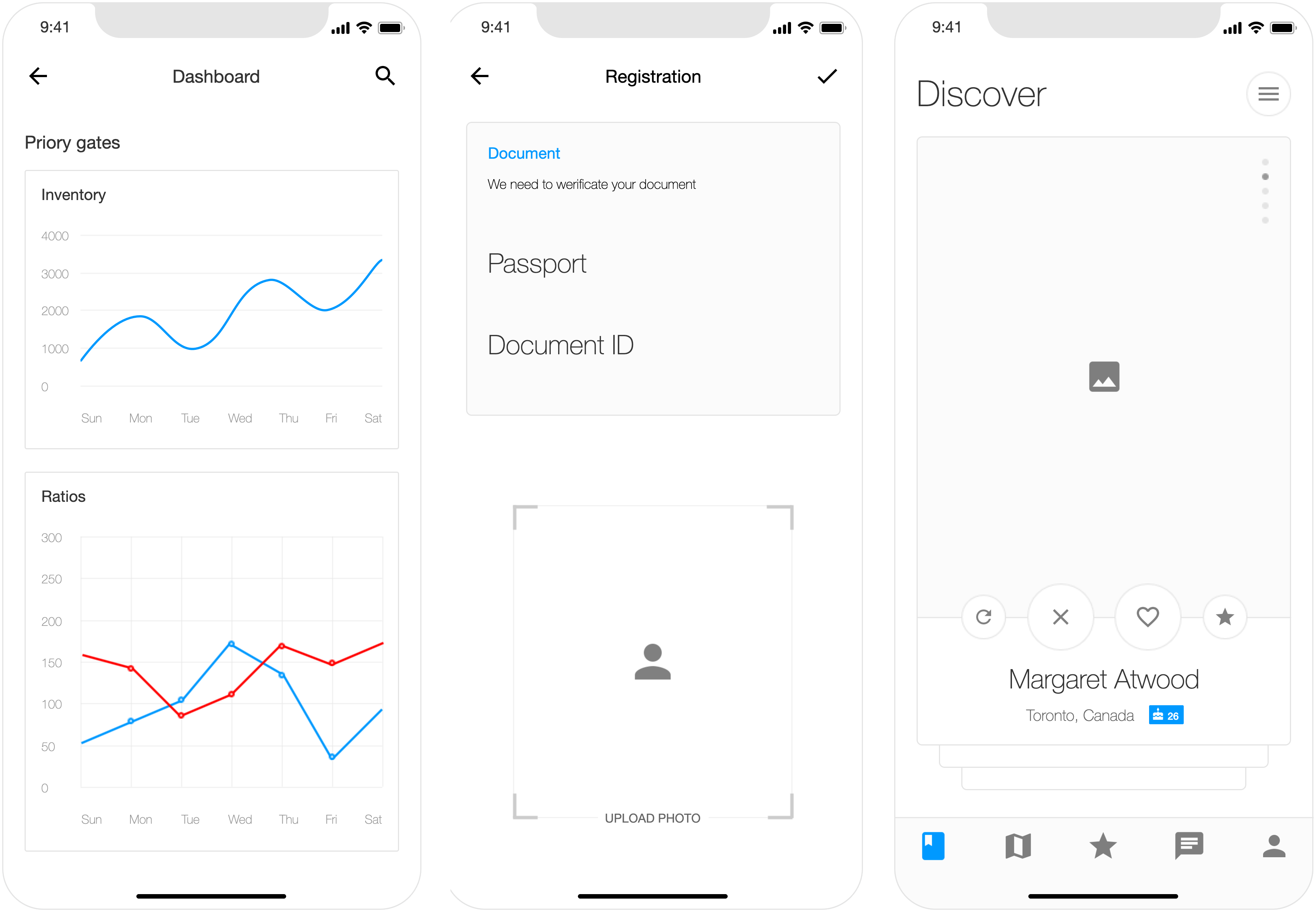
Five editable Axure iPhone X app concepts for finance, cinema, social discovery, SaaS dashboards, and food experiences.
iOS Media App is an Axure template for a mobile news product. The original listing describes 20 screens for iPhone X and iPhone 8.
The live demo shows onboarding, subscriptions, alerts, news feeds, articles, video clips, podcasts, search, author profiles, saved stories, and reader settings. It includes layouts for iPhone X and iPhone 8.
No. This Axure template provides editable screens, not a working app. Add content delivery, accounts, subscriptions, notifications, accessibility, and implementation.
Yes. The source was sold as an editable Axure template, so the visible content, hierarchy, styling, and composition can be adapted.
Yes. Select Live demo to browse the restored iOS Media App demo hosted by Axemplate. You can inspect the mobile screens and interface elements in your browser without installing Axure.
The video shows a recorded scroll through selected demo screens. Open Live demo to inspect the full collection.
The original page listed Axure RP 7.5, 8, and 9. We have not tested the files with every newer Axure RP release.