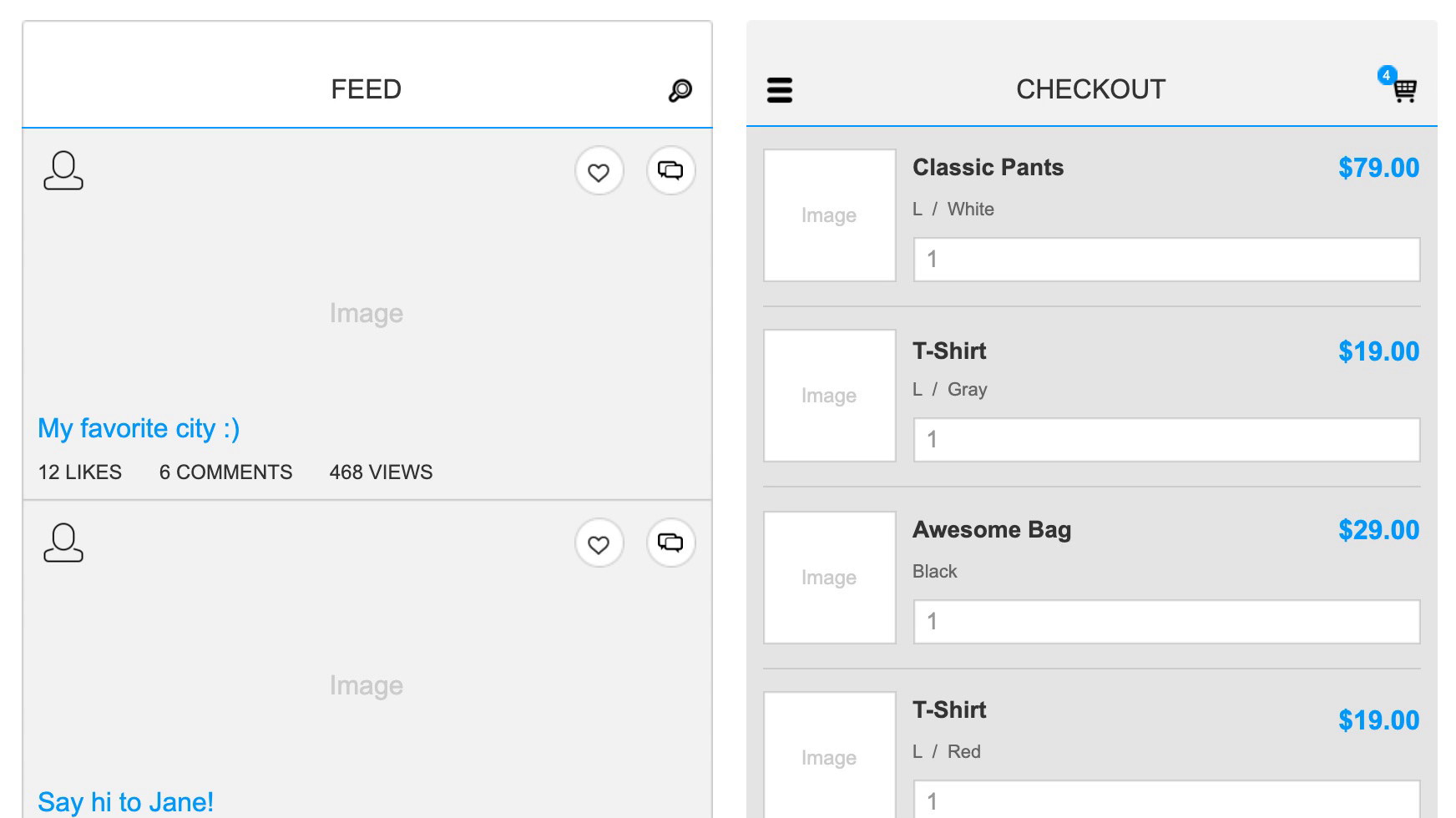
Start with mobile screens and controls
Adapt feed and checkout screens, then use the matching interface controls in your own mobile prototype.
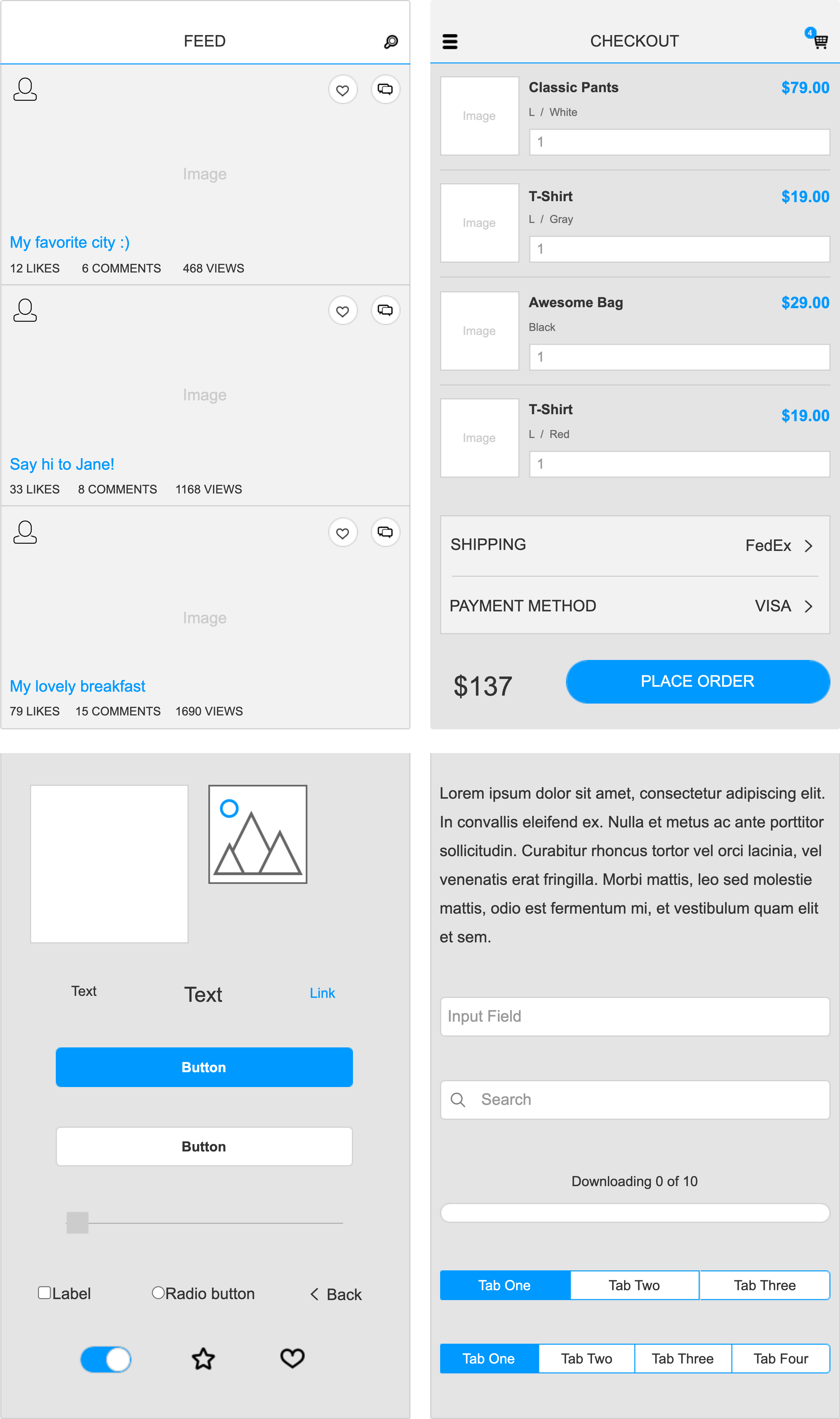

A free eight-screen iPhone 6 Plus Axure sample with controls, mobile patterns, icons, and prepared interface layouts.
Time saved is an illustrative estimate for building comparable editable elements from scratch; actual results vary.
Inside the free edition
Use editable controls, reusable mobile structures, and prepared screens as a starting point. Preserve the useful hierarchy, update the visual language, and add the behavior your concept needs.
Adapt feed and checkout screens, then use the matching interface controls in your own mobile prototype.
Use buttons, fields, selectors, search, navigation, and supporting iOS patterns without recreating the visual basics.
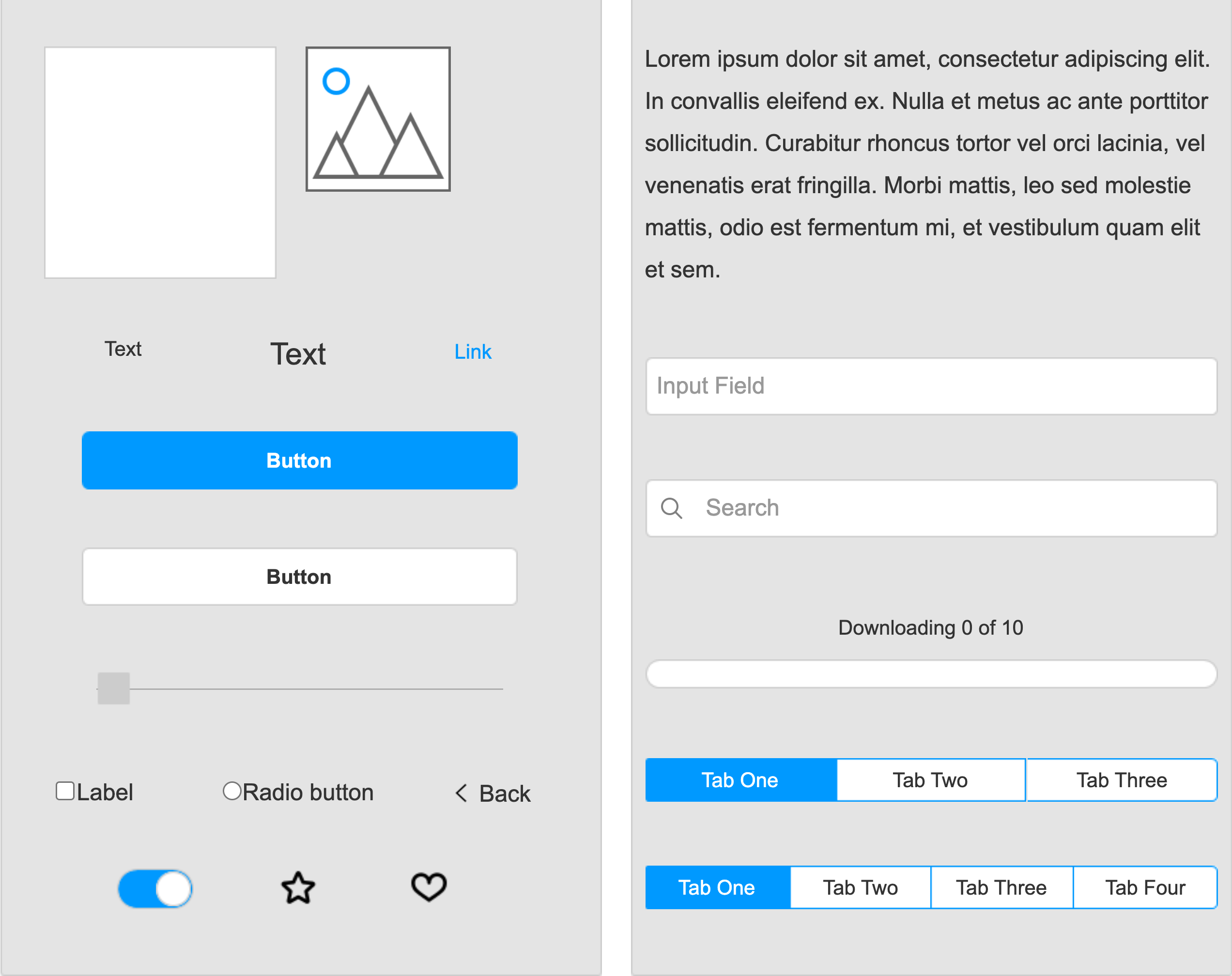
Draw from the included icon language, then refresh size, weight, and styling to match the current product direction.
Product specifications
Need the complete classic iPhone library?
Expand the free sample with more controls, screens, content, communication, commerce, and utility patterns for editable mobile prototypes.
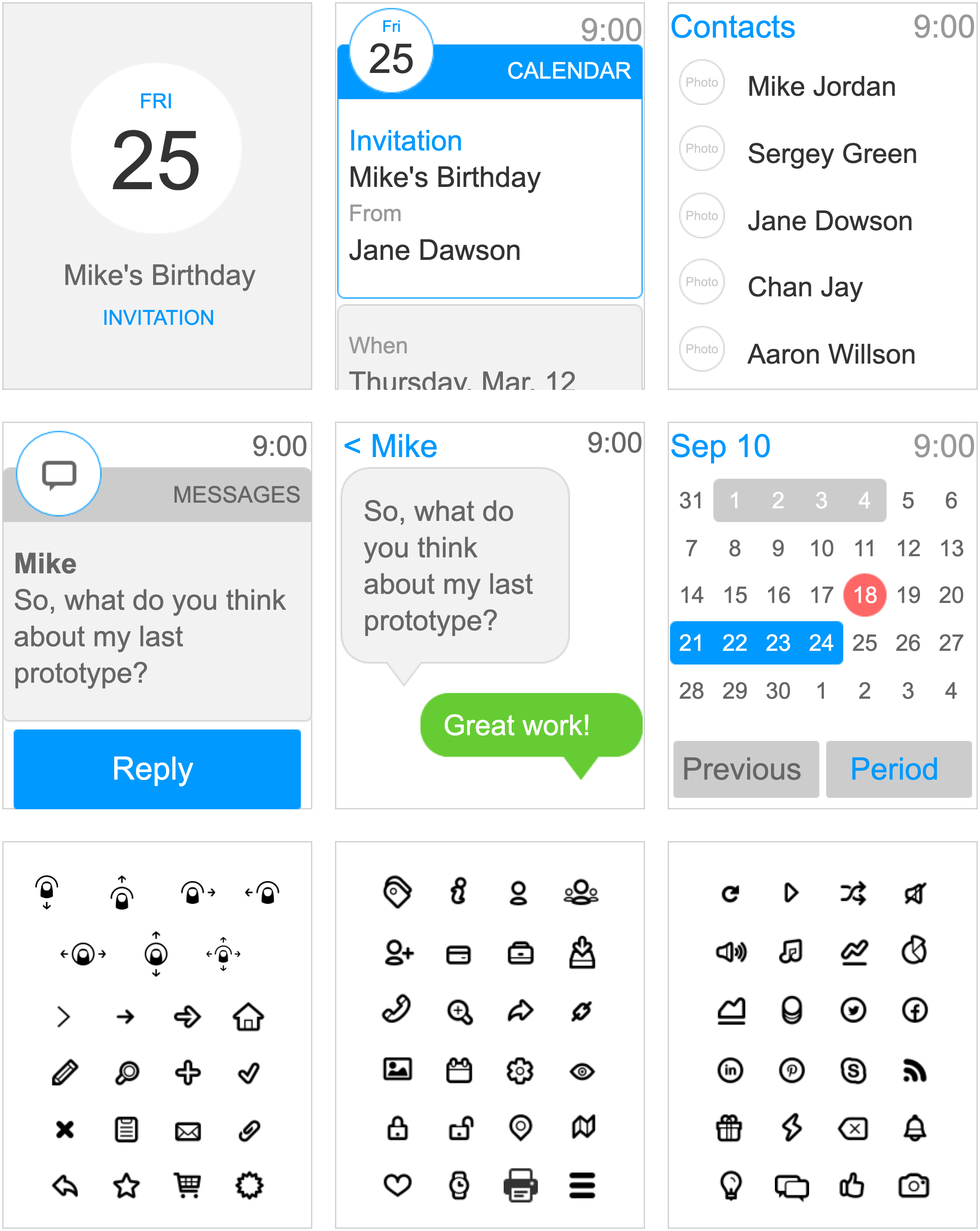
A free six-screen Axure Apple Watch starter set for messages, calendar, contacts, icons, and compact wearable layouts.
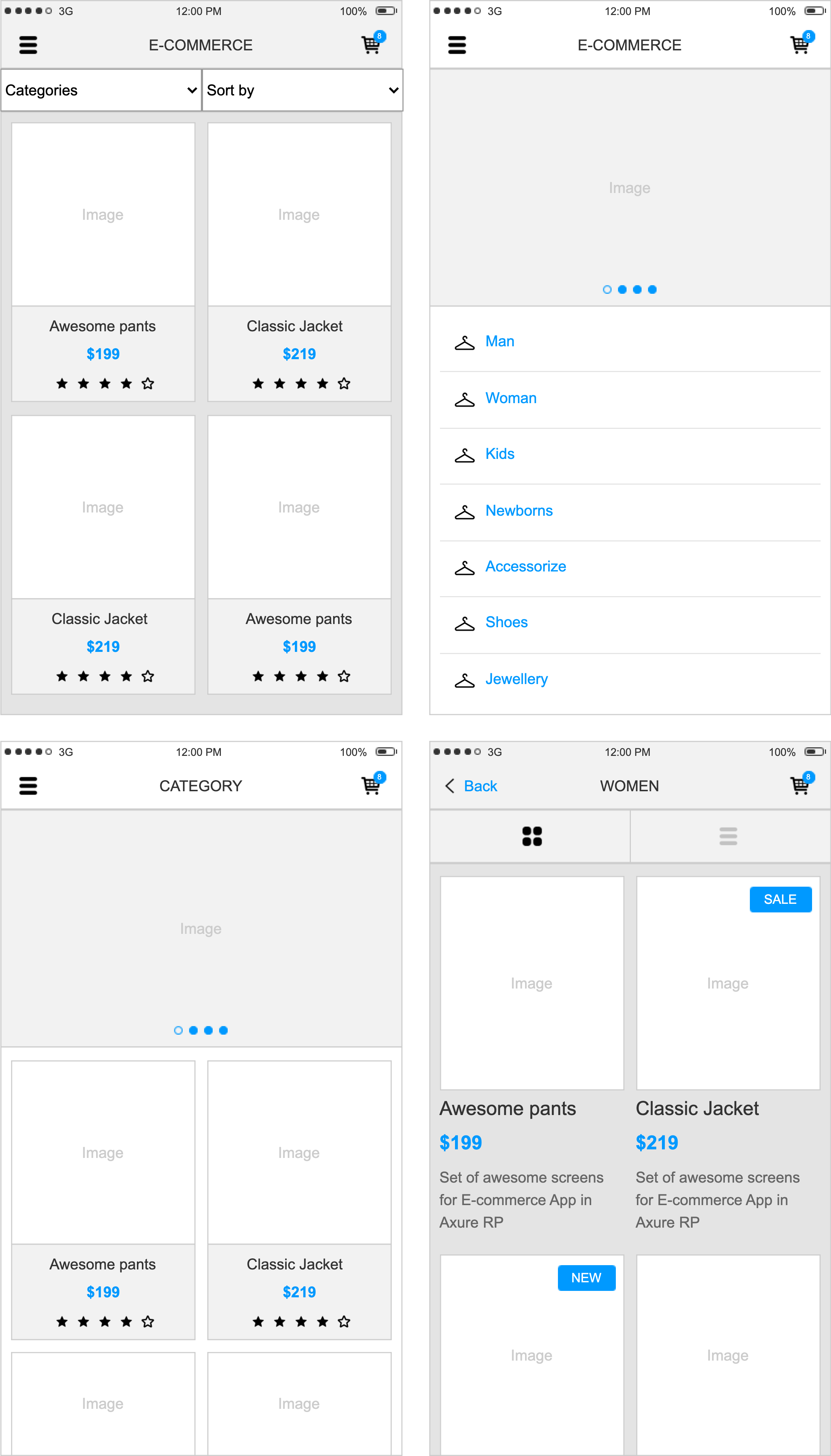
A free mobile commerce Axure sample with product grids, category navigation, lists, filters, ratings, favorites, and cart actions.
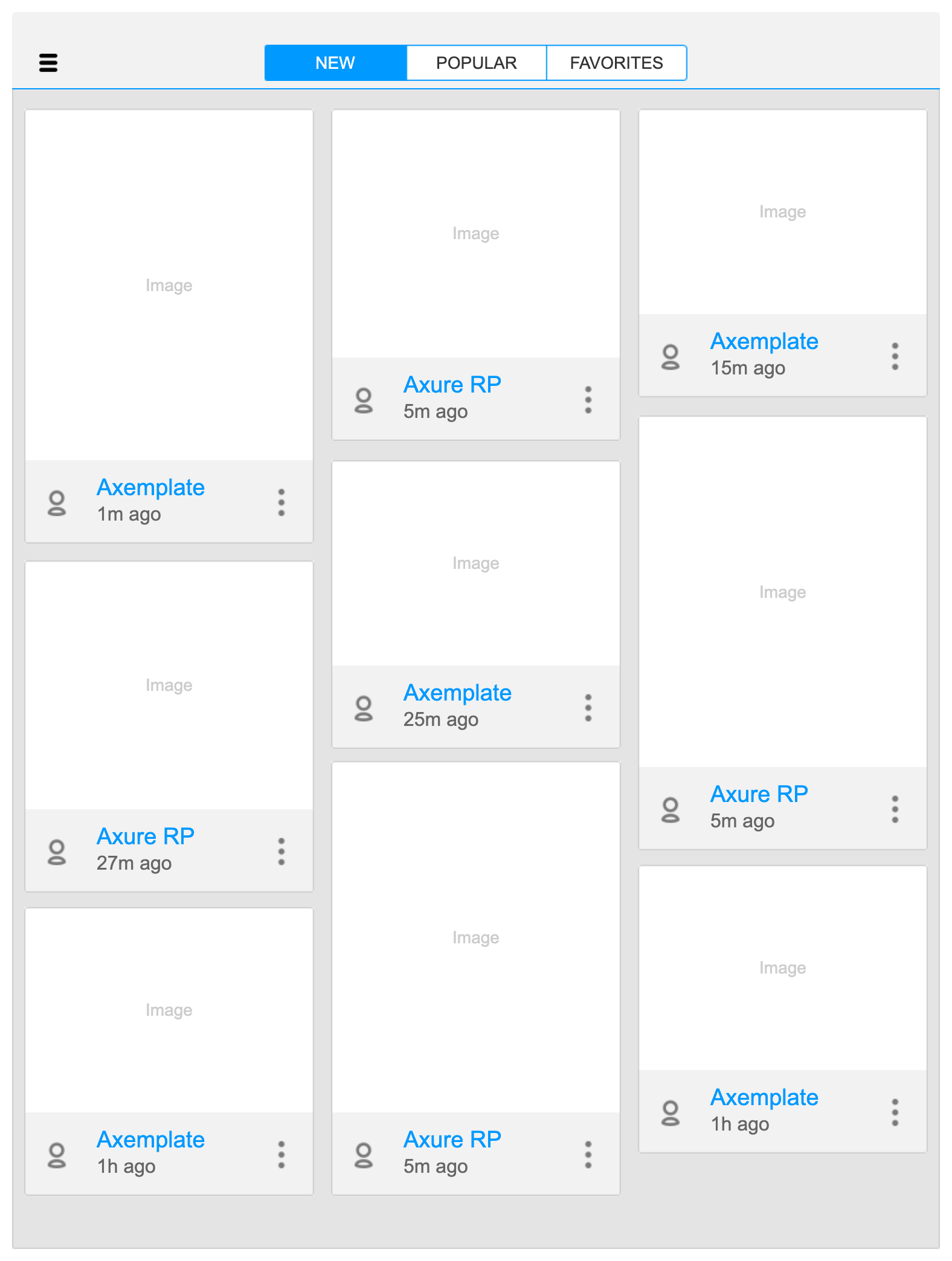
A free 48-screen iPad Axure library with controls, keyboards, navigation, content patterns, and prepared app layouts.
iPhone 6 Plus Lite is a free eight-screen sample of the iPhone 6 Plus Axure widget library.
The demo includes core controls, reusable mobile patterns, icons, and prepared application screens.
Yes. You can change the controls and screens in Axure RP.
No. It provides editable screens and widgets, not a working app. Add your own data and interactions.
Yes. Preserve the useful structure while updating typography, spacing, controls, and device conventions.
The full iPhone 6 Plus library expands the range of controls, screens, content, communication, commerce, and utility patterns.
The files were made for an older version of Axure RP. We have not tested the files with every newer release.