Move from catalog to product detail
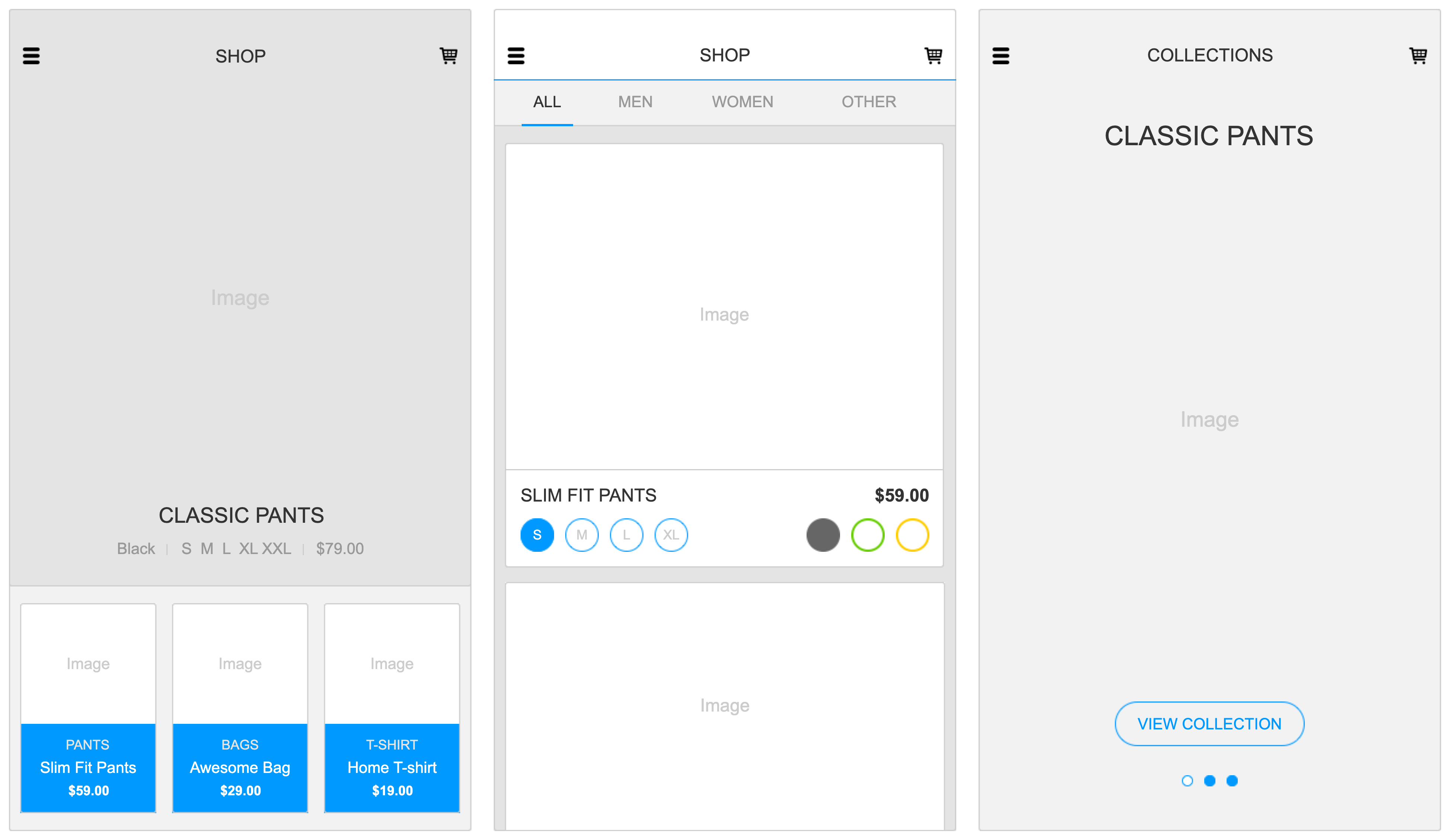
Use prepared store catalogs, product cards, product details, sizing, pricing, and shopping actions sized for the larger iPhone canvas.

An editable Axure iPhone 6 Plus library for controls, profiles, feeds, commerce, chat, navigation, and dashboards.
Time saved is an illustrative estimate for building comparable editable elements from scratch; actual results vary.
Inside iPhone 6 Plus
Explore iPhone 6 Plus screen foundations across commerce, profiles, feeds, chat, navigation, login, walkthroughs, dashboards, and everyday iOS controls.
Use prepared store catalogs, product cards, product details, sizing, pricing, and shopping actions sized for the larger iPhone canvas.
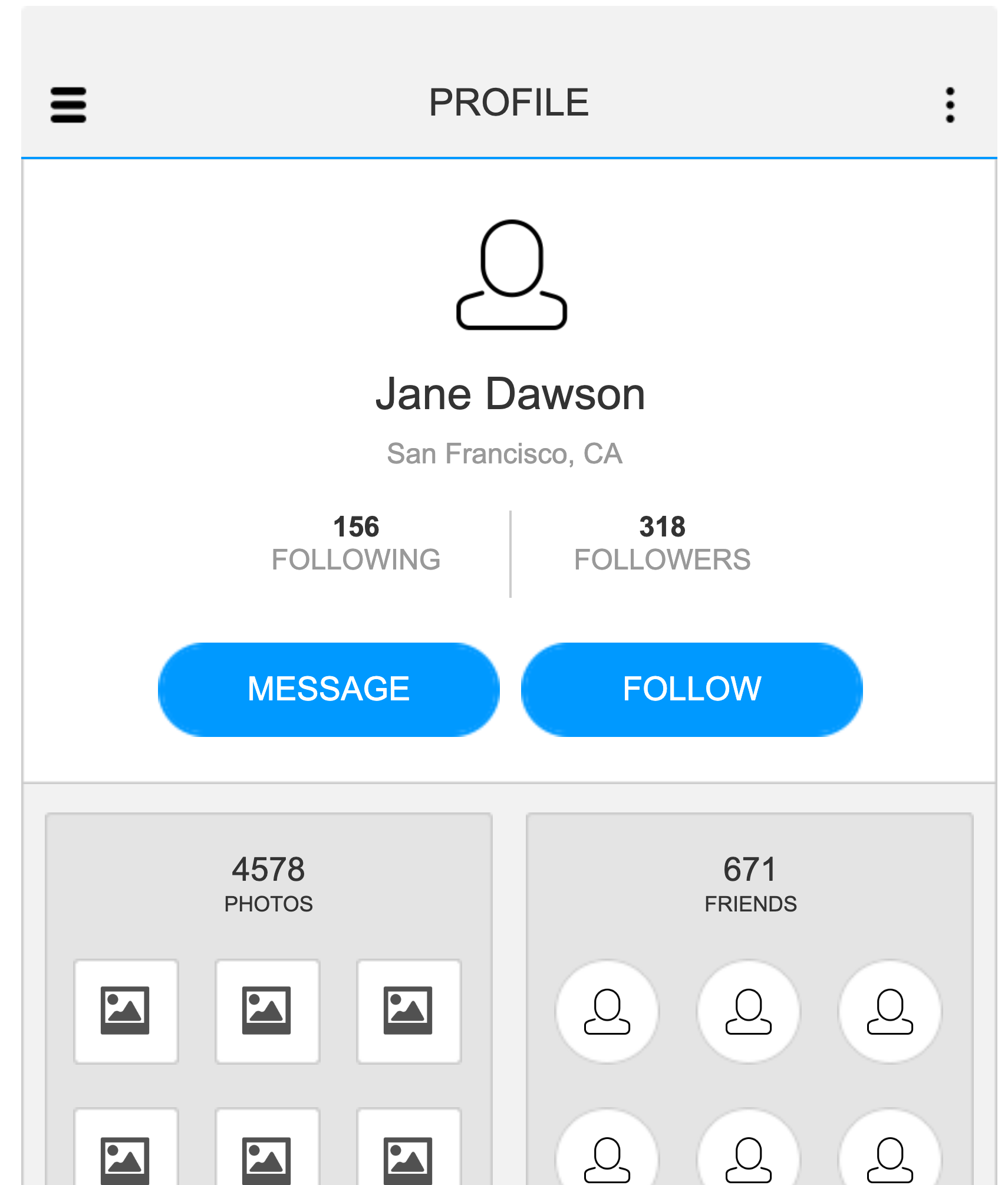
Start from editable profile, follower, activity, and personal content structures instead of rebuilding common account patterns.
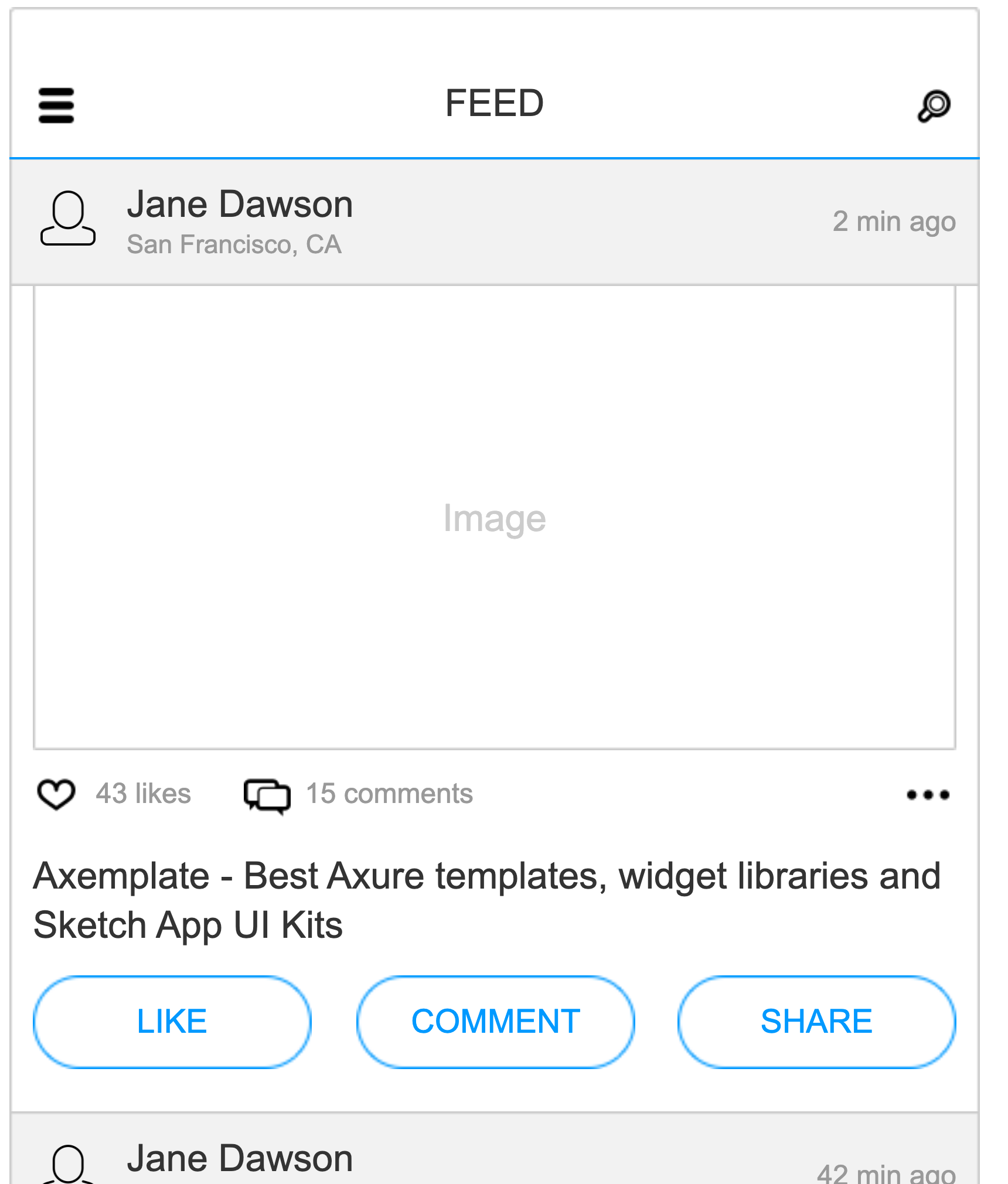
Mix posts, images, metadata, comments, and actions into content streams that are ready for your own data and navigation.
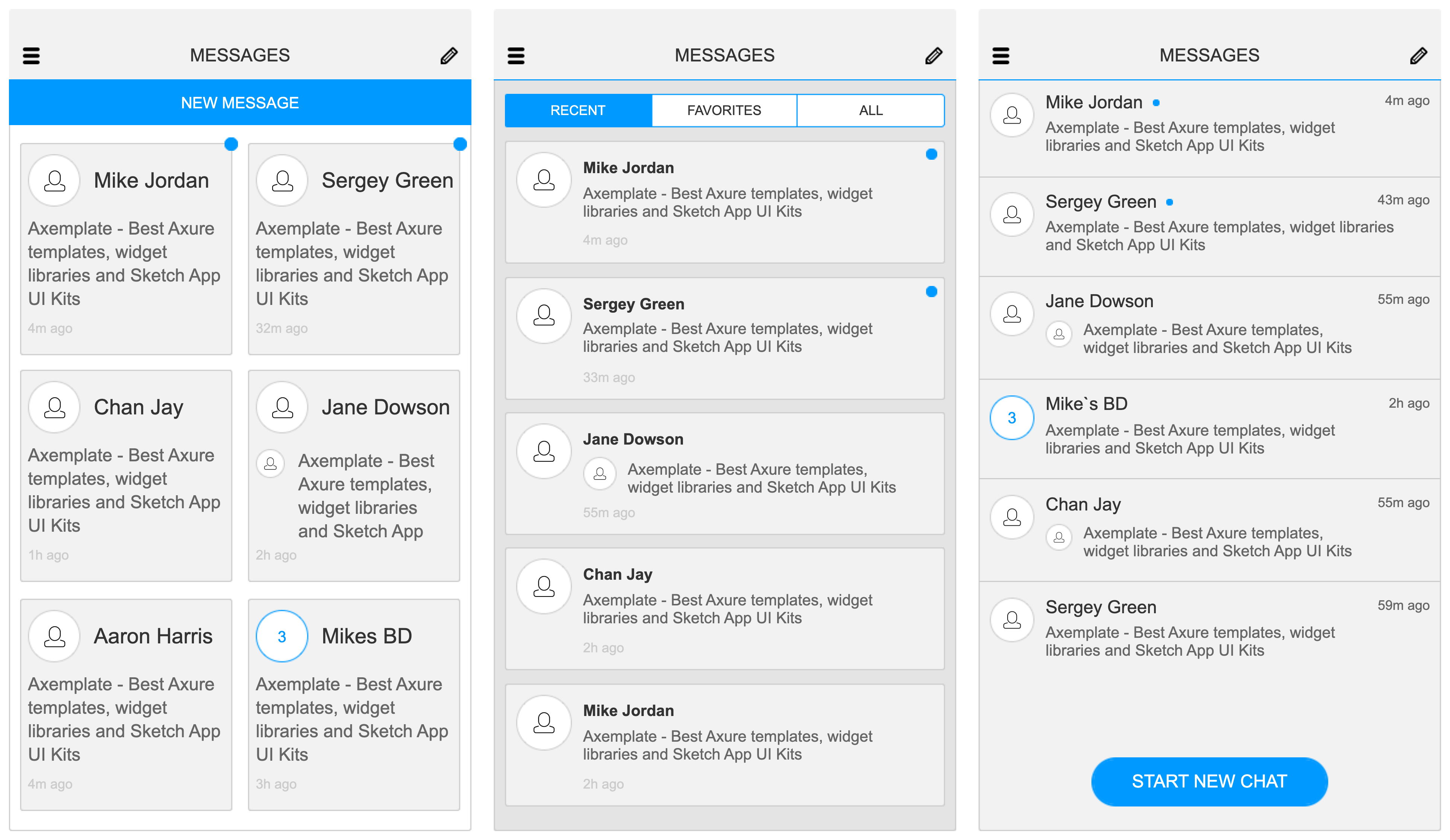
Use message lists, conversation threads, compose states, and supporting contact details for communication concepts.
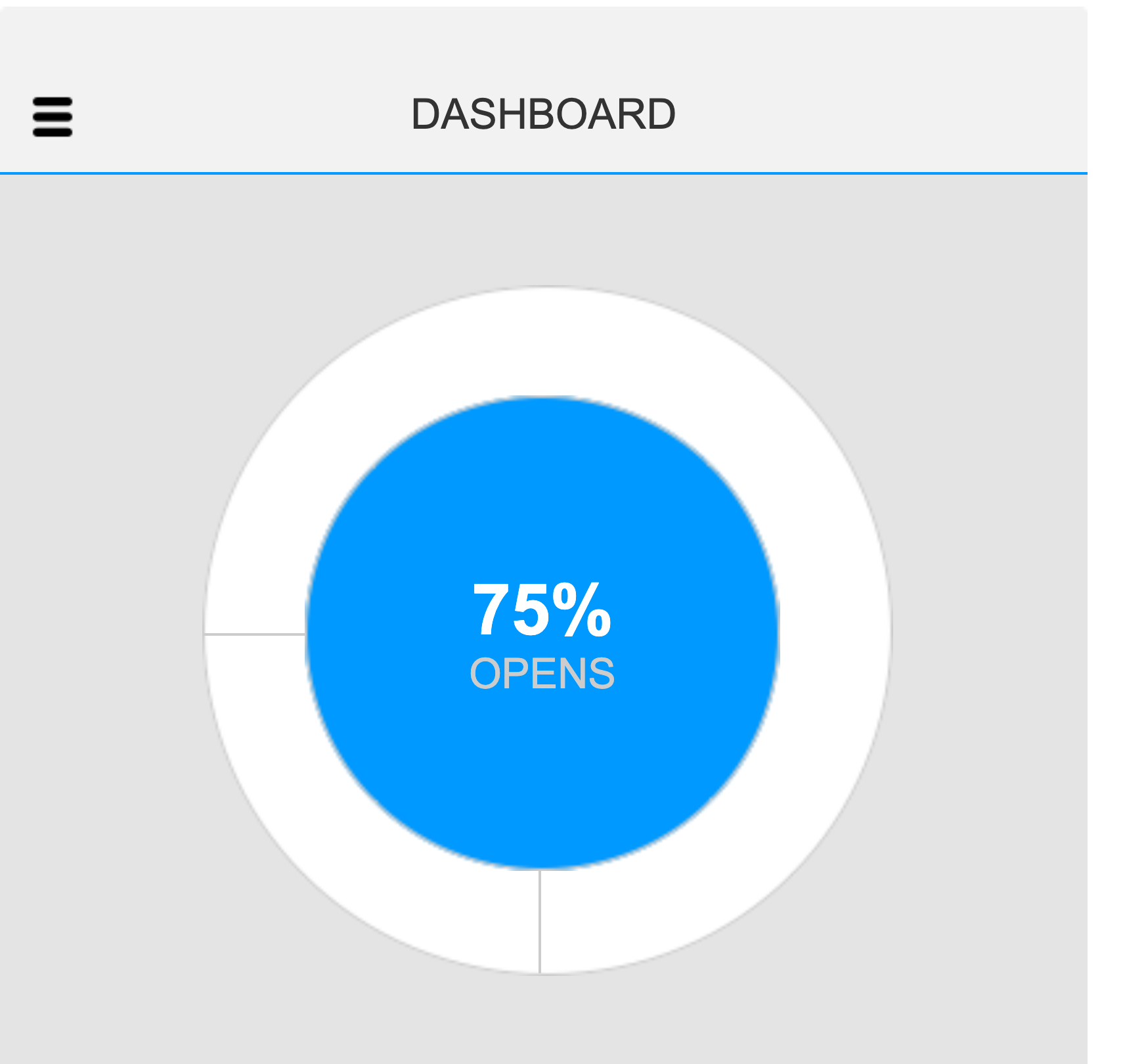
Use a circular percentage chart with a clear label as a starting point for a mobile dashboard. Adapt the value and styling to your own data.
Product specifications
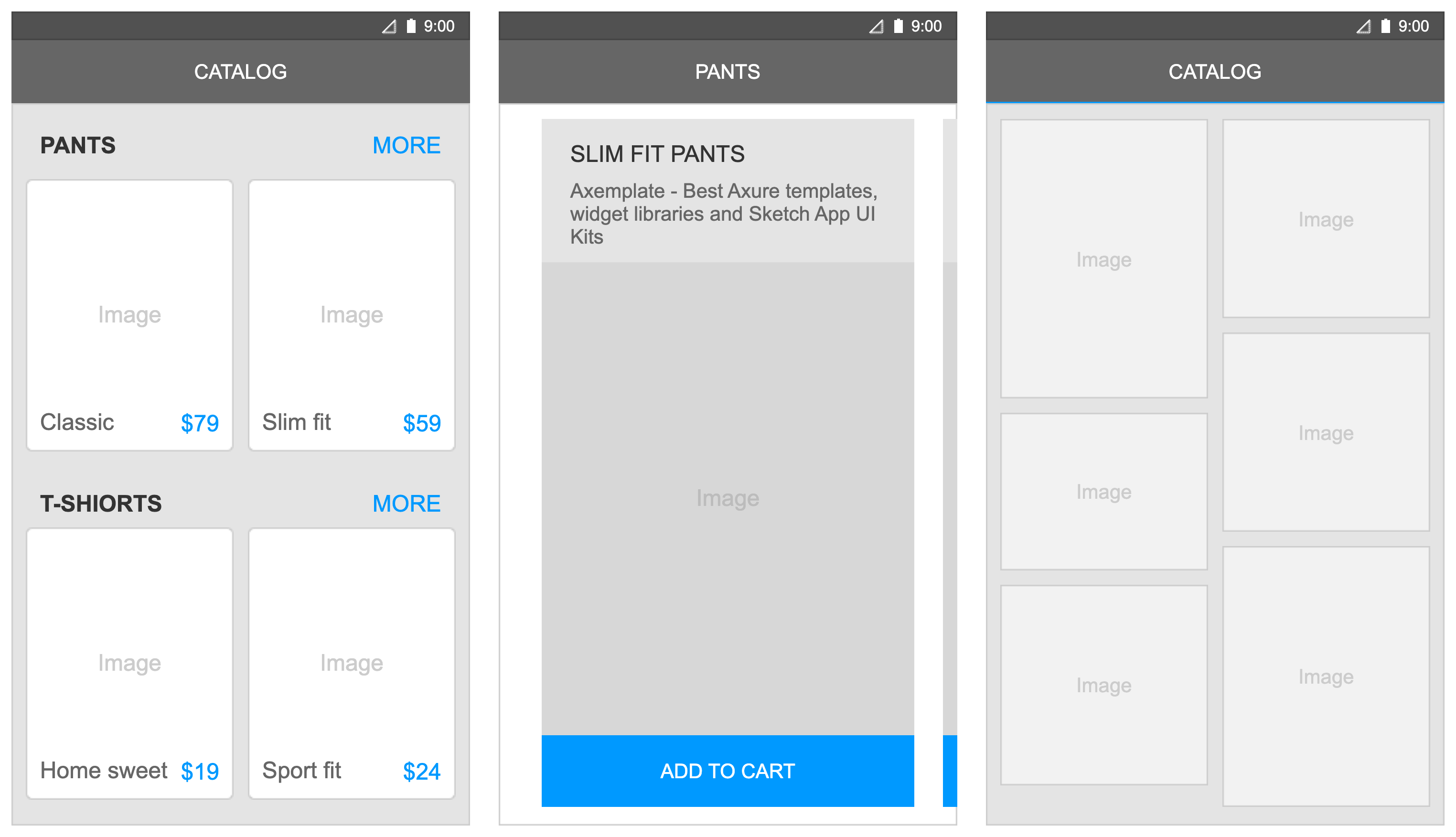
An editable Axure library for Android controls, mobile screens, feeds, profiles, commerce, navigation, and dashboards.
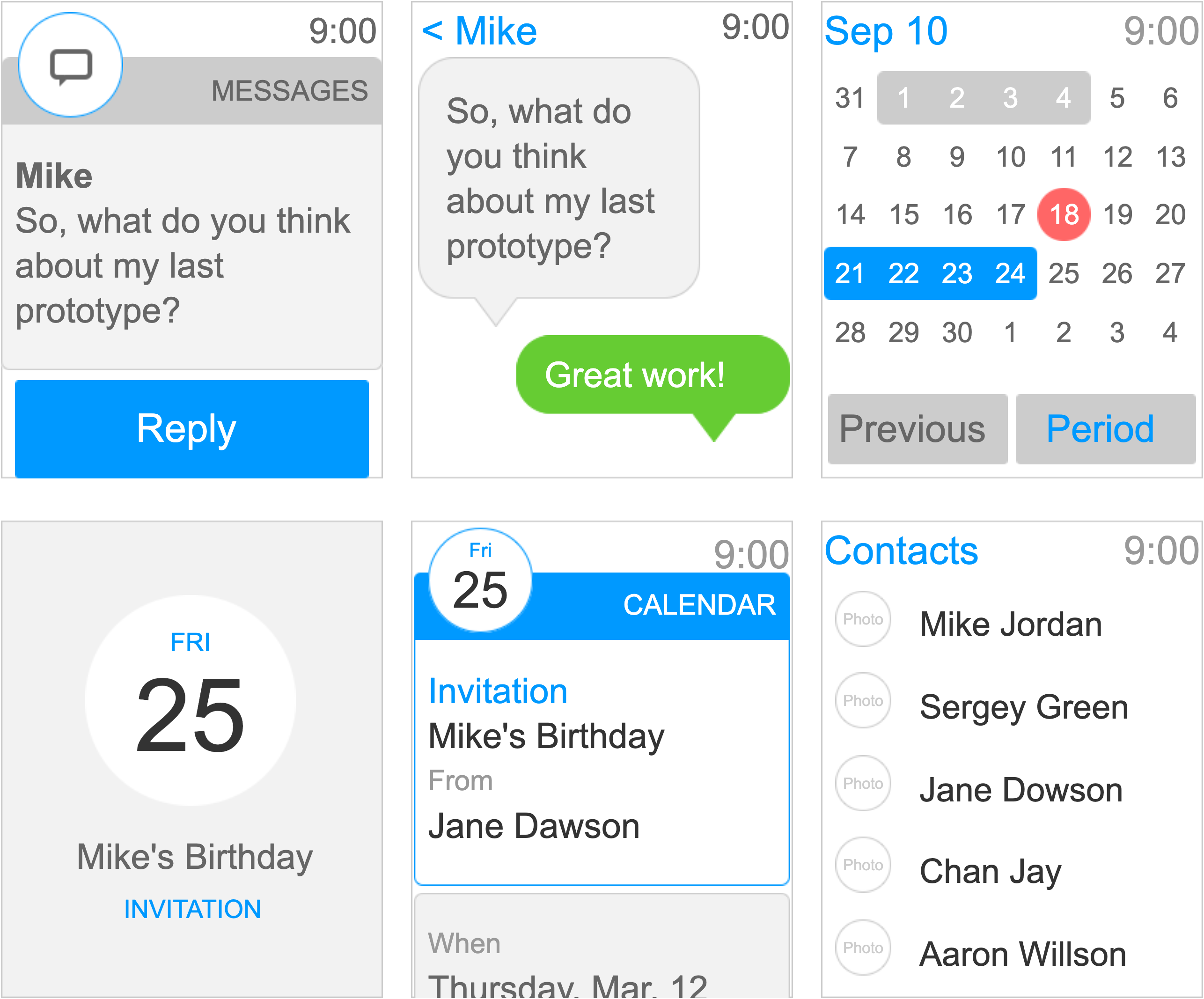
An editable Axure Apple Watch library for utilities, health, business, hobby, communication, and icon-based watch concepts.
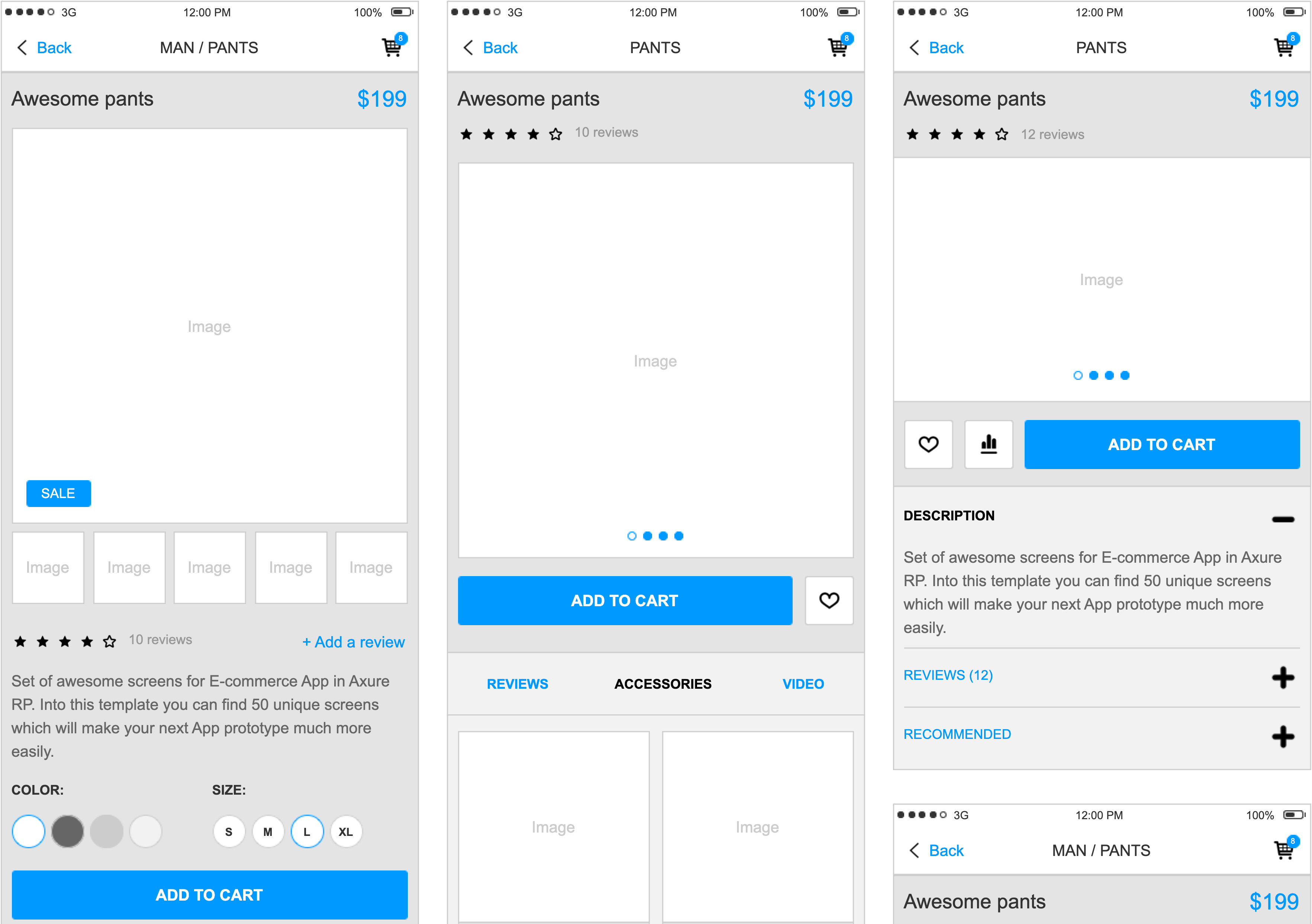
An Axure template kit with 50 editable iOS commerce screens for catalogs, products, filters, cart, checkout, and accounts.
iPhone 6 Plus is an Axure widget library with editable controls and screens sized for the larger iPhone 6 Plus display.
The demo includes controls, walkthroughs, login, navigation, profiles, feeds, e-commerce, chat, dashboards, and icons.
Yes. The Axure library includes both individual controls and larger mobile screens.
No. The library gives you editable screens and widgets. Add the data, navigation, and interactions your app needs.
Yes. iPhone 6 Plus Lite is a free sample of the full library.
Yes. The visual elements, copy, spacing, and composition are editable in Axure.
No. The visuals reflect the iPhone 6 Plus release period. Update them if your project needs a current iOS style.