Fit useful product moments onto the wrist
Start with editable watch screens for messages, calendars, contacts, photos, weather, and other compact utilities.
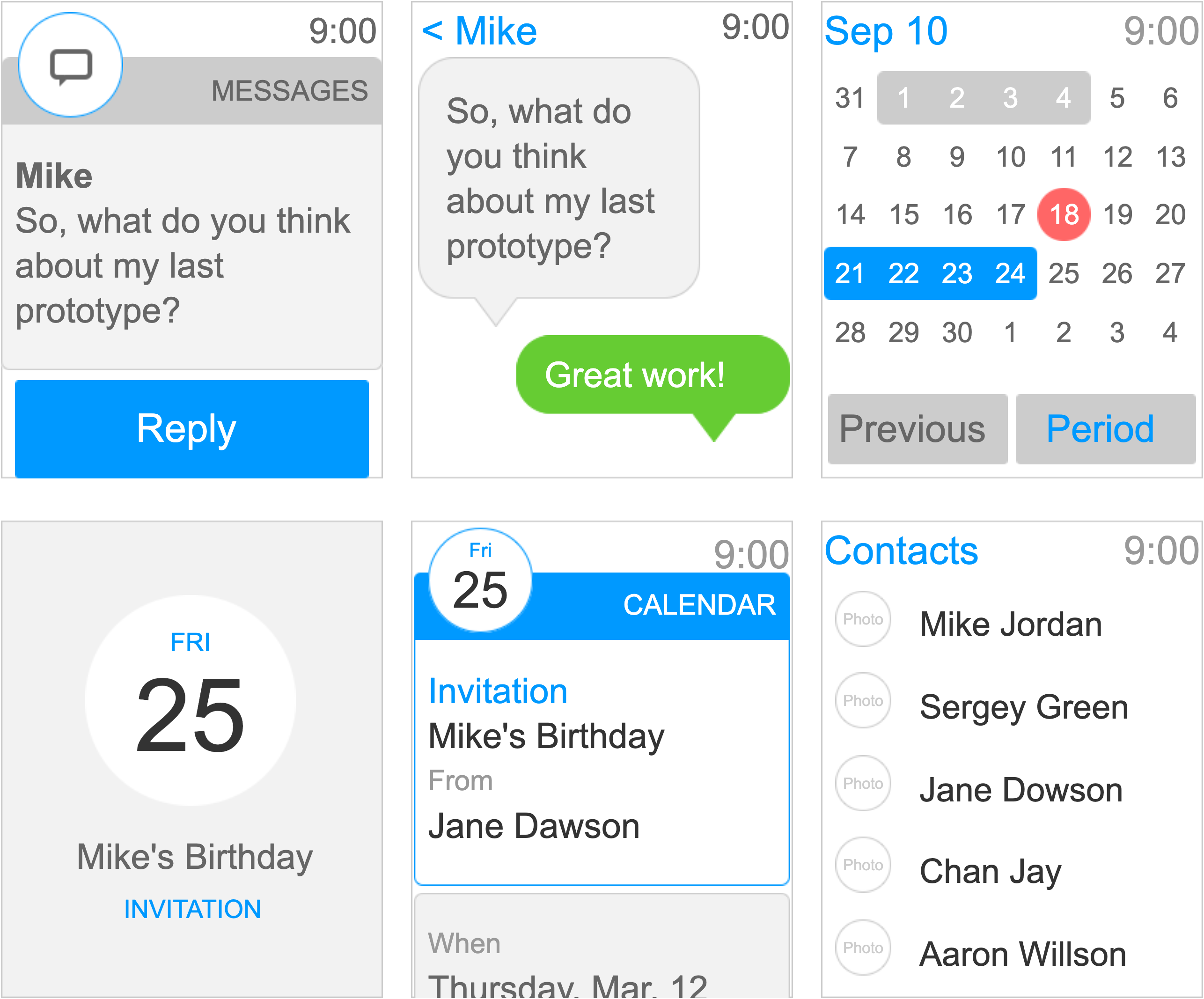

An editable Axure Apple Watch library for utilities, health, business, hobby, communication, and icon-based watch concepts.
Time saved is an illustrative estimate for building comparable editable elements from scratch; actual results vary.
Inside Apple Watch
Explore a long collection of compact watch screens across tools, health, business, hobbies, communication, calendars, contacts, photos, weather, and icons.
Start with editable watch screens for messages, calendars, contacts, photos, weather, and other compact utilities.
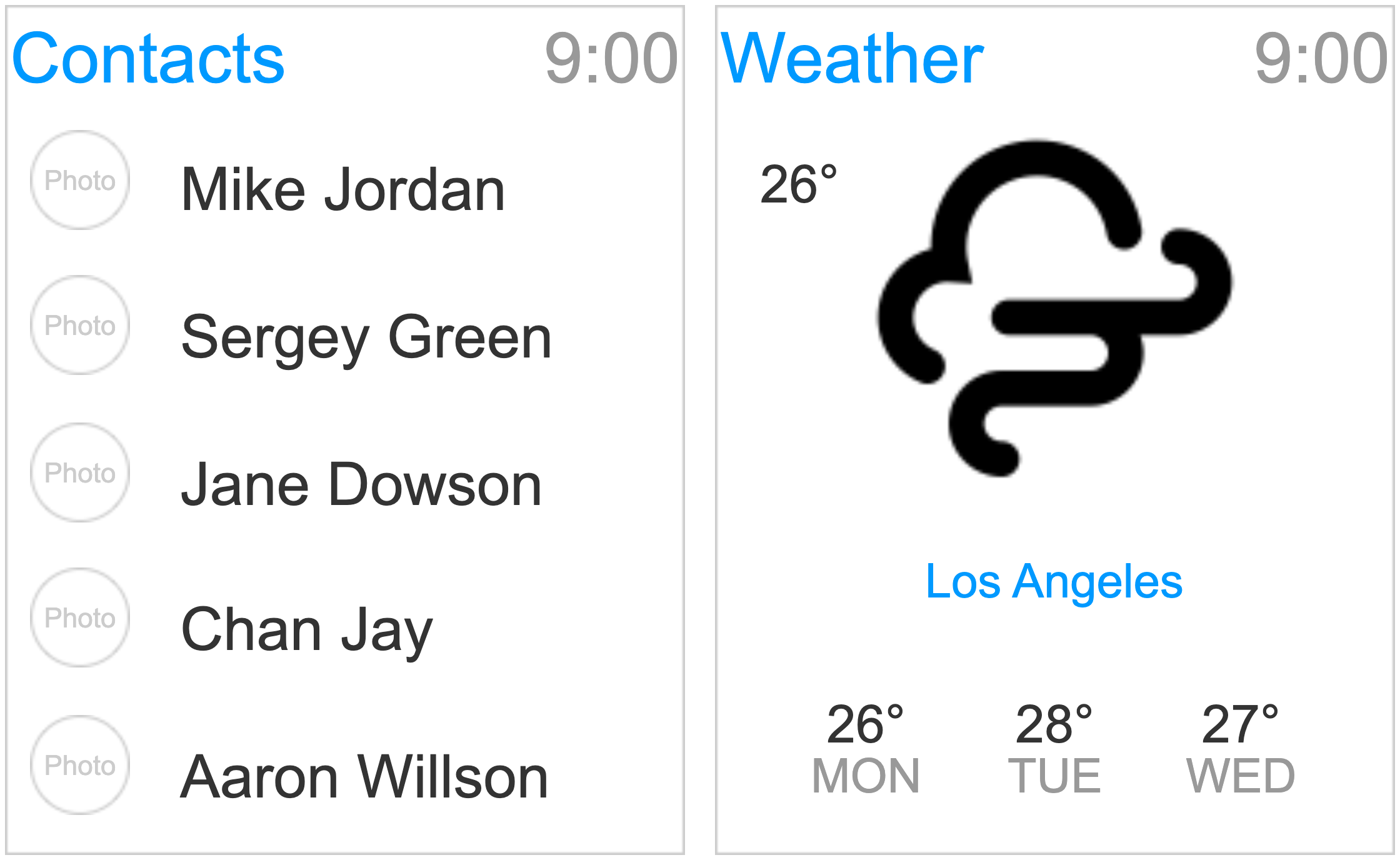
Adapt compact contact details and a weather summary with a temperature, condition icon, and location.
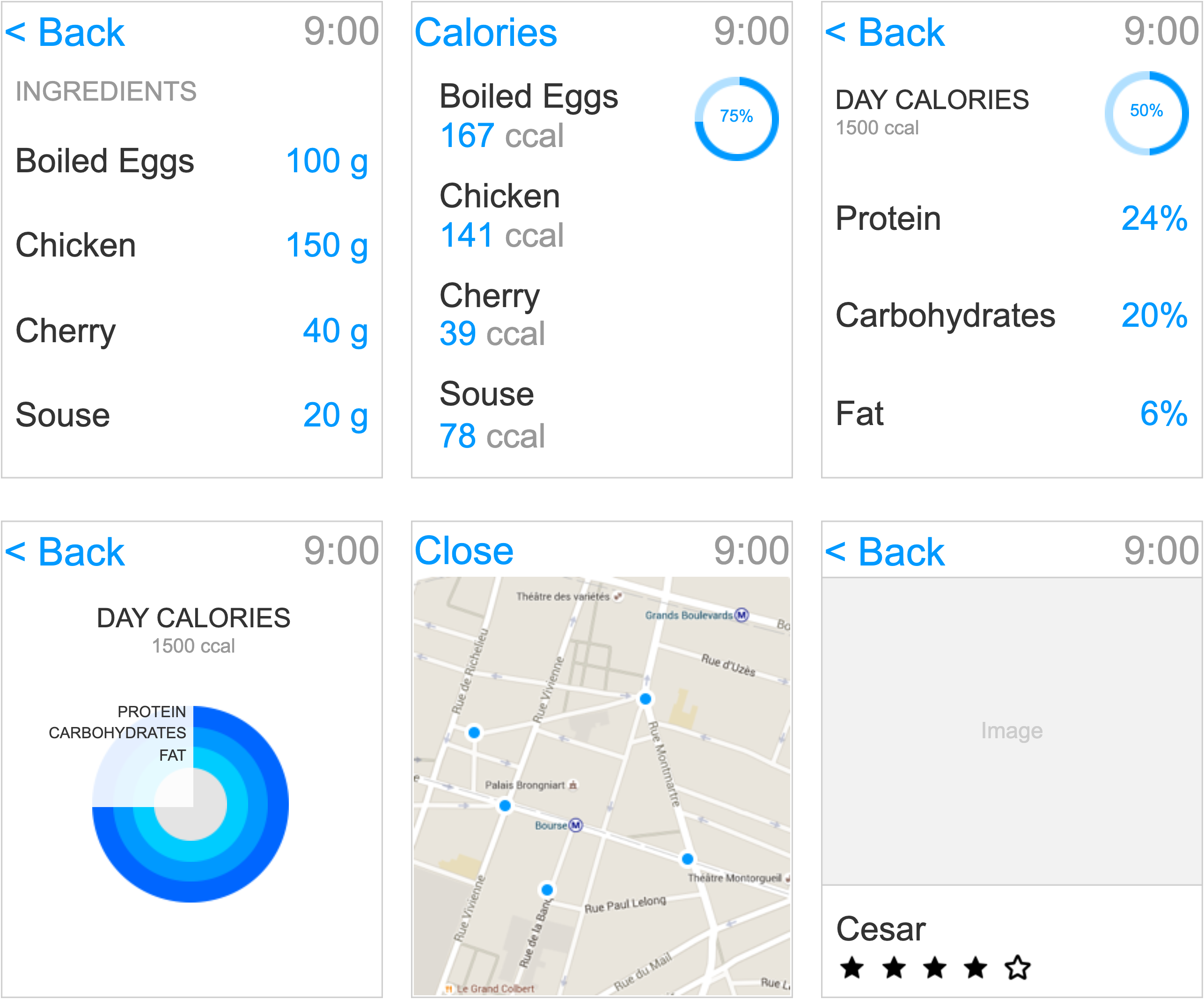
Use food amounts, calorie summaries, a nutrition chart, and a map as editable examples for compact watch layouts.
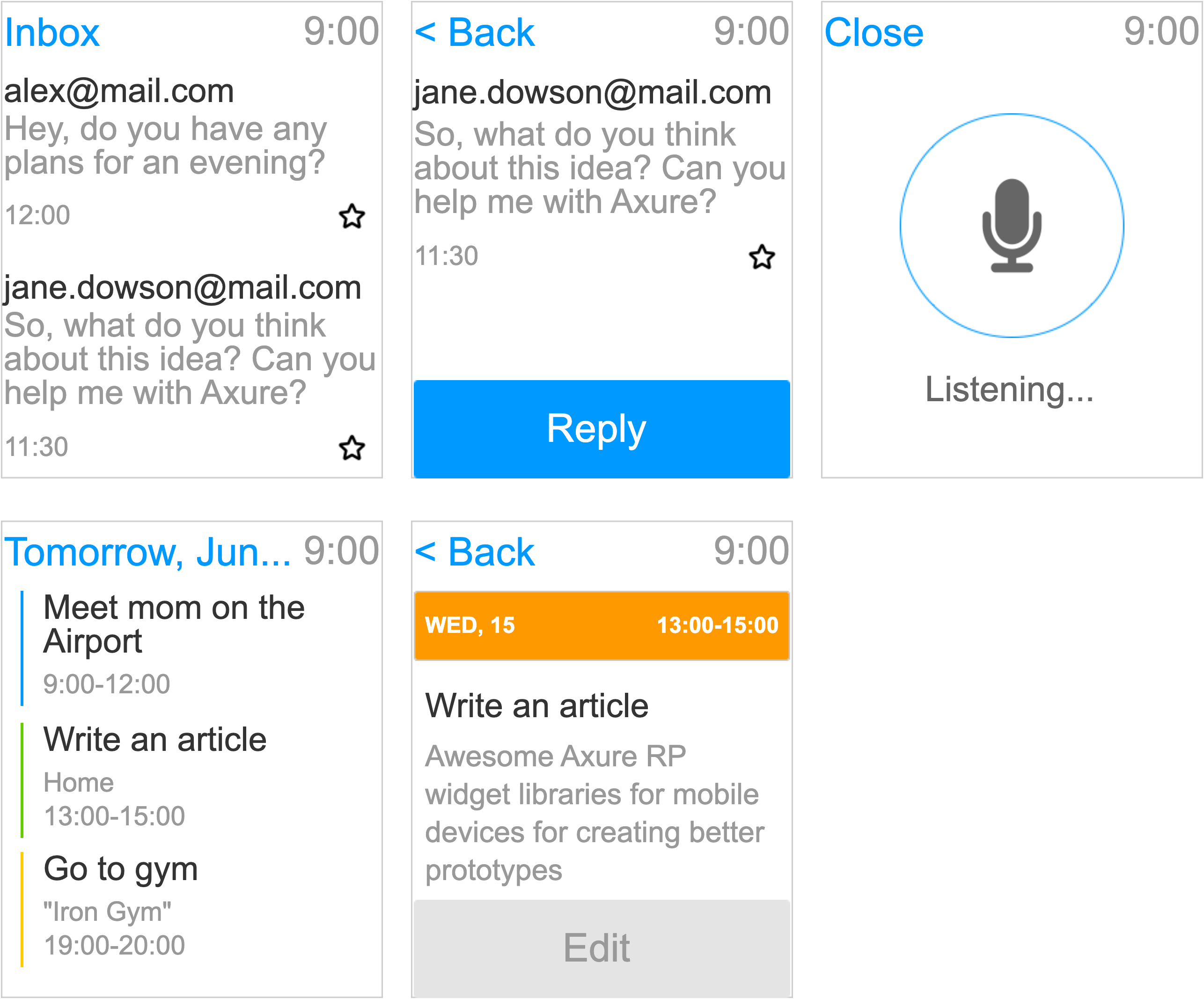
Start with compact message, reply, agenda, and task layouts. Replace the sample text and times with the information your concept needs.
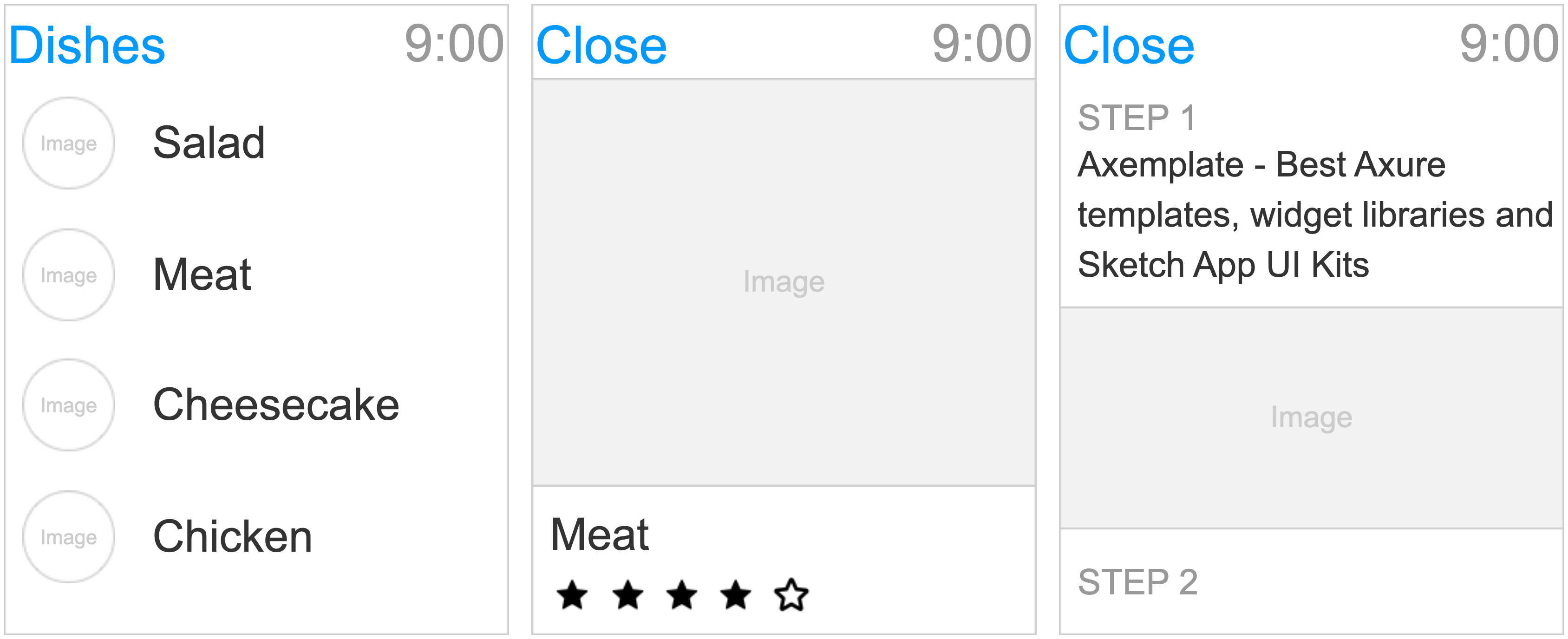
Use food lists, ratings, and numbered content steps as examples for a compact sequence of watch screens.
Product specifications
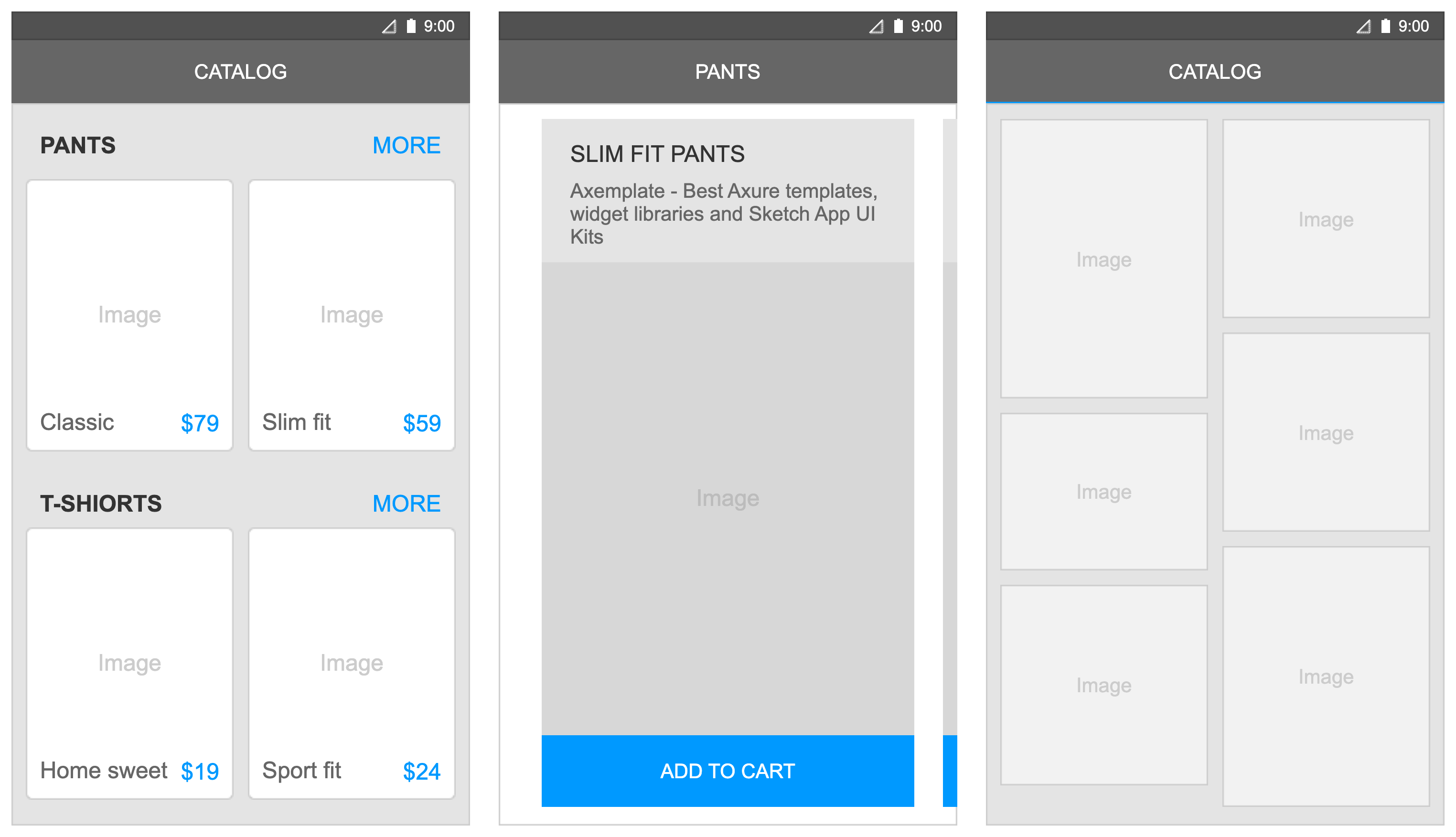
An editable Axure library for Android controls, mobile screens, feeds, profiles, commerce, navigation, and dashboards.
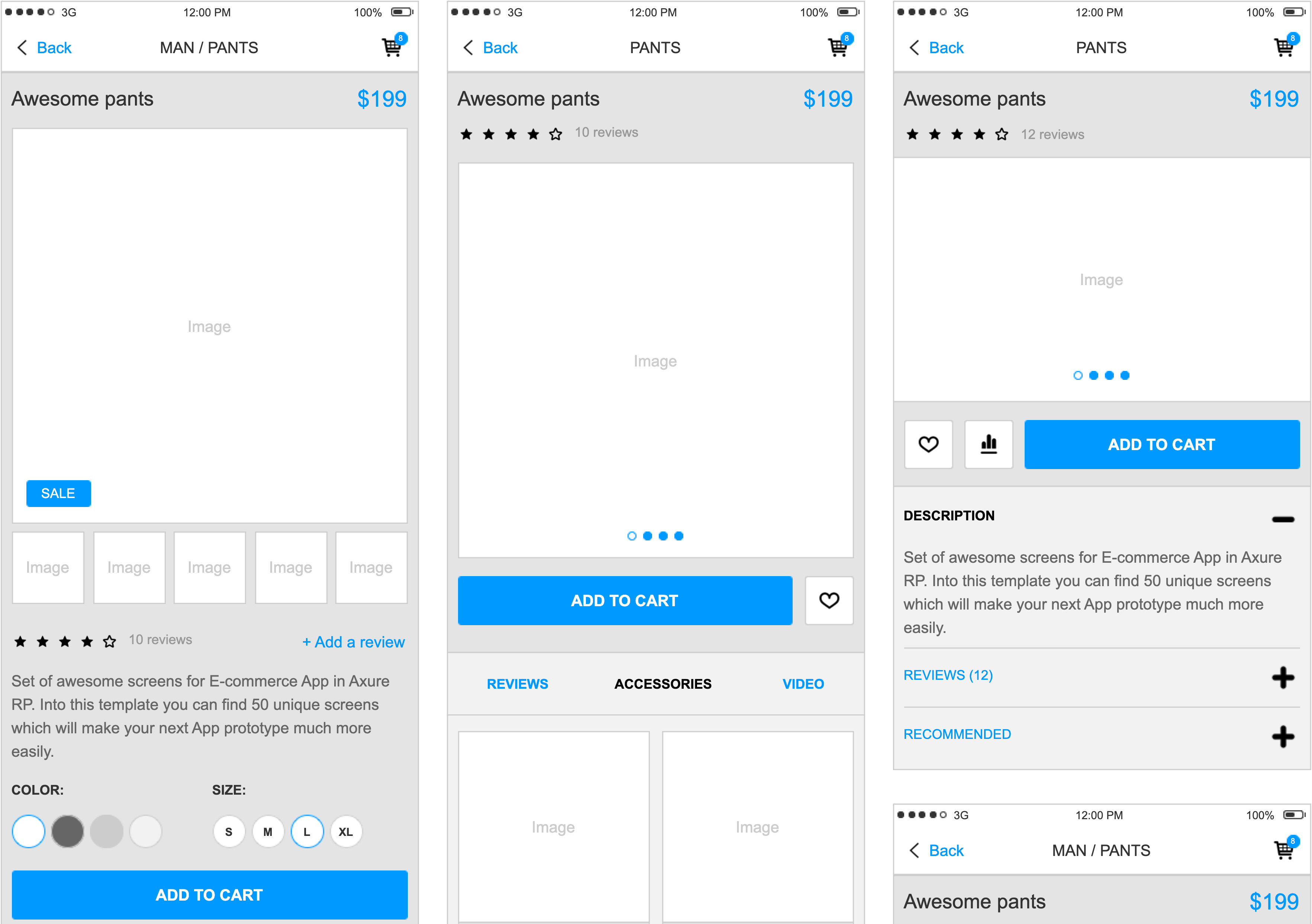
An Axure template kit with 50 editable iOS commerce screens for catalogs, products, filters, cart, checkout, and accounts.
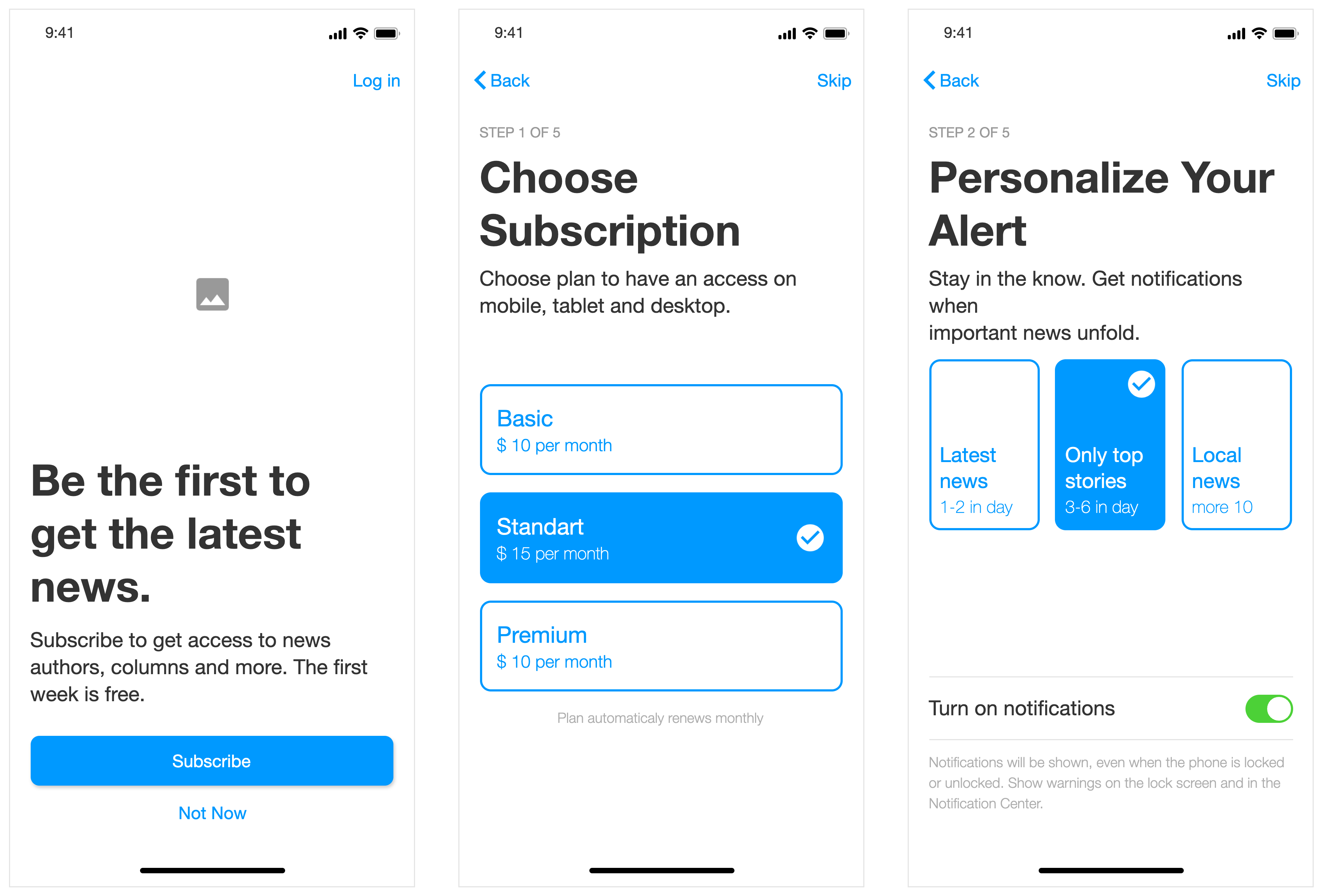
A 20-screen editable Axure mobile news template for onboarding, subscriptions, alerts, accounts, and reading experiences.
Apple Watch is an Axure widget library with editable screens for watch app concepts.
The demo groups examples into tools, health, business, hobbies, and icons.
The demo includes messages, calendars, contacts, photos, weather, activity, measurement, productivity, and other compact app ideas.
No. It is a visual prototyping foundation. Add the data, transitions, notifications, and product logic your scenario needs.
Yes. Apple Watch Lite is a free sample of the full library.
Yes. The icon collection can support your own watch screens and interface states.
No. The visuals reflect an older Apple Watch generation. Update them if your project needs a current watchOS style.