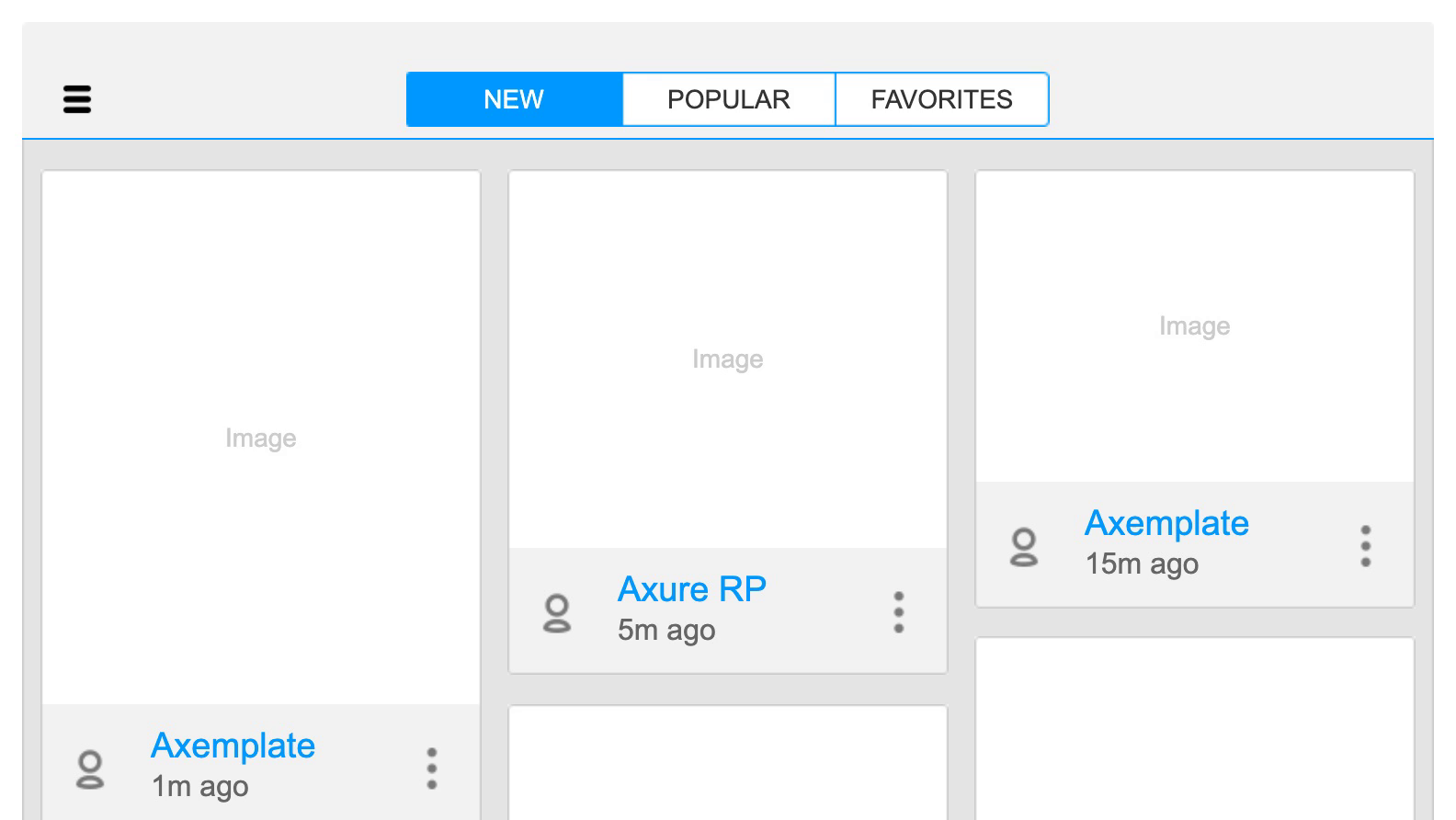
Start with a tablet content feed
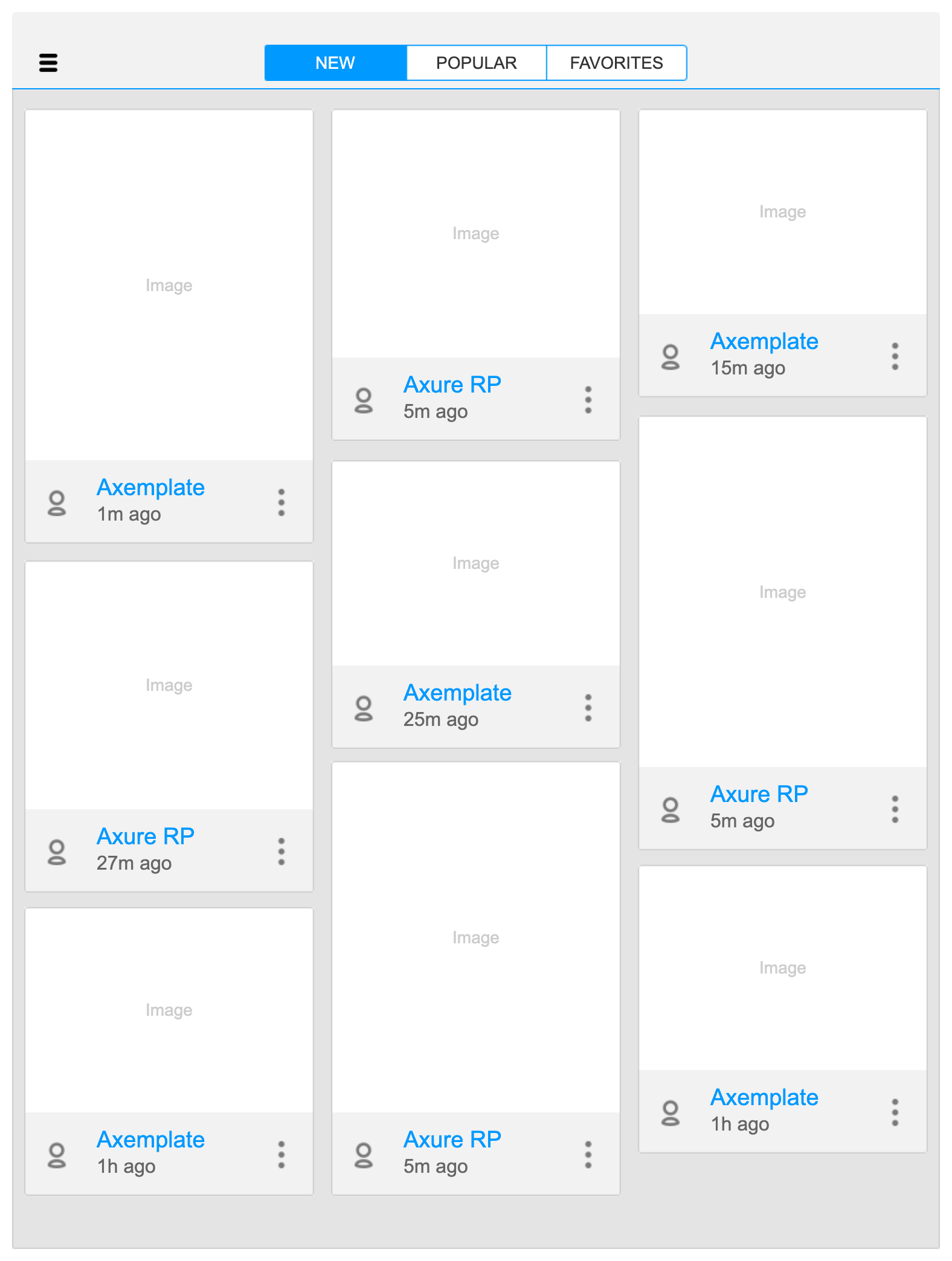
Adapt a three-column tablet feed with tabs, image placeholders and sample activity details. Replace the content and add the behavior your prototype needs.

A free 48-screen iPad Axure library with controls, keyboards, navigation, content patterns, and prepared app layouts.
Time saved is an illustrative estimate for building comparable editable elements from scratch; actual results vary.
Inside the free edition
Explore a substantial sample of tablet controls and screens, then reuse only the structures that fit your information architecture and prototype flow.
Adapt a three-column tablet feed with tabs, image placeholders and sample activity details. Replace the content and add the behavior your prototype needs.
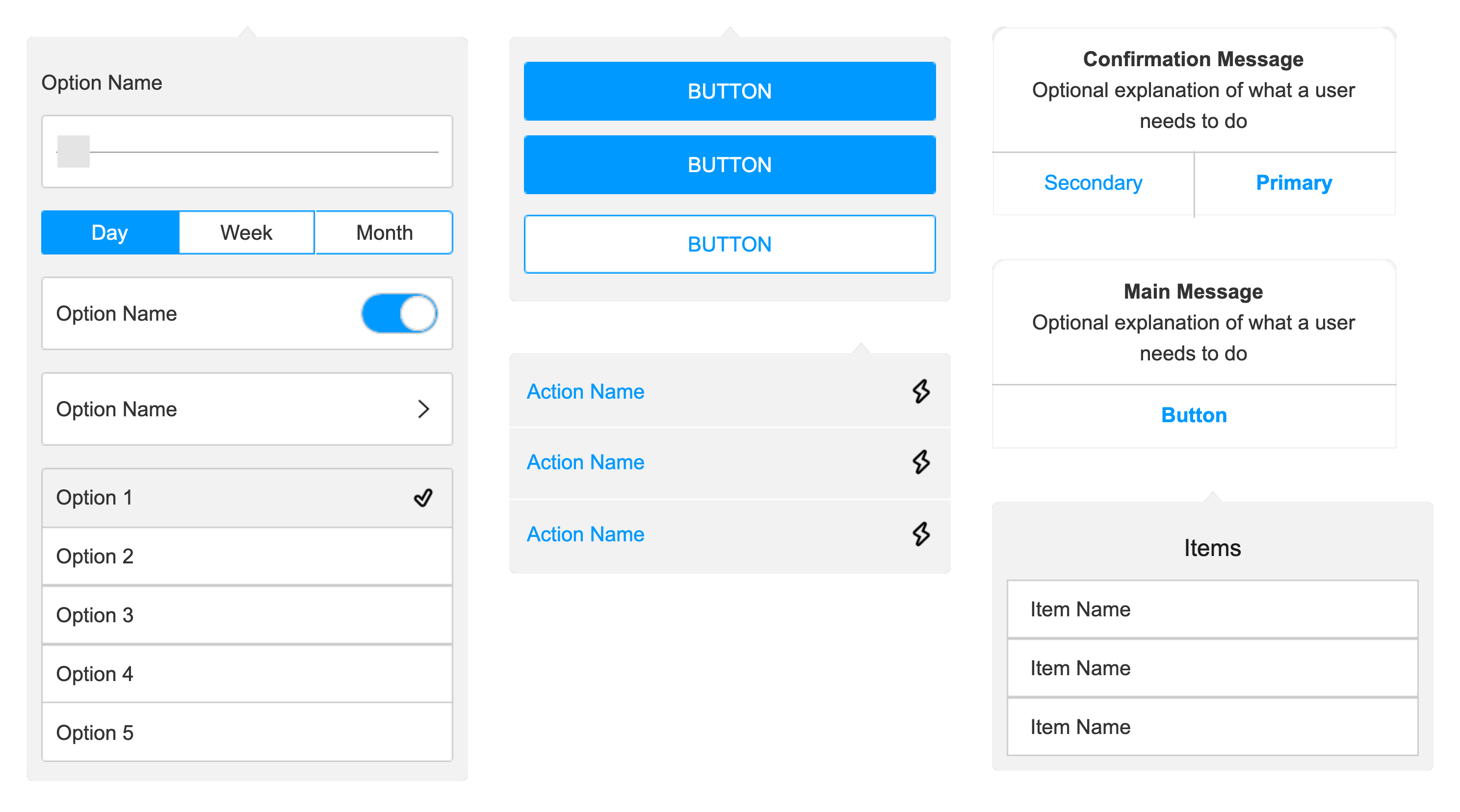
Reuse option lists, segmented controls, action menus and message panels. Change the labels and choices for your tablet prototype.
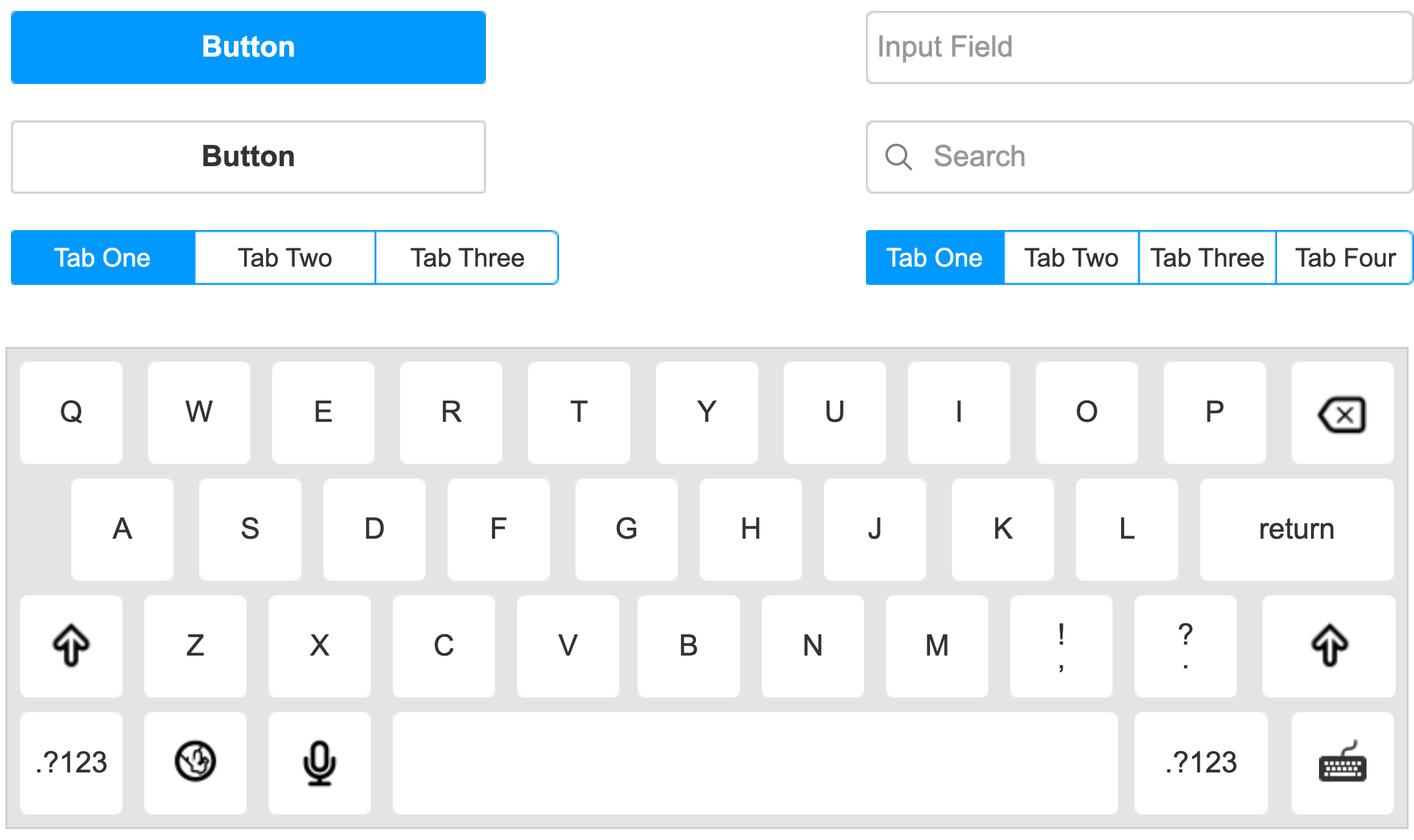
Start with buttons, fields, tabs, navigation controls, and a complete tablet keyboard. Change the labels and states for your prototype.
Product specifications
Need the complete tablet system?
Expand the free sample with a broader range of tablet controls, screens, content patterns, and reusable app structures.
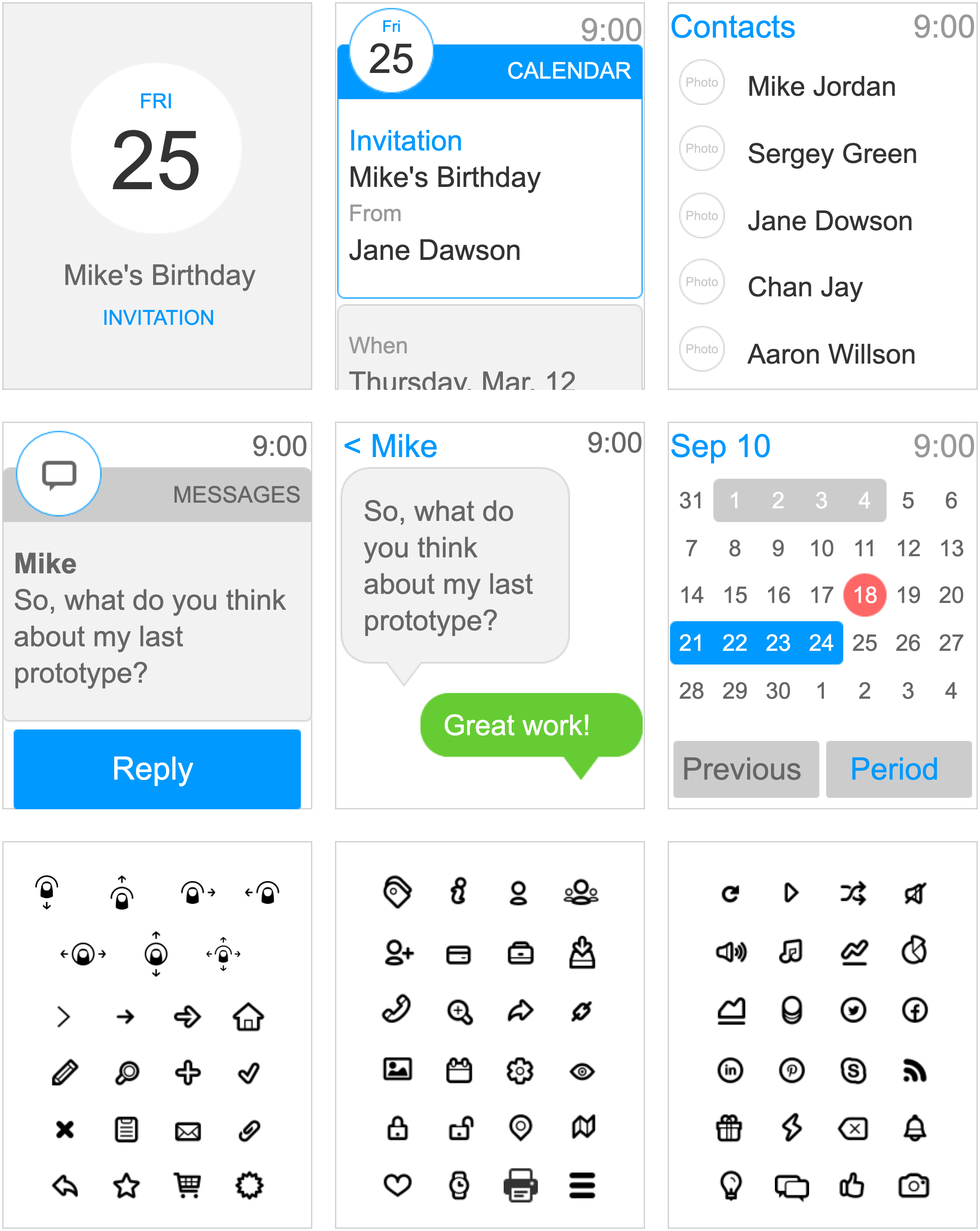
A free six-screen Axure Apple Watch starter set for messages, calendar, contacts, icons, and compact wearable layouts.
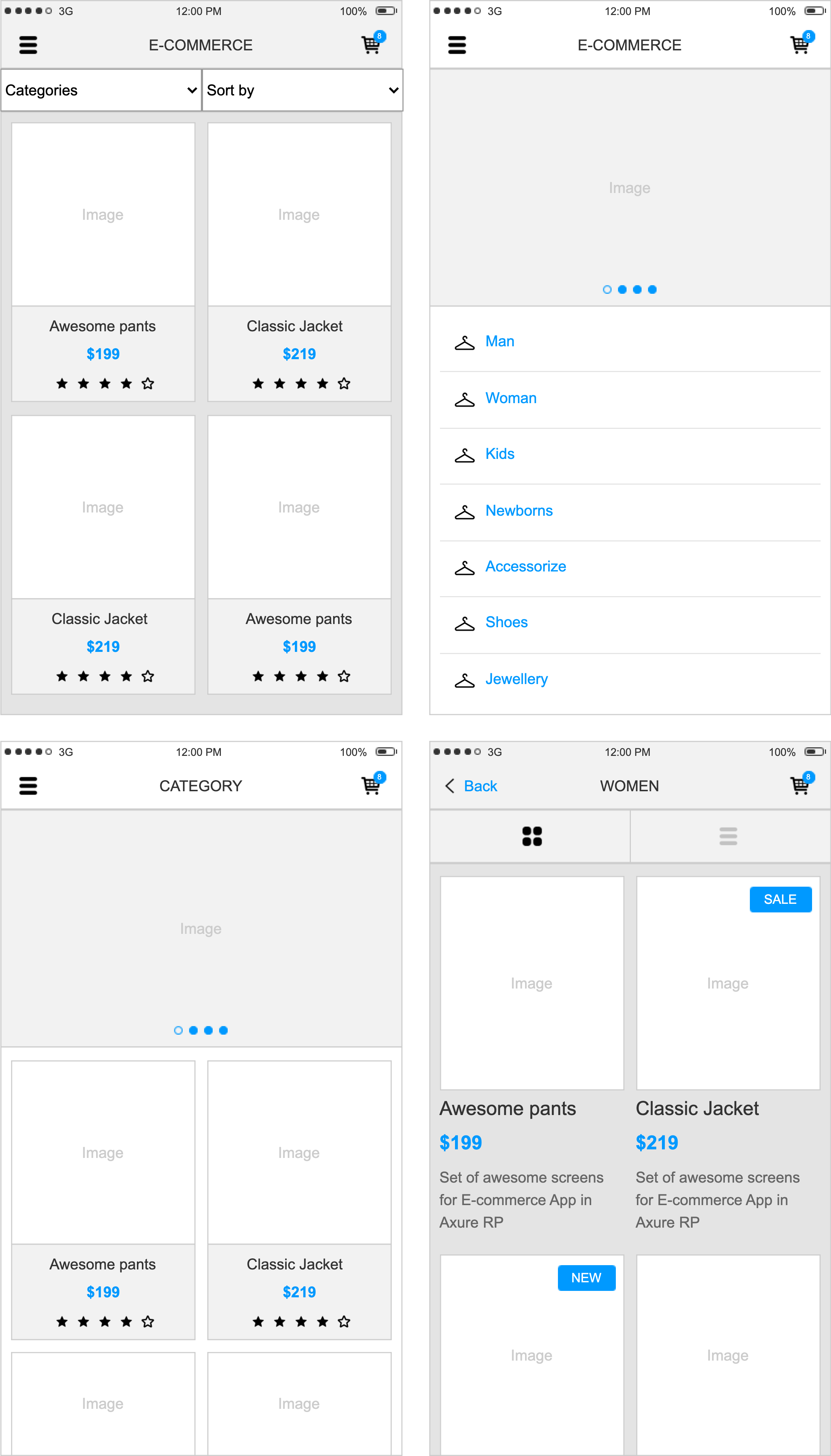
A free mobile commerce Axure sample with product grids, category navigation, lists, filters, ratings, favorites, and cart actions.
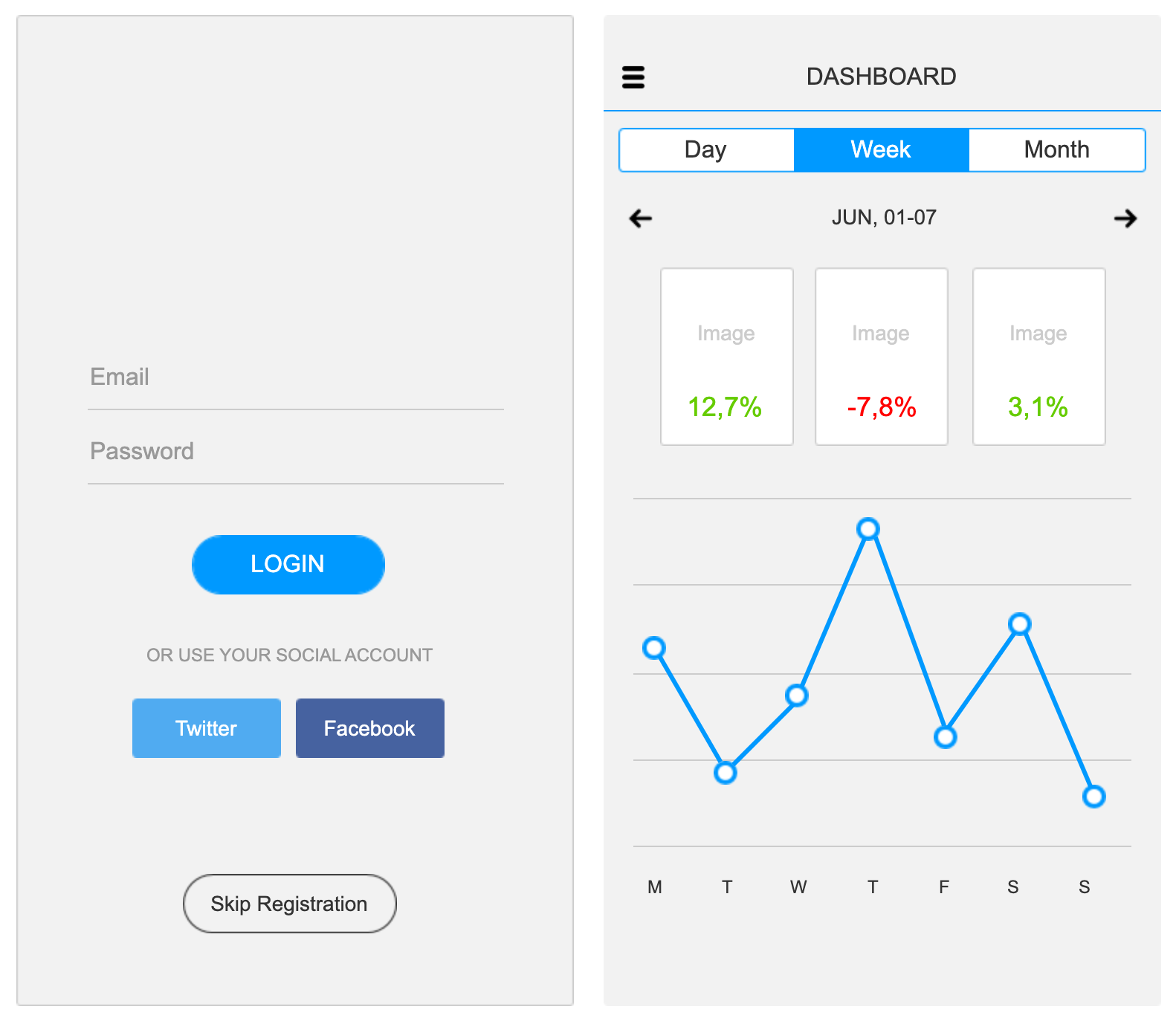
A free eight-screen iPhone 6 Axure sample with core controls, mobile patterns, icons, and prepared app layouts.
iPad Lite is a free 48-screen sample of the iPad Axure widget library.
The demo includes controls, fields, keyboards, tabs, actions, navigation, lists, content patterns, profiles, messages, and prepared app screens.
Yes. You can change text, colors, type, spacing, and screen layouts in Axure RP.
No. It provides editable screens and widgets, not a working app. Add your own data and interactions.
Yes. You can reuse a complete screen or a smaller control or section.
The full iPad library expands the collection with more tablet controls, screens, and reusable application patterns.
The original product page listed Axure RP 7.5, 8, and 9. We have not tested the files with every newer release.