Use the tablet canvas for richer commerce
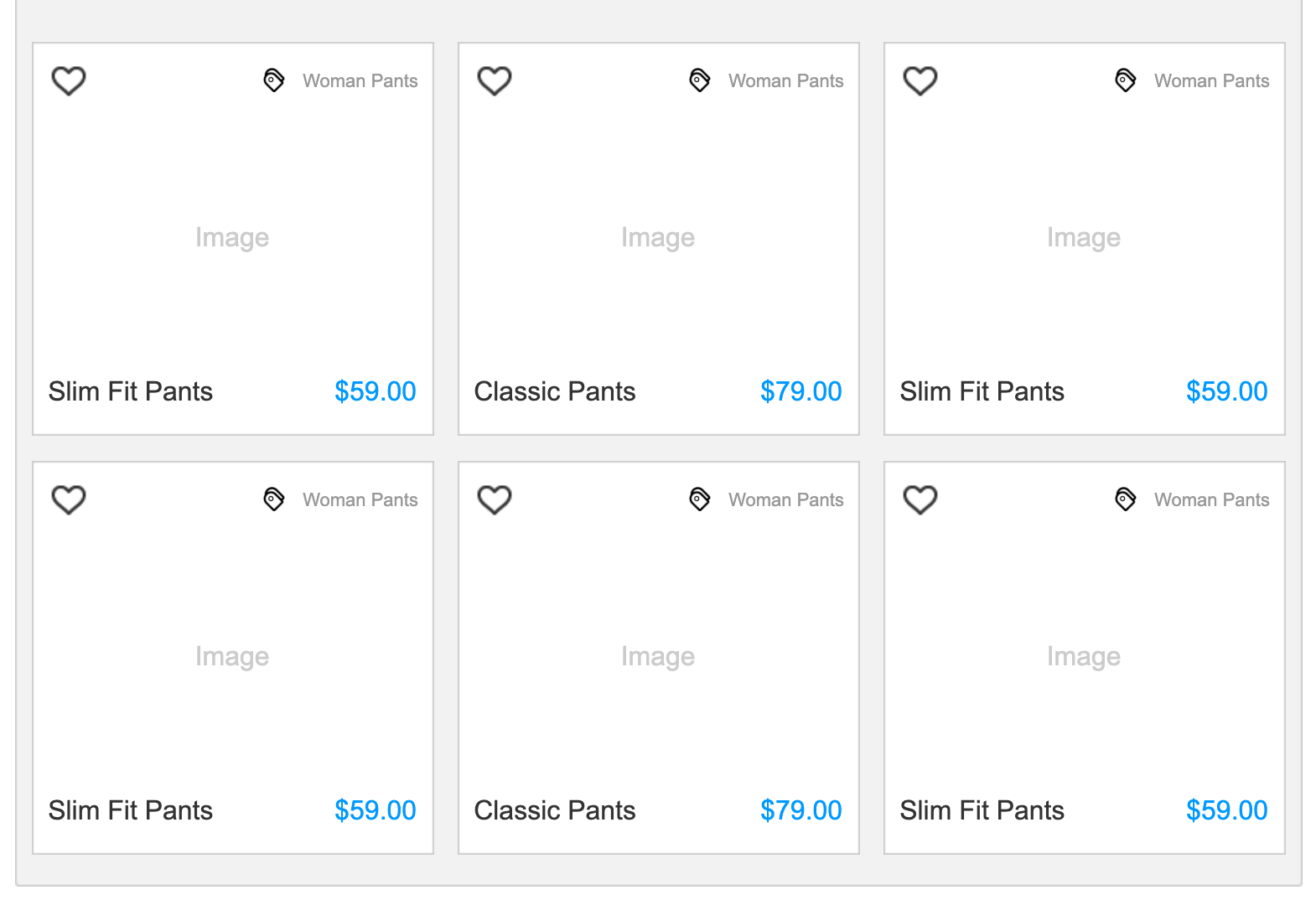
Start from editable catalog, product, and shopping layouts that make practical use of the wider iPad screen.

An editable Axure iPad library for tablet controls, navigation, content feeds, commerce screens, and common app layouts.
Time saved is an illustrative estimate for building comparable editable elements from scratch; actual results vary.
Inside iPad
Explore tablet-sized controls and screens across main interactions, walkthroughs, navigation, content feeds, commerce, and icons.
Start from editable catalog, product, and shopping layouts that make practical use of the wider iPad screen.
Start with Sign Up, Log In, and Skip for now actions. Adapt the labels and destinations to the account flow you want to test.

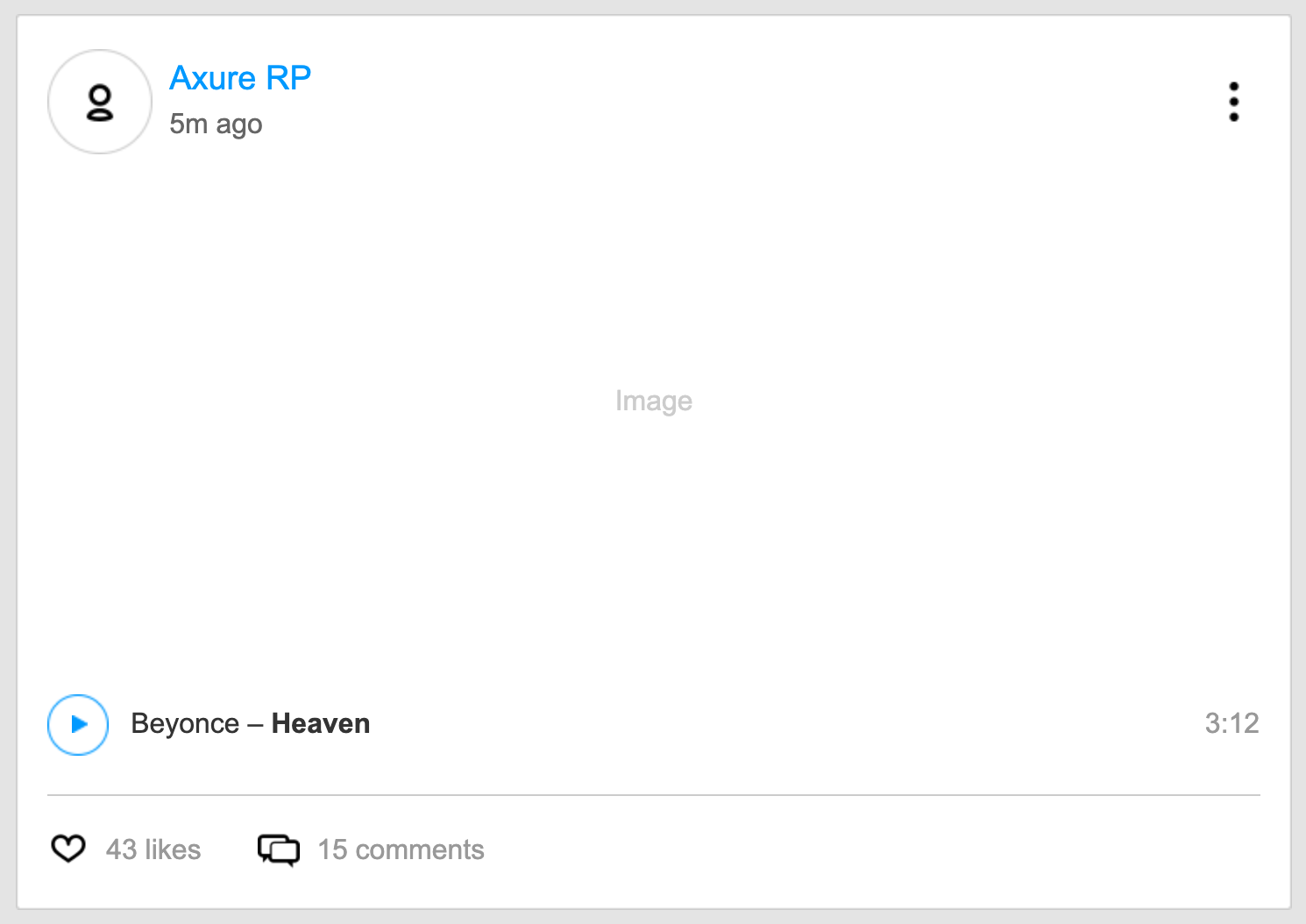
Use a post with an author, timestamp, media area, playback action, duration, and reaction counts. Replace the sample content with your own.
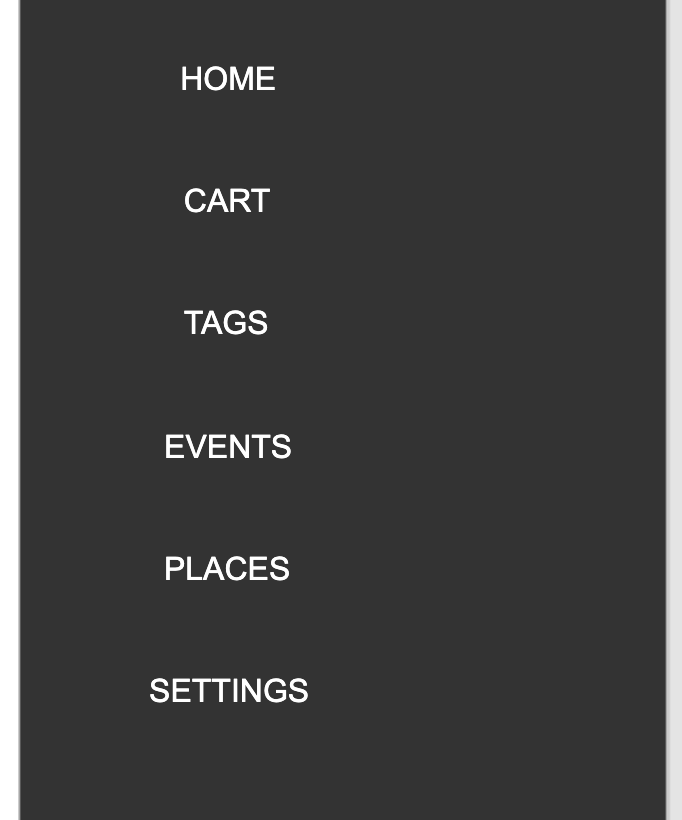
Use a simple menu for home, cart, tags, events, places, and settings. Adapt the labels and destinations to your product.
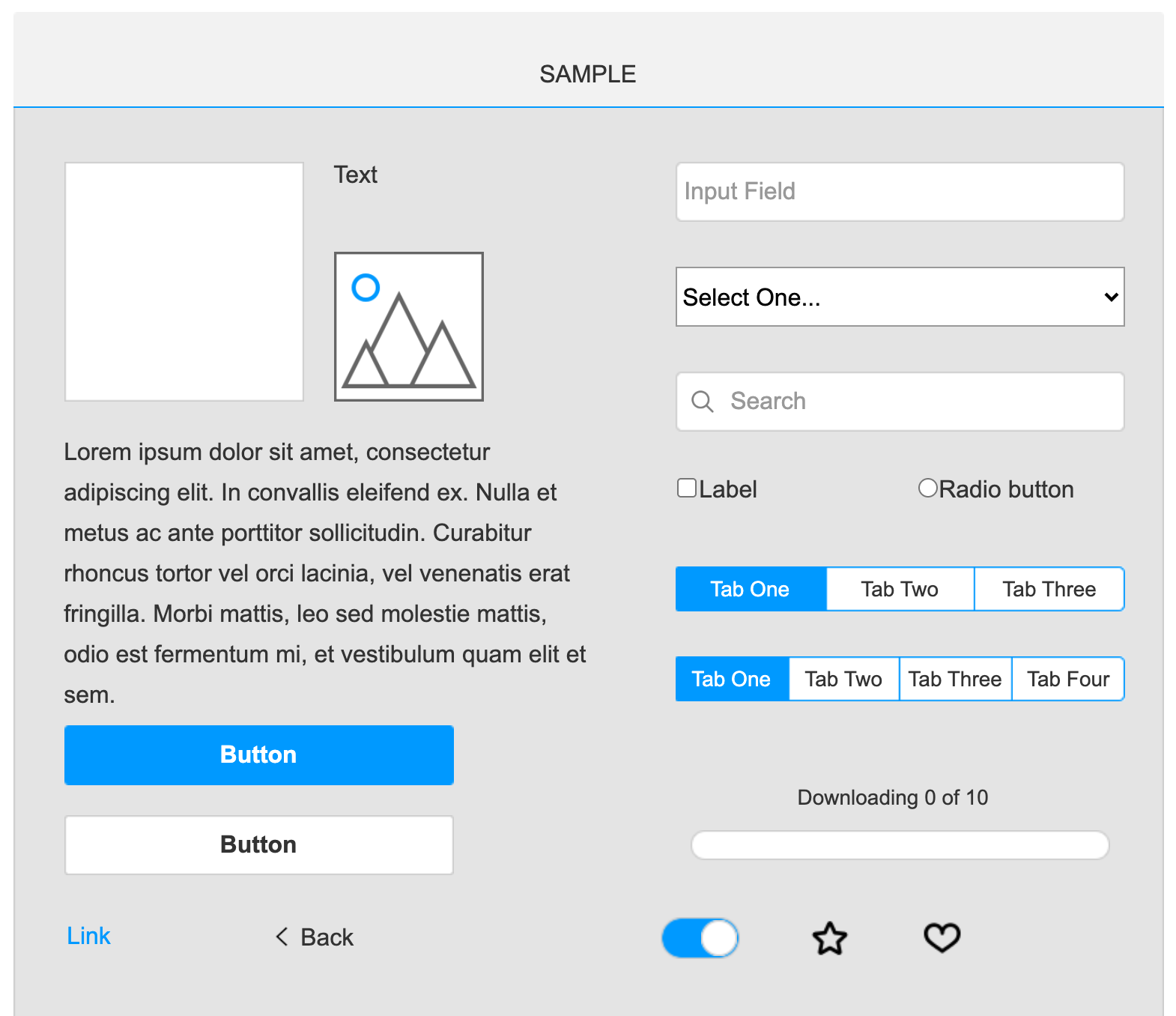
Use buttons, fields, selectors, keyboards, tabs, lists, and system-style components as understandable building blocks.
Product specifications
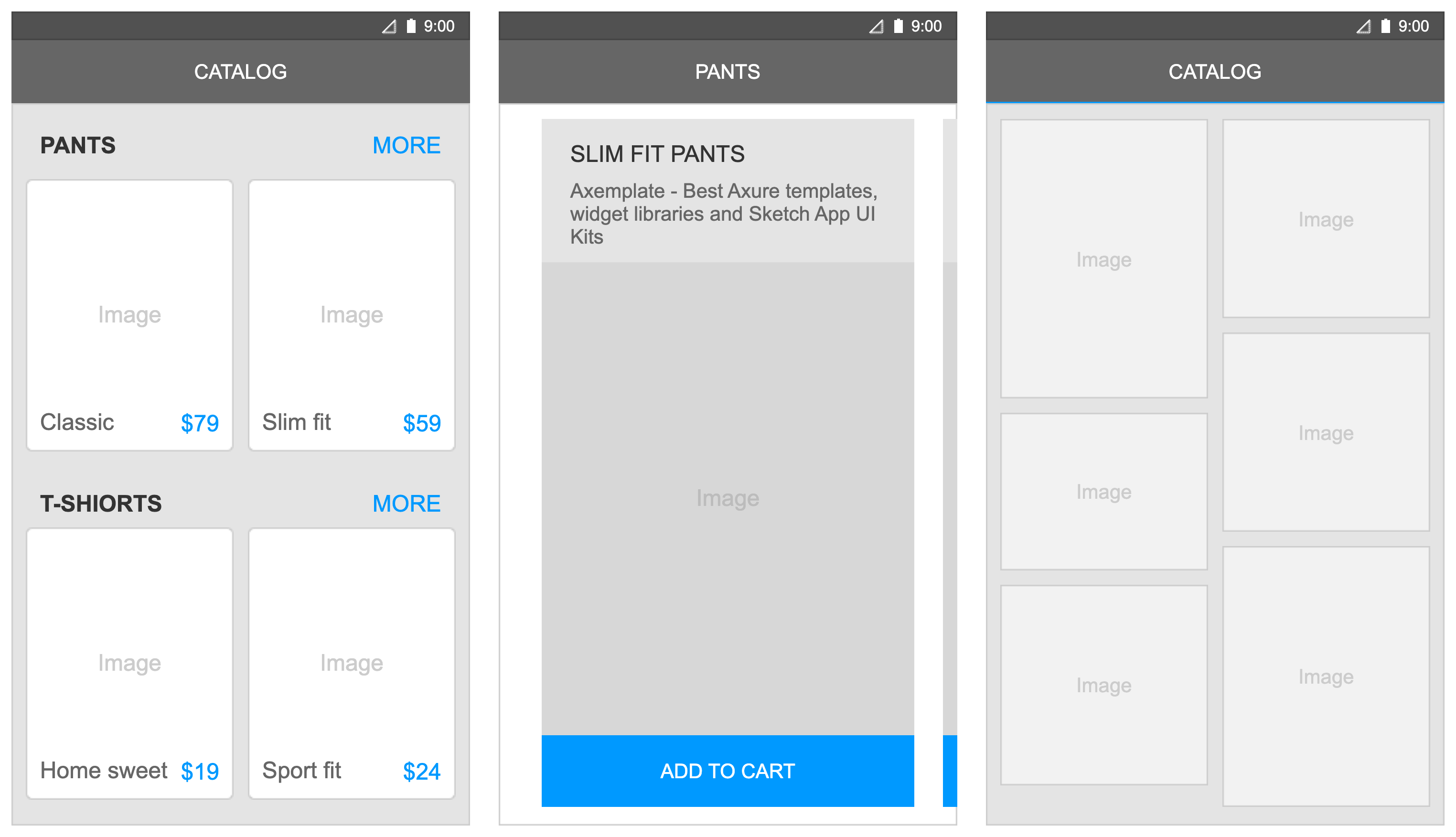
An editable Axure library for Android controls, mobile screens, feeds, profiles, commerce, navigation, and dashboards.
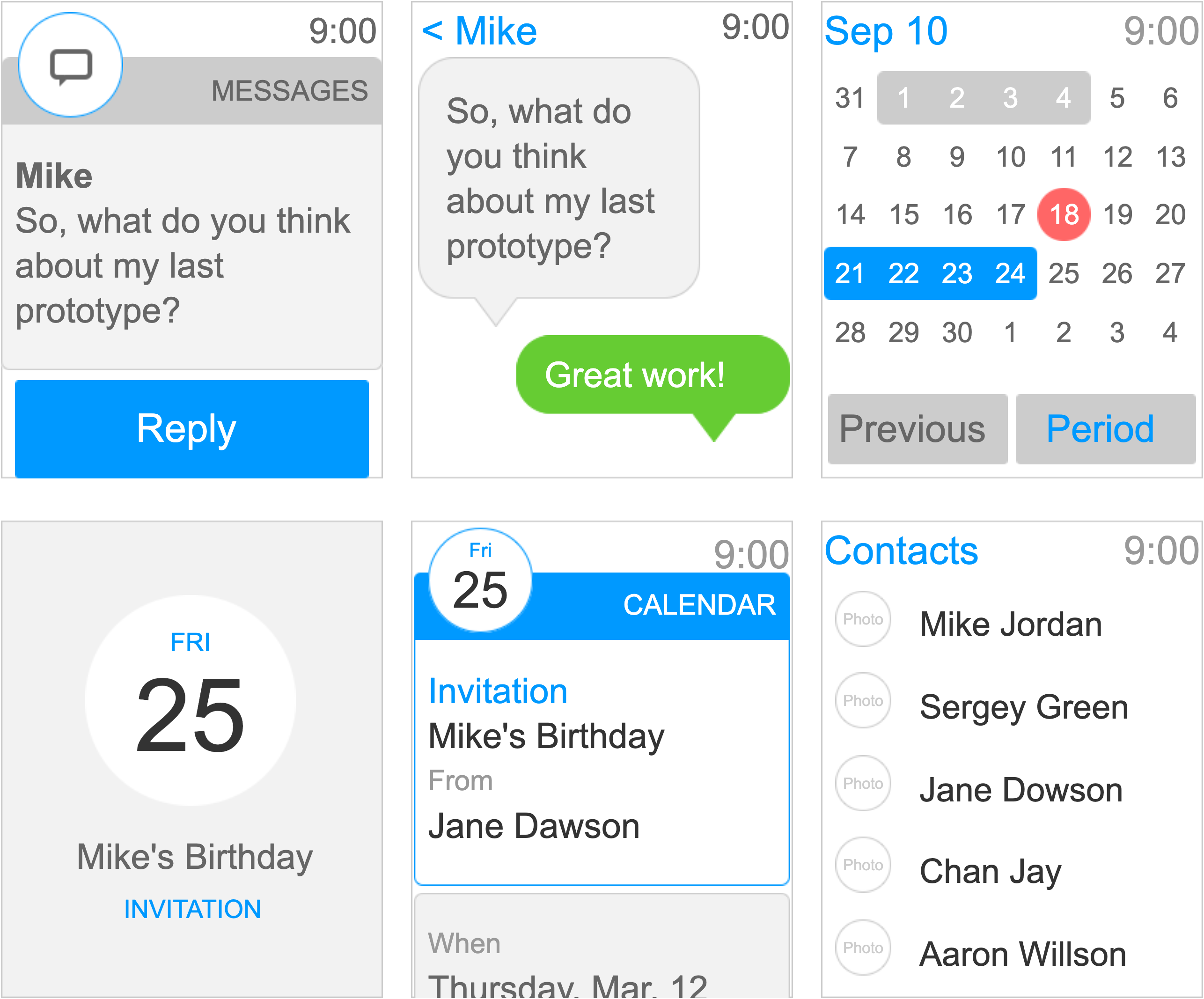
An editable Axure Apple Watch library for utilities, health, business, hobby, communication, and icon-based watch concepts.
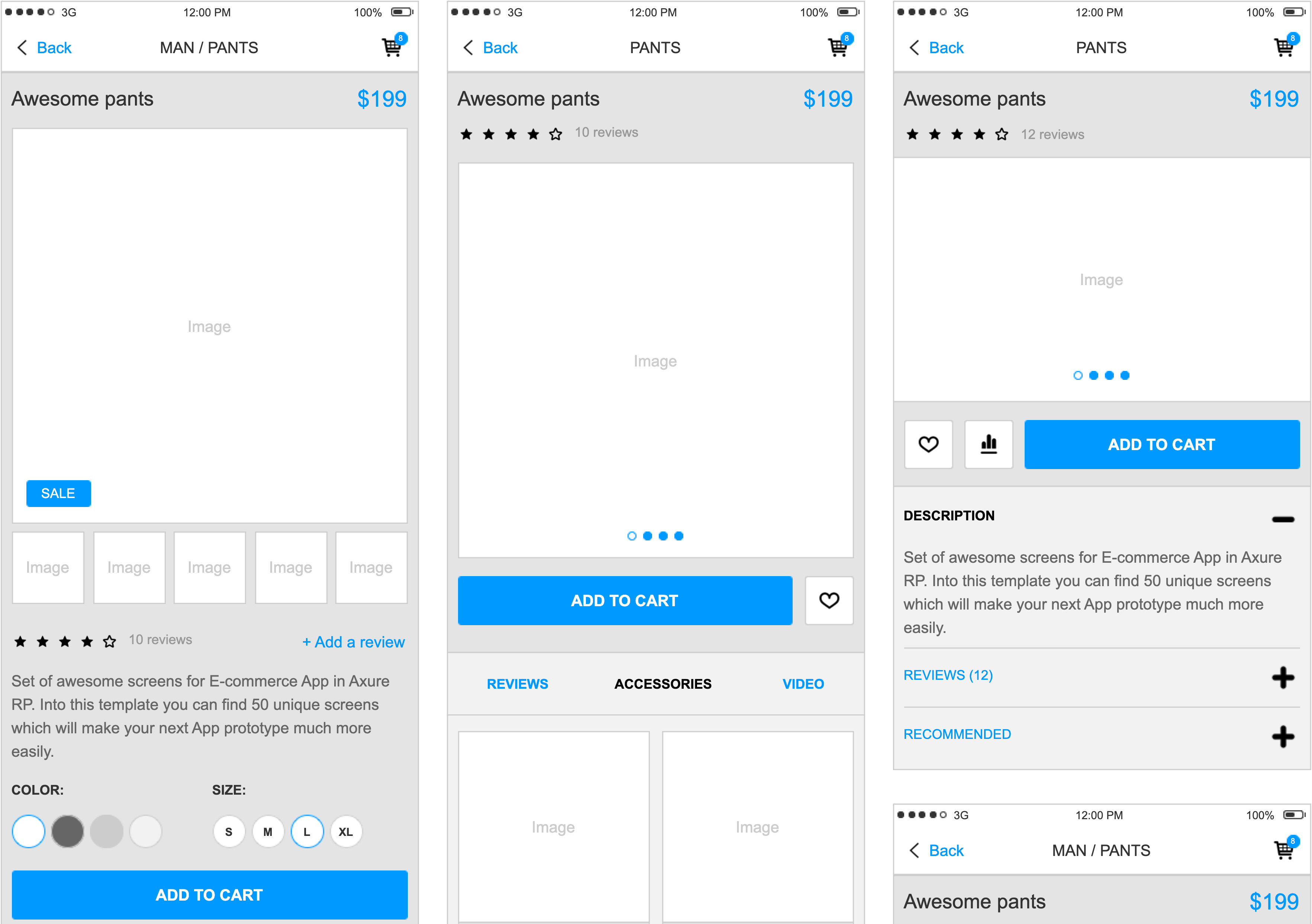
An Axure template kit with 50 editable iOS commerce screens for catalogs, products, filters, cart, checkout, and accounts.
iPad is an Axure widget library for tablet app screens and controls. It includes navigation, feeds, commerce layouts, and icons.
No. It is an editable interface library and screen foundation for building your own prototype.
Yes. You can reuse one control, navigation pattern, or screen section without taking the entire example.
Yes. The demo contains tablet catalog and product-oriented screens.
Yes. iPad Lite is a free sample of the full Axure library.
Yes. Copy, colors, dimensions, spacing, and composition are editable in Axure.
No. The visuals reflect an older iPad generation. Update them if your project needs a current iPadOS style.