85 editable screen examples for iPhone concepts
Use a broad collection of commerce, profile, feed, chat, dashboard, navigation, login, and everyday iOS screen structures.
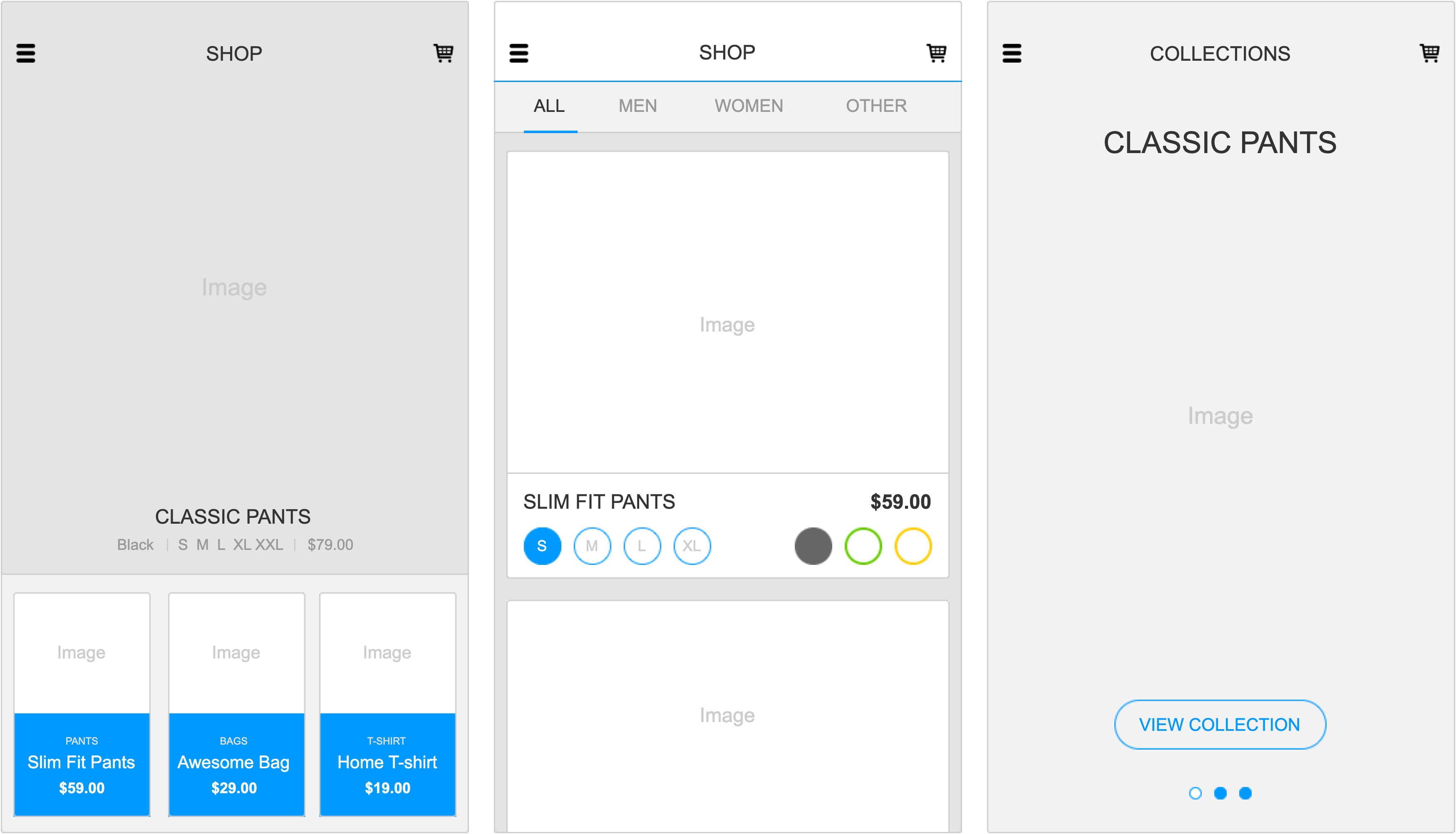

An 85-screen editable Axure iPhone 6 library for controls, profiles, feeds, commerce, chat, navigation, and dashboards.
Time saved is an illustrative estimate for building comparable editable elements from scratch; actual results vary.
Inside iPhone 6
Explore 85 iPhone 6 screen examples spanning controls, walkthroughs, authentication, navigation, profiles, feeds, commerce, messaging, dashboards, and icons.
Use a broad collection of commerce, profile, feed, chat, dashboard, navigation, login, and everyday iOS screen structures.
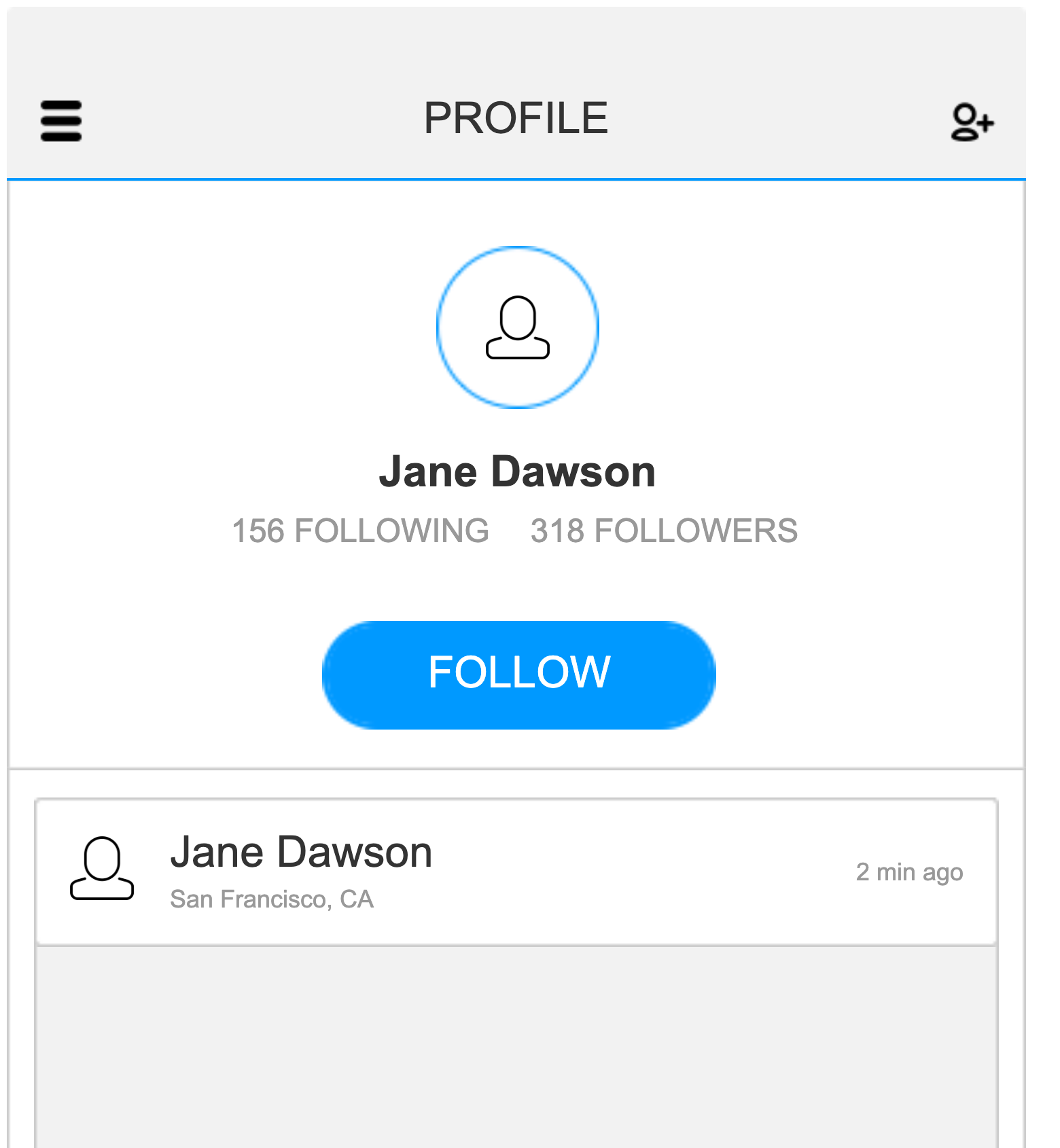
Adapt profile headers, activity, followers, content, and supporting actions for your own product identity.
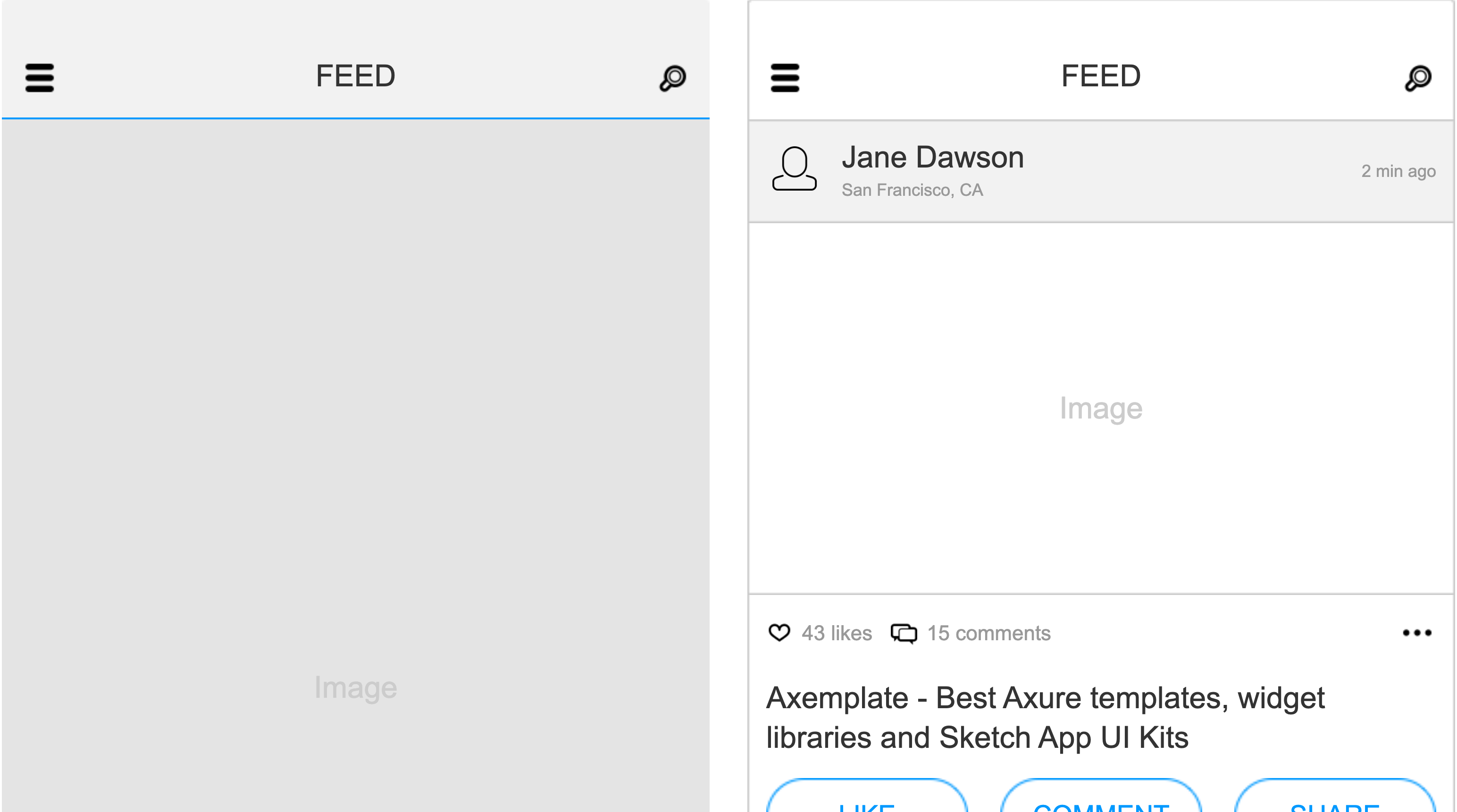
Start with structured posts, media, comments, and metadata, then connect only the interactions your scenario needs.
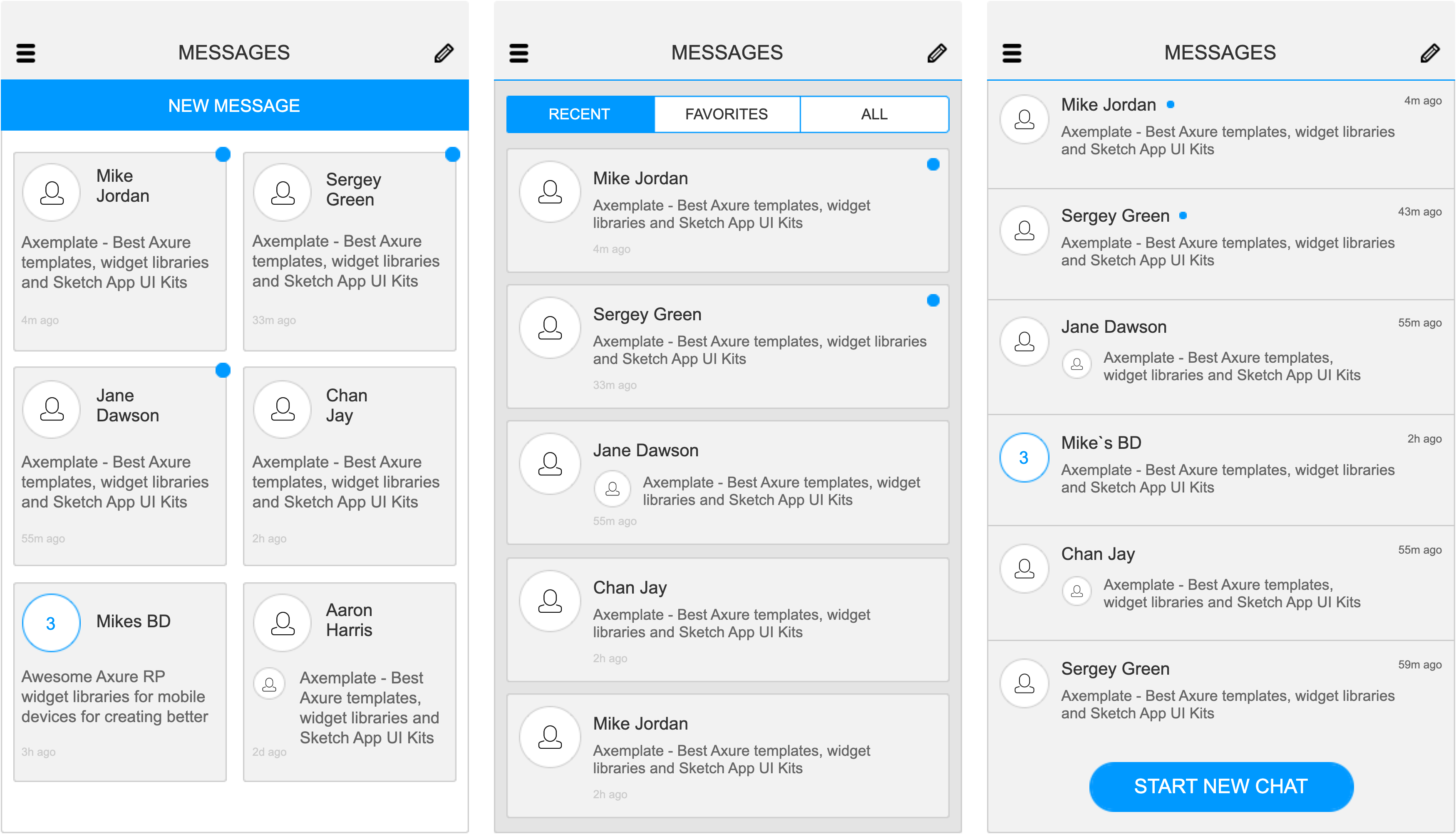
Use inbox, thread, compose, and contact patterns as editable foundations for communication features.
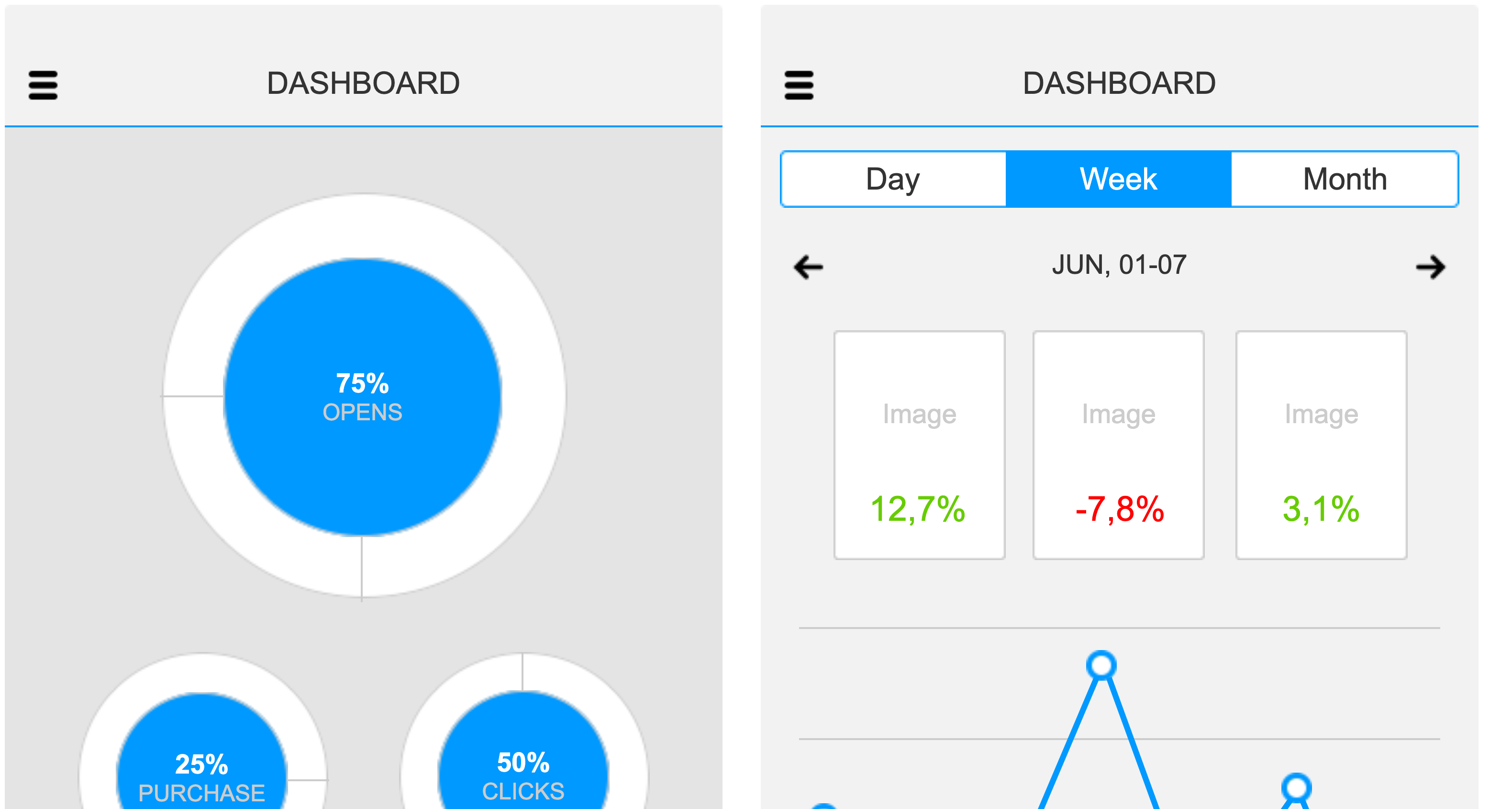
Create compact analytics screens with prepared totals, time ranges, and chart areas ready for your own data.
Product specifications
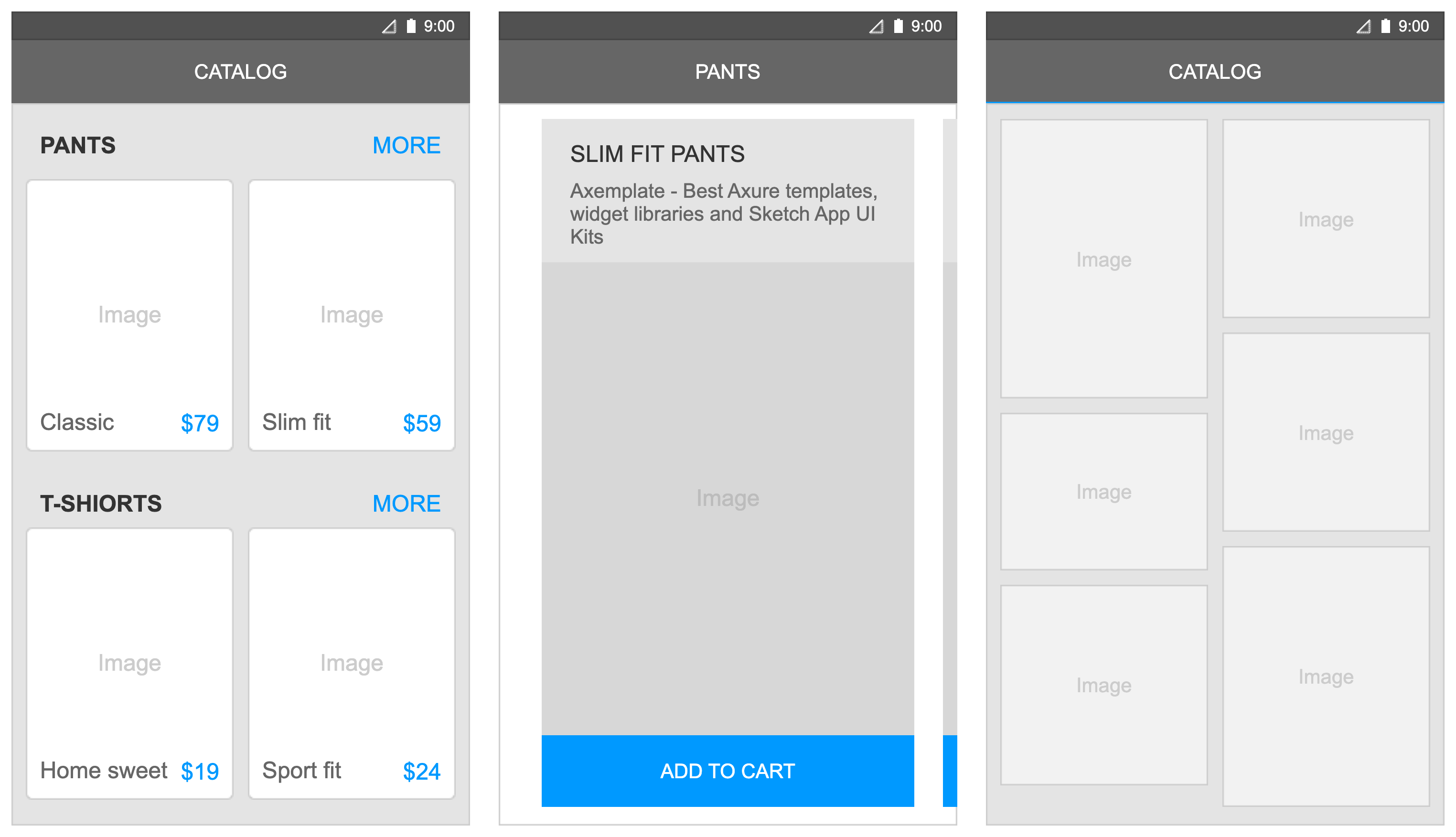
An editable Axure library for Android controls, mobile screens, feeds, profiles, commerce, navigation, and dashboards.
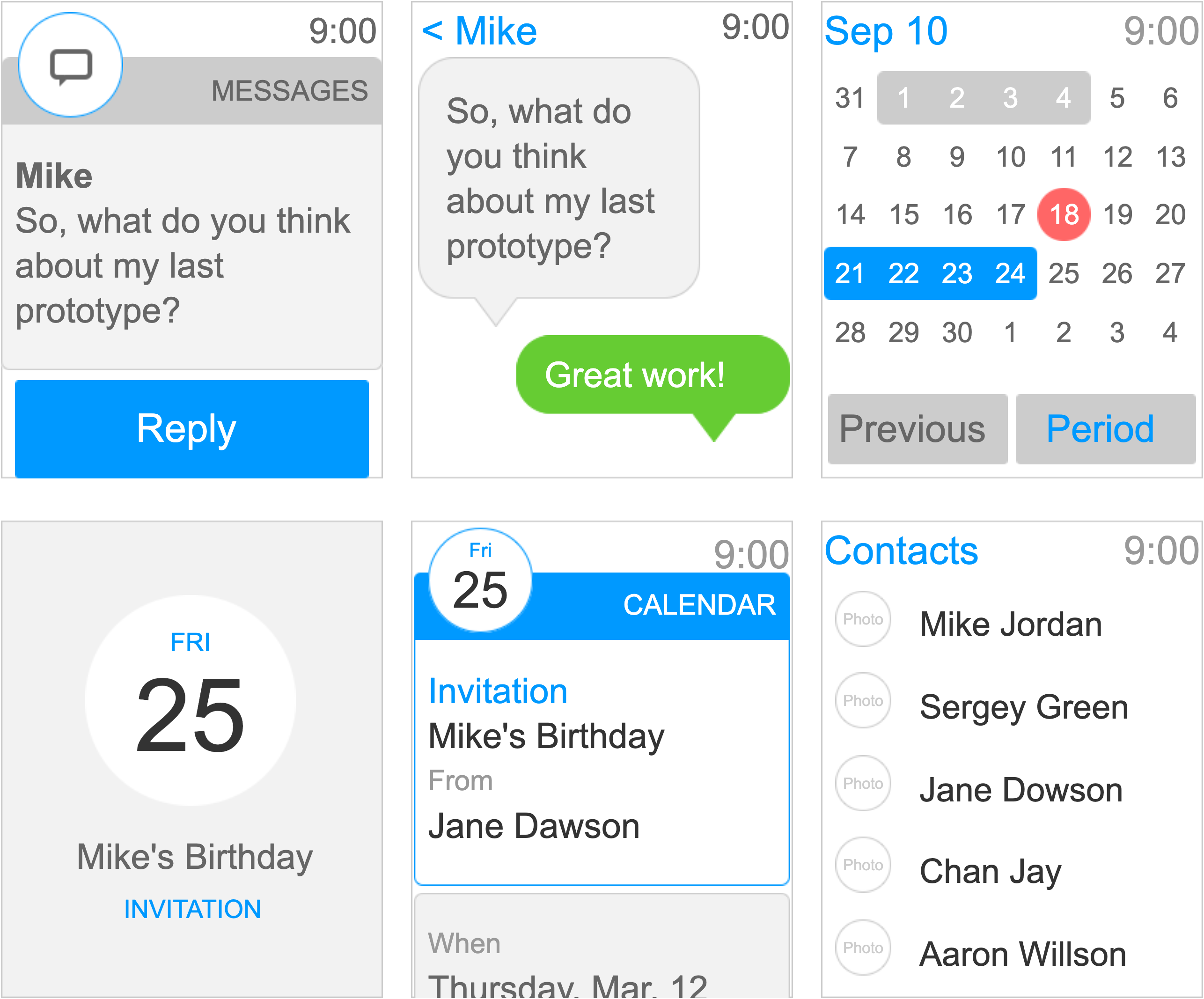
An editable Axure Apple Watch library for utilities, health, business, hobby, communication, and icon-based watch concepts.
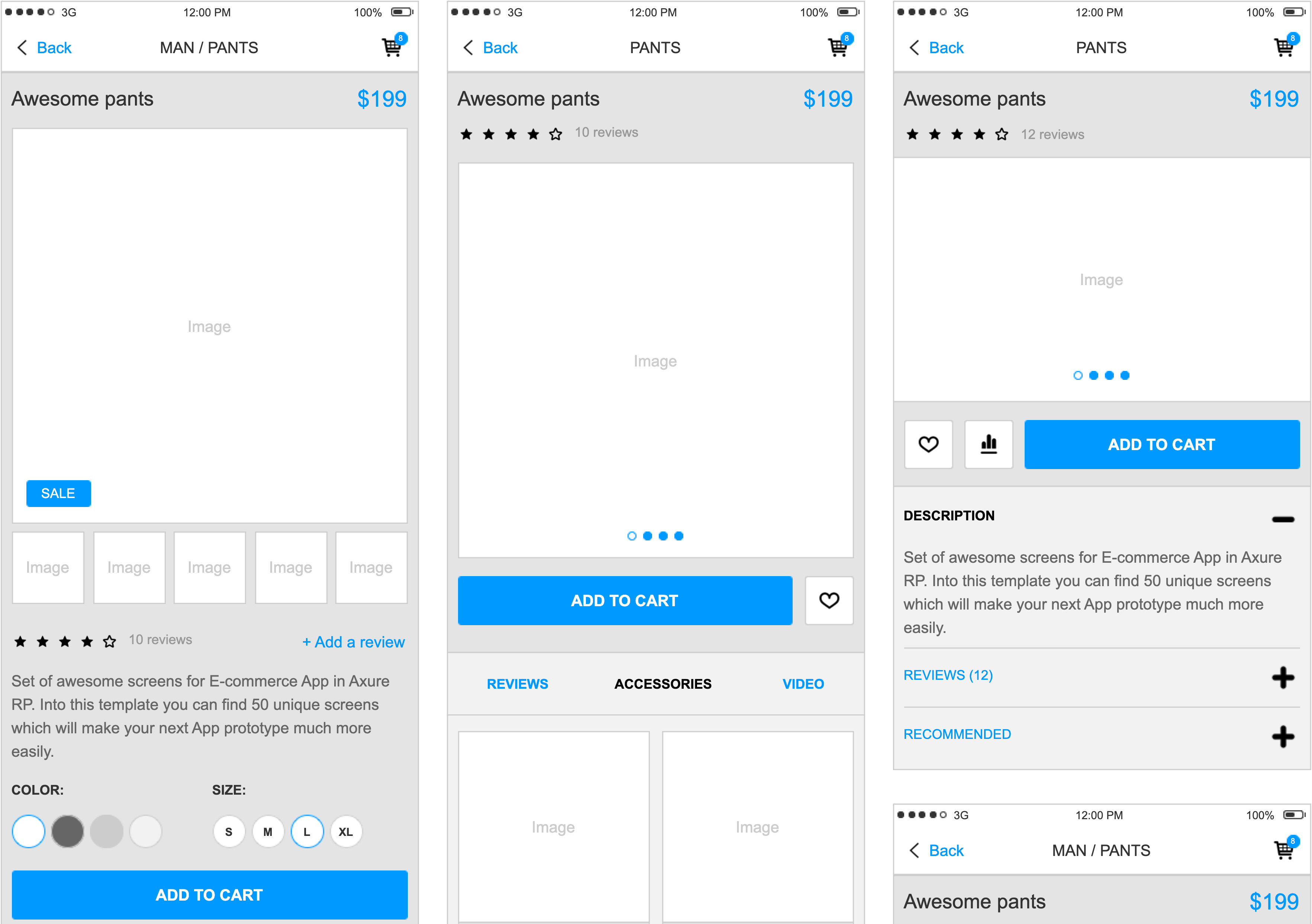
An Axure template kit with 50 editable iOS commerce screens for catalogs, products, filters, cart, checkout, and accounts.
The original iPhone 6 Axure library lists 85 screen examples. The live demo shows controls, mobile screens, and reusable widgets.
The demo covers controls, main screens, walkthroughs, login, navigation, profiles, feeds, e-commerce, chat, dashboards, and icons.
Yes. You can inspect and change the Axure screens and widgets to fit your product.
No. It provides editable Axure screens, not a working app. Add your own data and interactions.
Yes. iPhone 6 Lite is a free sample of the full library.
Yes, but the visuals and screen sizes reflect the iPhone 6 generation. Update them for a current device.
The files were made for an older version of Axure RP. We have not tested the files with every newer release.