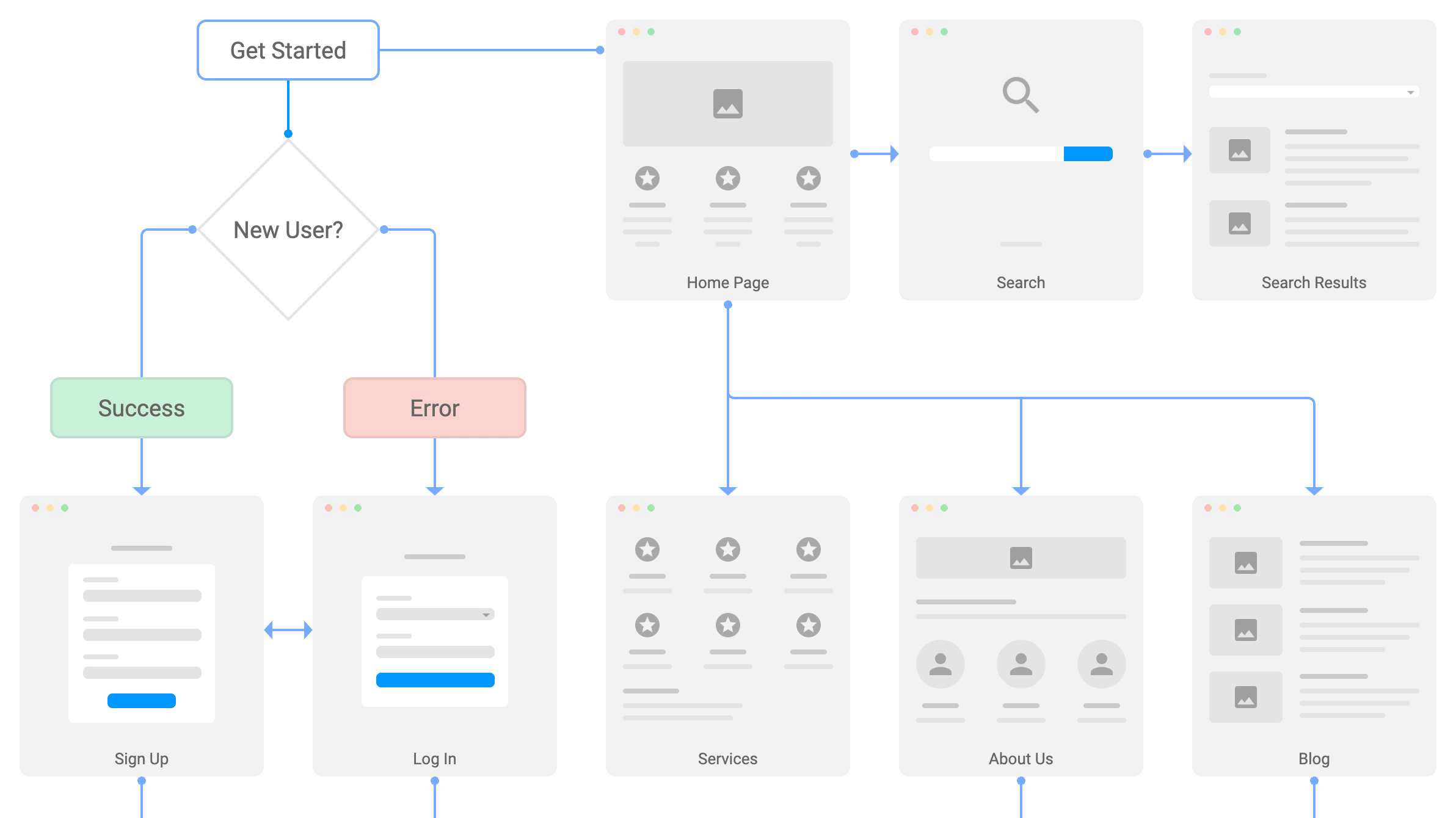
Explain the full journey at a glance
Connect entry points, decisions, outcomes, and page cards in one visual map that remains readable during planning discussions.
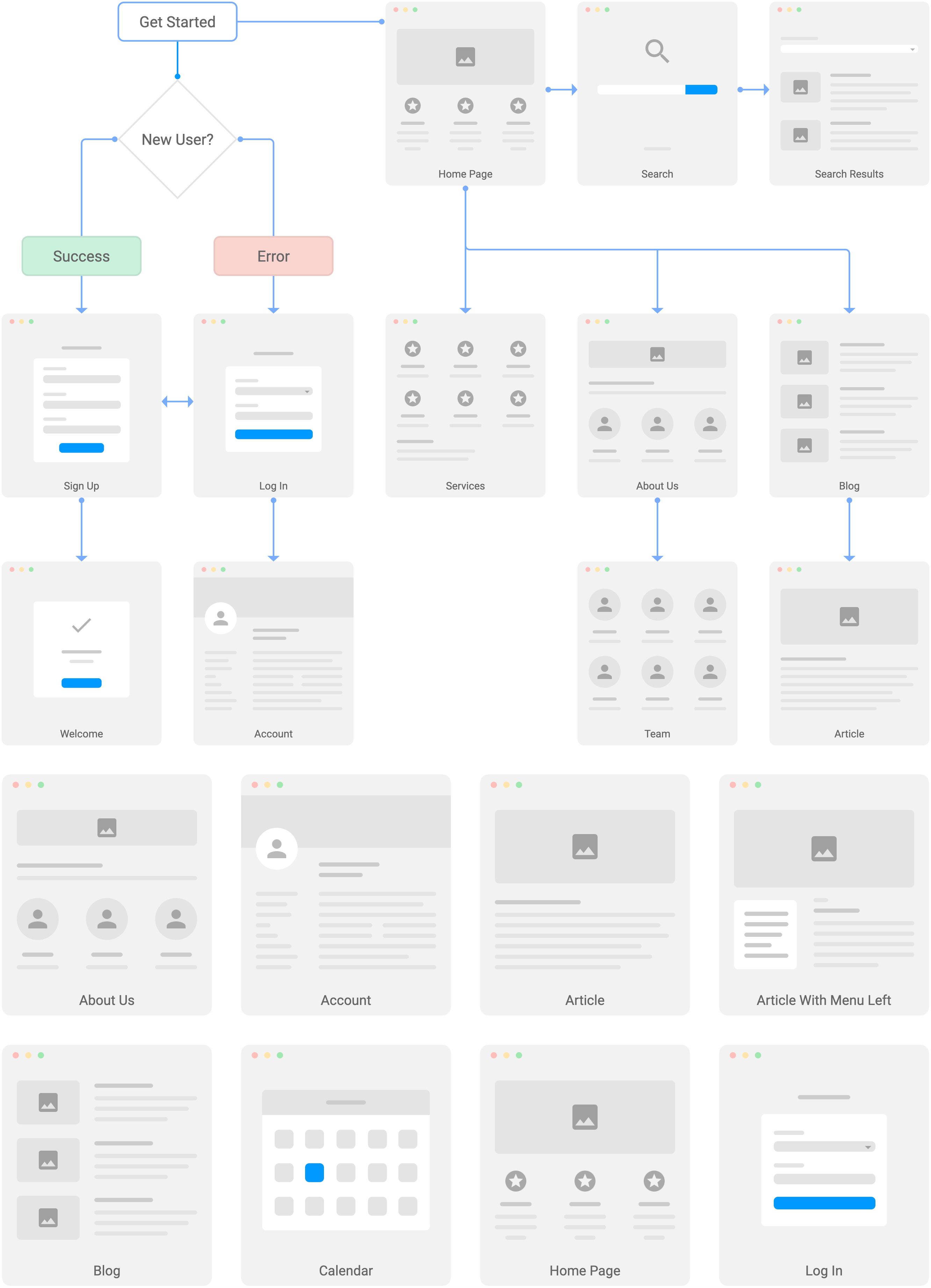

A free Axure flowchart kit with 15 mini page cards, connectors, decision states, status labels, and a complete sample map.
Time saved is an illustrative estimate for building comparable editable elements from scratch; actual results vary.
Inside the free edition
Use screen-shaped cards, connectors, decisions, and status labels to explain how pages relate before detailed prototyping begins. The sample stays simple so it remains easy to rearrange and extend.
Connect entry points, decisions, outcomes, and page cards in one visual map that remains readable during planning discussions.
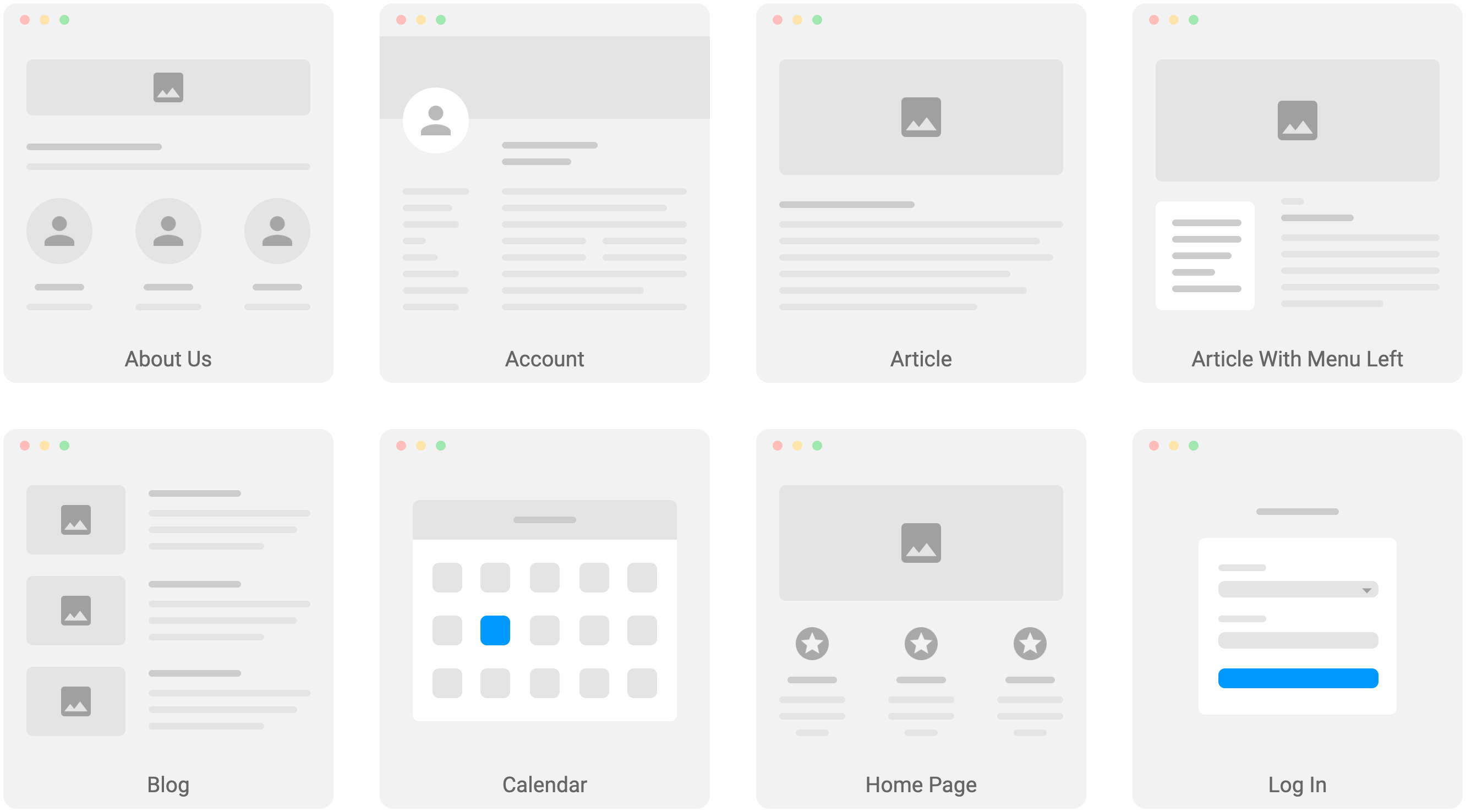
Choose from account, article, blog, search, calendar, service, team, modal, success, and other page-card patterns.
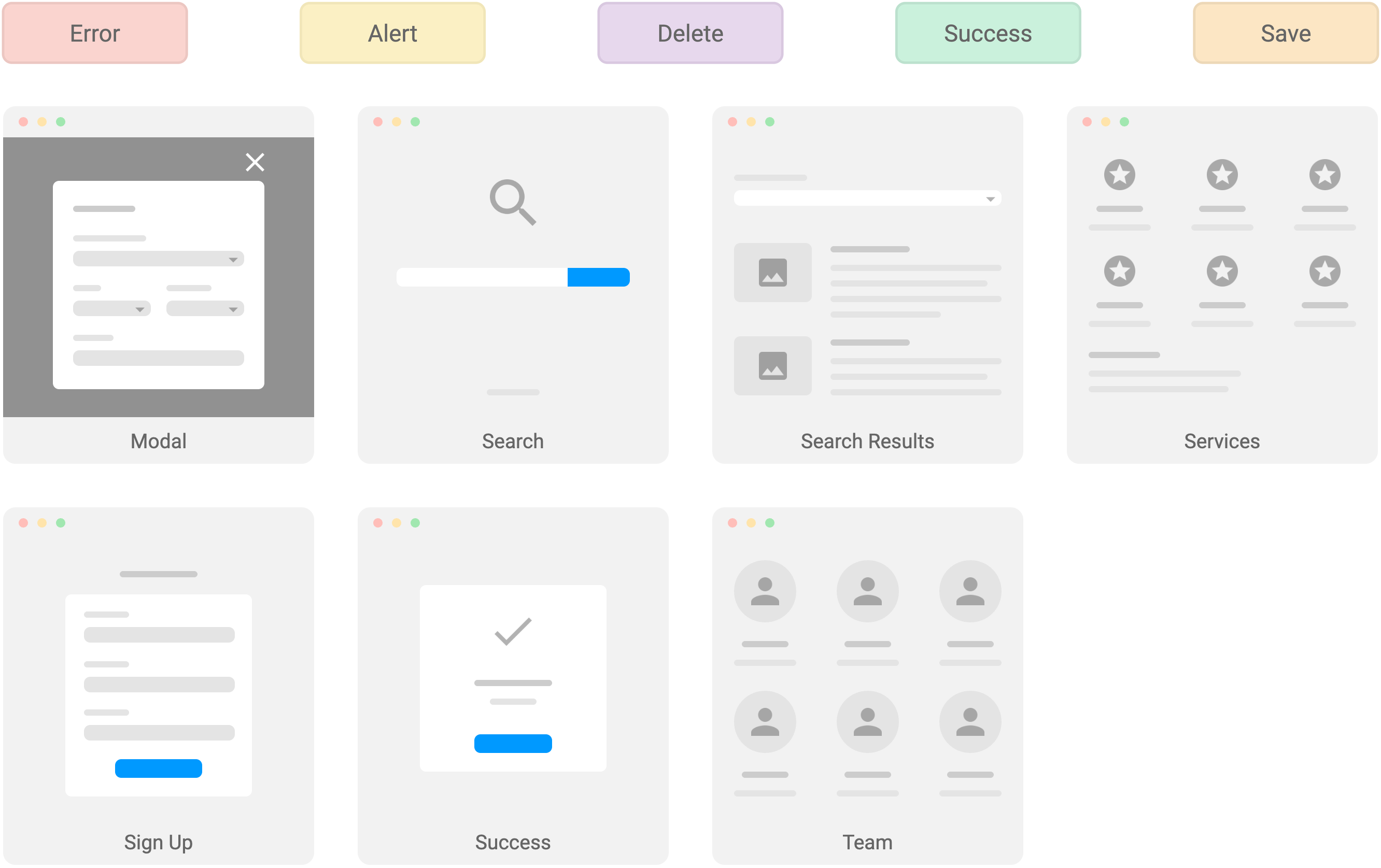
Use connectors, decision diamonds, and error, alert, delete, success, and save labels to make alternate paths visible.
Product specifications
Need a larger planning system?
Expand the Lite map with more page cards, connectors, annotations, states, and planning structures for larger websites and product journeys.
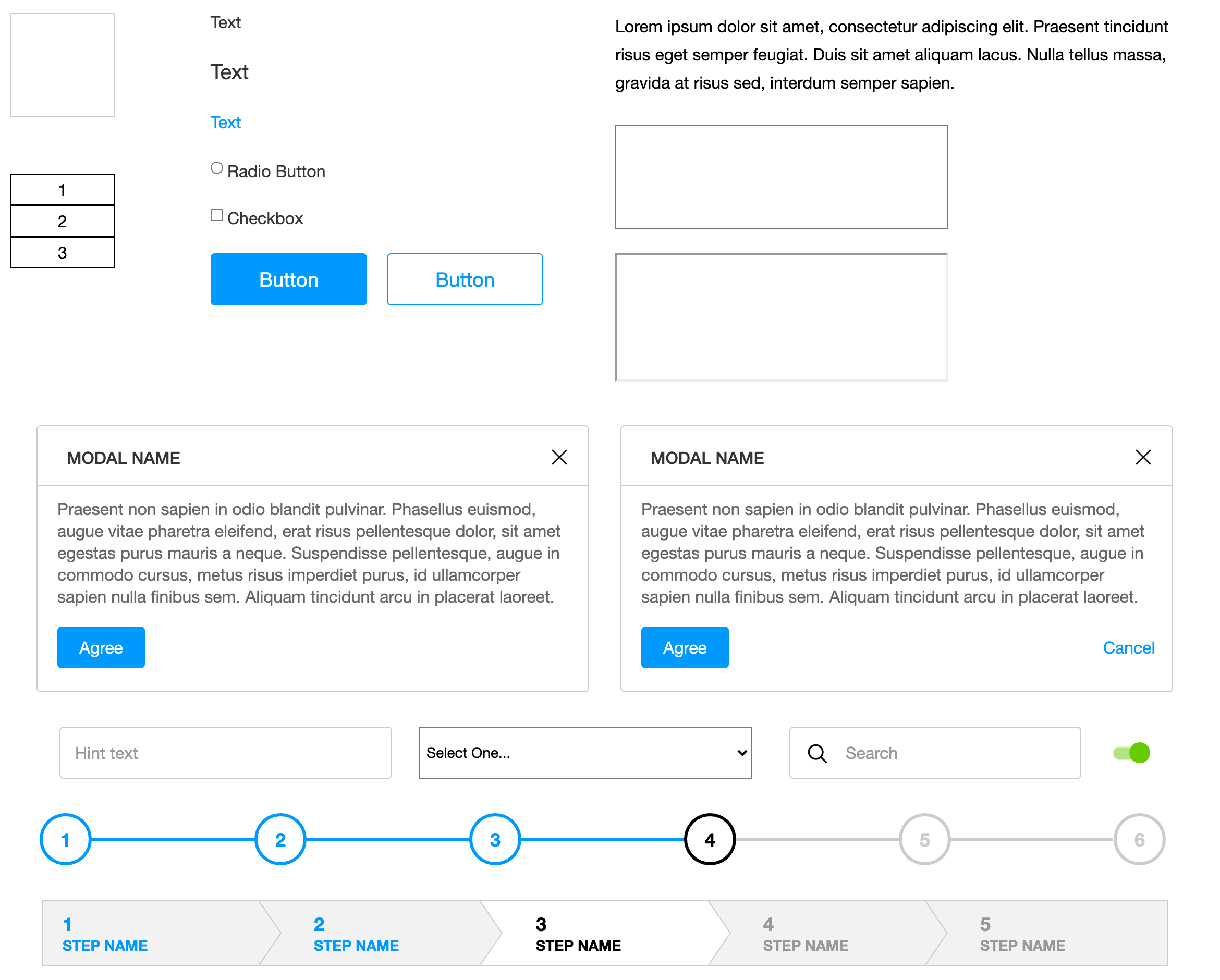
A free Axure Control starter library with editable interface basics, overlays, navigation patterns, and example product screens.
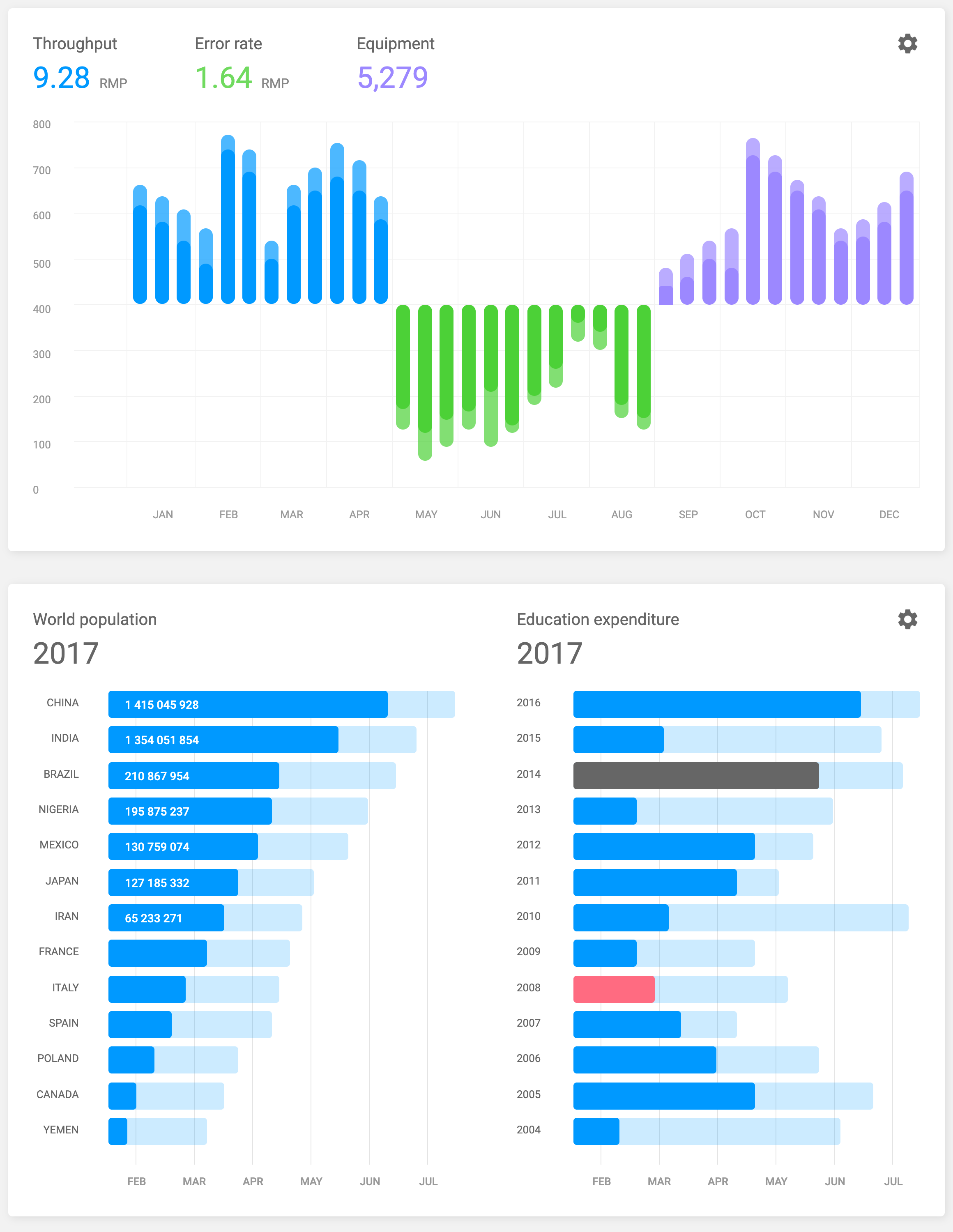
A free starter set of six editable Axure widgets for charts, comparisons, and data-rich interface experiments.
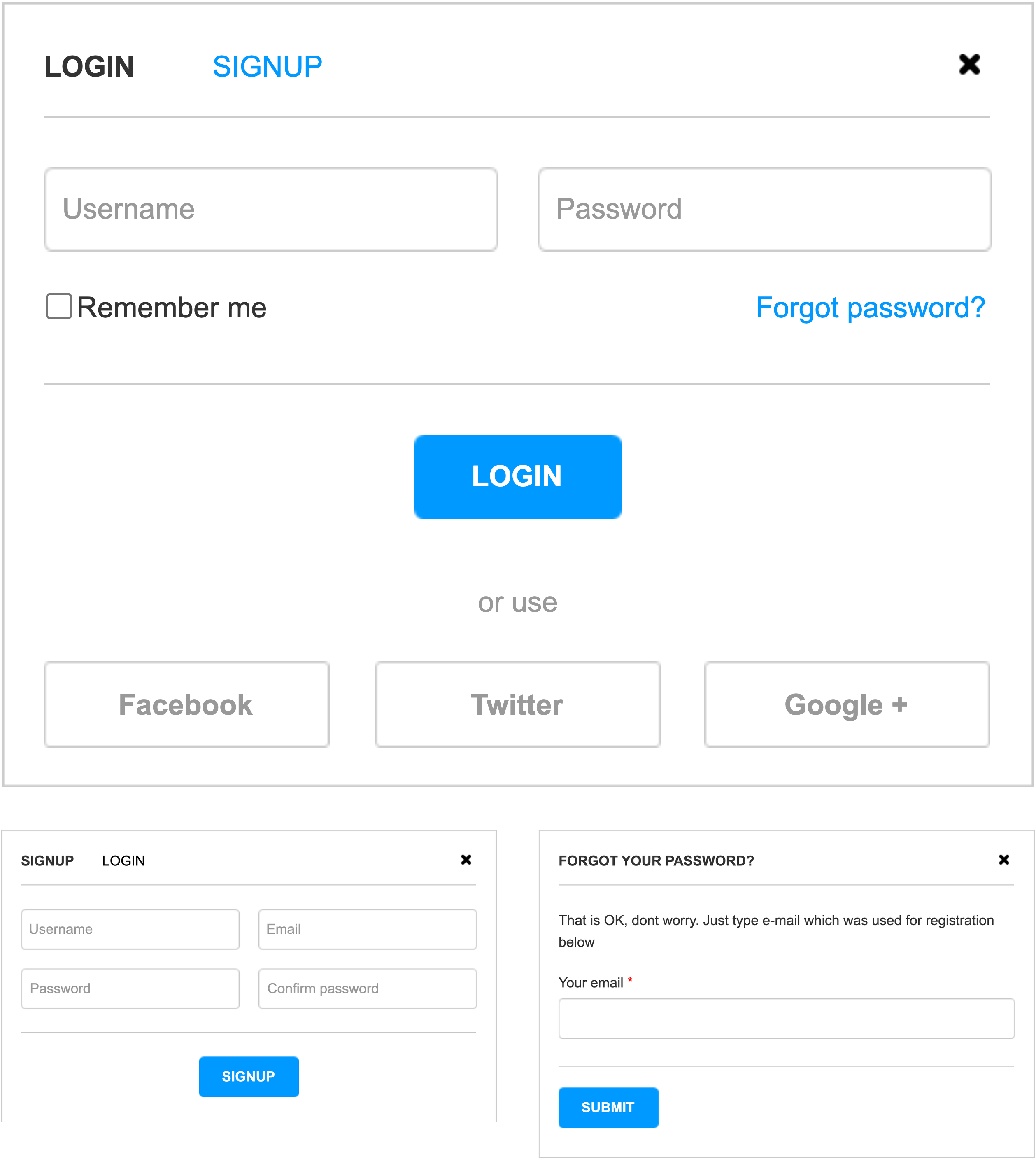
A free collection of editable Axure forms for account access, contact, messaging, shopping, filters, and subscriptions.
Flowchart Tool Lite is a free sample of Flowchart Tool, an Axure widget library. It has 15 page cards and one complete sample flowchart.
The demo includes home, search, search results, sign up, log in, services, about, blog, welcome, account, team, article, calendar, modal, and success-oriented patterns.
Yes. You can change cards, labels, connectors, colors, and layout in Axure RP.
No. It helps you map pages and user journeys. Add detailed screens and interactions later.
Yes. The original product positioning specifically emphasizes simple use and adaptation to your own style.
The full Flowchart Tool expands the range of page cards, connectors, annotations, states, and reusable planning structures.
The files were made for an older version of Axure RP. We have not tested the files with every newer release.